YouTube Video Ideas for Coaches: 5 Formats to Film

Coachful
Editorial Team

What should you film when you want coaching clients, not a second job as a YouTuber? Start with a question your prospective client needs to answer before they can take a useful next step. Then choose one of five repeatable formats: a problem explainer, an exercise demonstration, a worked example, a decision comparison, or an honest explanation of your coaching offer.
The best YouTube video ideas for coaches are not necessarily the most original. They make your judgment visible, help the right viewer do something specific, and connect naturally to the work you actually sell. A motivational monologue can get attention without helping anyone understand why they would hire you.
This guide gives you five formats, fifteen sample titles, filming outlines and matching invitations. The titles and scenarios are original hypothetical examples, not real client stories or promises of results. You can adapt them for life, career, executive, business or health coaching without turning a private session into public content.
Choose your first video with this three-question filter
Before opening a camera app, finish these sentences: “This is for a person who…,” “By the end, they can…,” and “If they want more support, the relevant next step is….” If the third answer has nothing to do with the first two, change the idea or the invitation.
- Recognisable situation: Can a prospective client identify their problem without knowing your coaching terminology?
- Useful demonstration: Can you show an example, question, choice or action rather than just describe a desirable feeling?
- Relevant commercial connection: Does the subject belong to your actual coaching scope and offer?
For example, a career coach selling support for career transitions could film “How to compare two career directions when neither feels certain.” A video about generic morning habits might be perfectly useful, but its connection to that offer is weaker. Choose relevance before reach.

The five formats below have different jobs. You do not need to use all five, and viewers do not have to watch them in order. Pick the format that answers the question most clearly.
1. Explain one problem your prospective client recognises
Use this when: someone knows the situation is frustrating but cannot yet describe what is keeping them stuck. Your job is to offer a useful distinction, not diagnose a stranger through a screen.
“Build your confidence” is too broad for a first recording. “Why you keep postponing a conversation with your manager” gives you a concrete situation to unpack. You can distinguish missing information, an unclear request and concern about the other person’s response without pretending every viewer has the same underlying cause.
Three title ideas
- Life coaching: “Why your weekly plan falls apart by Wednesday: three things to check.”
- Executive coaching: “Your team keeps bringing every decision to you: where to start.”
- Career coaching: “You want a different job but cannot name the next role: a starting point.”
Filming outline: name the situation, offer two or three plausible explanations, demonstrate how to distinguish them, then give one small next action. Use ordinary language. You can introduce the name of your model after the viewer understands what it helps them do.
A possible opening is: “Before rewriting your entire weekly plan, check whether the problem is too many commitments, no room for interruptions, or tasks that were never yours.” Then use an invented week to show the difference. End with a question the viewer can answer privately.
Matching invitation: offer a blank planning worksheet or a related deeper lesson. Do not jump straight from a modest planning question to an expensive program with no explanation of fit. If email signup is required, say so before the person clicks.

Watch the boundary: difficulty planning can have many causes. Do not tell viewers that procrastination proves they have a particular condition, hidden trauma or a self-sabotaging identity. A useful business video does not need a dramatic psychological explanation.
2. Demonstrate one exercise from start to finish
Use this when: your prospective client needs to see how an exercise works, not hear another recommendation to “get clear.” This format lets you demonstrate pacing, instructions and the limits of a tool.
Three title ideas
- Business coaching: “A ten-minute exercise to decide which client request can wait.”
- Career coaching: “Build a career decision shortlist with these three columns.”
- Health coaching: “Plan one realistic habit around an unpredictable workday.”
Filming outline: state the task, show a blank page, work through one fictional example, invite viewers to pause and try, then explain what the exercise cannot decide for them. An overhead view of paper or a simple screen recording can work. Neither requires filming a client.
For the client-request example, write three columns: the request, the actual deadline and the consequence of waiting. Fill in one ordinary request. Explain why you would confirm an assumed deadline rather than automatically treating it as urgent. The useful part is your reasoning, not the appearance of the worksheet.

Matching invitation: give viewers the blank version of exactly what you demonstrated. Keep the public exercise complete enough to use without buying. Paid coaching can add personal application, feedback and sustained support; you do not need to withhold the crucial instruction.
Watch the boundary: health-related examples should stay within your qualifications and agreed coaching scope. A habit-planning demonstration is not a personalised treatment plan. Tell viewers to choose a low-risk example and seek appropriate professional guidance where needed.
3. Walk through a fictional example and explain your choices
Use this when: your audience understands the tool but struggles to apply it. A worked example shows where judgment enters the process. Label it fictional on screen and in the spoken introduction so nobody mistakes it for a client outcome.
Three title ideas
- Executive coaching: “Preparing for a difficult feedback conversation: a fictional walkthrough.”
- Life coaching: “Turning ‘I need better boundaries’ into one request: a worked example.”
- Business coaching: “A solo consultant’s overloaded week: what I would examine first.”
Filming outline: introduce the invented situation, identify what you do not know, make one tentative choice, show an alternative and explain what would make you change direction. Resist the urge to give the fictional person a miraculous ending.
For example: “Alex wants to tell a colleague they cannot keep taking late requests. We do not know what the colleague has been told about deadlines. Before writing a firm refusal, I would clarify the existing agreement.” That teaches a useful distinction between assuming bad intent and checking expectations.

Matching invitation: point to a related lesson or explain how your coaching helps someone adapt the process to their own circumstances. A structured lesson can continue the teaching; it should not be presented as a substitute for individual assessment or support when those are needed.
Watch the boundary: changing a real client’s name is not enough to make a story safe. An employer, colleague or family member may recognise the combination of details. Prefer an example invented independently of a particular client. For real stories or recordings, obtain appropriate specific permission and consider confidentiality, power dynamics and other people involved.
4. Compare two choices your prospective client is weighing
Use this when: a person is close to a decision and needs trade-offs rather than encouragement. This is often a stronger commercial fit than a broad inspiration video because the viewer has a practical question to resolve.
Three title ideas
- Career coaching: “Ask for an internal move or apply elsewhere? Five questions to compare.”
- Executive coaching: “Delegate the decision or keep it? A practical comparison for new managers.”
- Business coaching: “One-to-one support or a small group: how to choose your coaching format.”
Filming outline: define both options fairly, name the decision criteria, show a situation where each fits, then identify when neither is appropriate. A comparison that makes your preferred option win every category is a sales pitch wearing a teaching hat.
If you sell both individual and group coaching, compare personalisation, peer interaction, privacy expectations, scheduling and the kind of support offered. Give viewers enough information to rule an option out. Do not imply that higher cost automatically means a better outcome.
Matching invitation: send the viewer to a page that explains those actual options, including the relevant commitment and process. If the video is about a career decision rather than choosing coaching, a decision worksheet may be the more appropriate invitation.

Watch the boundary: do not answer a legal, clinical or regulated financial decision with a coaching framework alone. You can help someone prepare questions for the appropriate professional without presenting yourself as that professional.
5. Explain what working with you actually involves
Use this when: someone is considering coaching but cannot picture the experience. This is a fit-and-expectations video, not a greatest-hits reel of testimonials.
Three title ideas
- Life coaching: “What happens in a first coaching session with me.”
- Career coaching: “What my career-transition package includes, and what it does not.”
- Executive coaching: “Employer-sponsored coaching: what I share with the sponsor.”
Filming outline: explain who the offer is for, a typical session structure, what happens between sessions, the client’s responsibilities and the practical next step. State your real arrangements. Do not borrow another coach’s promises because they sound more impressive.
Show blank resources or a clearly marked demonstration account if that helps. Never screen-share a real client list, private message, session note, invoice or calendar. Close unrelated tabs and notifications before recording. A blurred name can still leave identifying details visible elsewhere on screen.

Matching invitation: tell viewers how to review the offer or request an initial conversation, and explain what that conversation is for. “See whether this is the right fit” is more honest than suggesting a booking guarantees a breakthrough.
Watch the boundary: explain relevant exclusions and referral routes. If sponsor involvement is part of the service, distinguish practical reporting arrangements from private session content rather than using “confidential” as an undefined reassurance.
Write an invitation that belongs to the video
A useful invitation connects the lesson to a specific next action: “If you want to try this on your own situation, the description explains how to get the blank career decision worksheet.” Say what the resource contains, who it is for and whether the person is subscribing to email.
Avoid stacking “subscribe, comment, follow me everywhere, download this and book a call” into the same closing sentence. Choose the action that best continues this particular lesson. You can still provide normal channel information elsewhere.

Check current YouTube settings before promising a clickable destination. Link behaviour can vary by surface and account features, especially between long-form videos and Shorts. Review the published experience on a phone instead of assuming that pasted text is clickable everywhere.
YouTube’s description guidance recommends using the opening lines to explain the video and giving each video a unique description. Describe the actual lesson first; do not replace that space with a wall of promotional links.
Turn five formats into a manageable filming plan
Choose one recurring buyer problem and write two candidate titles using different formats. Pick the title you can answer most concretely. Prepare one example and one invitation before recording. Clear audio, readable demonstration material and a direct opening matter more than an elaborate set you dislike using.
For an initial test, record one problem explainer, one exercise and one decision comparison on related questions. This is an editorial starting point, not a recommended upload frequency or a proven growth formula. Choose a production pace that leaves room for paid delivery and review.
Keep a simple record of the question, format, destination and inquiries you can reasonably connect to it. Ask prospects how they found you, but do not treat memory-based answers as perfect attribution. A small sample can tell you what to investigate, not prove which topic will sell.

If a viewer deliberately subscribes for a resource, continue with relevant teaching and the expectations you stated at signup. Do not add commenters, coaching clients or people who booked a call to marketing email merely because you have their address.
Review the lesson, not just the view count
Use YouTube’s audience retention report to examine where viewers stay, skip or leave when sufficient data is available. A spike may mean people valued a section, or that they needed to replay a confusing explanation. Watch the moment before drawing a conclusion.
Separately ask whether the video brought relevant questions, resource interest or suitable inquiries. A well-watched video and a useful coaching lead are different signals. Do not set a universal conversion benchmark or abandon an entire channel because a first upload is quiet.
If you still need the technical foundation, use the YouTube channel setup guide. If you want to reuse a finished lesson on your website, the guide to videos in blogs addresses that separate task.
Build the next step before filming
The practical task this week is small: choose one buyer question, film one complete answer and test the destination you mention. You do not need fifteen videos ready. You need one coherent journey from useful teaching to an appropriate next step.
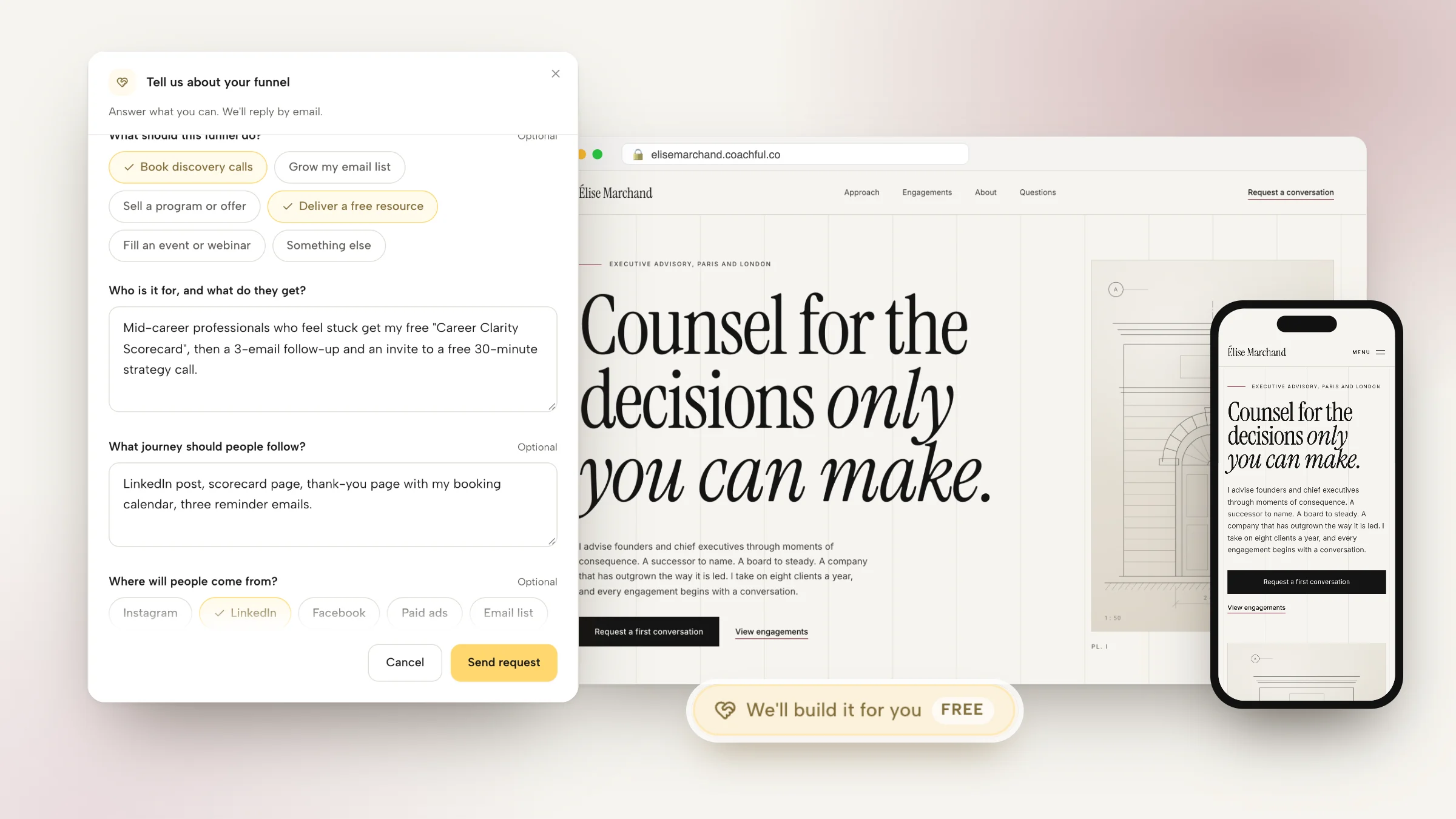
If you want to examine the website, worksheet, lesson and email surfaces illustrated here, Try the interactive demo. Use it to assess the practice workflow behind your video invitation. Coachful is not being presented here as a YouTube publishing integration, video editor or source of guaranteed channel growth.
Frequently asked questions
What should a coach post on YouTube first?
Answer a specific question a suitable prospective client asks before buying or beginning coaching. Demonstrate one useful distinction or exercise and offer a relevant next step. A channel introduction is optional; a viewer should not need your biography before receiving the answer.
Can I use coaching sessions as YouTube content?
Do not assume permission to coach includes permission to publish. Real sessions raise confidentiality and consent issues beyond removing a name. An independently invented example or a clearly disclosed role-play is usually a simpler way to demonstrate your approach without exposing client material.
Do I need a different idea for every coaching niche?
No. Keep the five formats and change the actual decision, example and scope to fit your expertise and audience. Replacing “career” with “life” in the same vague title does not create a useful new video. The situation and teaching must change.
Should every video ask viewers to book coaching?
No. Match the invitation to the question and the viewer’s likely readiness. A worksheet, related lesson or transparent offer explanation can be more appropriate than a booking request. The business goal is an informed next step, not a call at any cost.