Client Onboarding Video Script for Coaches: 5 Parts

Nour
Founder, Coachful
What should you say in a coaching welcome video so a new client knows what to do, without giving them another piece of homework? Give a brief welcome, show their first destination, ask for one preparation action, explain the agreed support boundary and repeat the next step. Leave the detailed policies and full resource library in writing.
A client can be pleased they bought coaching and still feel slightly lost after paying. They may be wondering whether an invitation has arrived, whether they should book something, or whether they are already behind. A useful onboarding video answers those immediate questions. It is not a second sales presentation.
This guide gives you a five-part client onboarding video script, a complete hypothetical example and a practical recording process. Use it for private coaching or adapt it for a group. You do not need a studio, an animated introduction or a long account of why you became a coach.
What is a client onboarding video for?
A client onboarding video is a short orientation to the engagement someone has already agreed to. Its job is to connect the purchase or acceptance to the first useful action. It can add a human welcome and show an unfamiliar destination, but it should not become the only place a client can find essential instructions.
Distinguish three things. A welcome video says, “Here is how to begin.” A platform tutorial says, “Here is how this control works.” A coaching lesson teaches part of the programme. Combining all three often produces a recording that is hard to follow and expensive to maintain.
Choose the question before opening your camera: “What does this person need to know before our first appointment?” If the answer is simply where to join and what to bring, a clear email may be enough. Record a video when seeing you or seeing the first destination genuinely helps.
The broader coaching client onboarding journey still needs to work independently. Payment, agreements, permissions, invitations and appointments do not become complete because you mention them in a recording.

1. Welcome the client to the engagement they actually bought
Begin with a natural greeting and the name of the work. “Welcome to our career coaching engagement. I am glad we will be working together” is enough. You do not need to manufacture an emotional milestone for someone who has just opened a browser tab between meetings.
Name the purpose accurately. “We will work on the career decision you described” is different from “You are about to find your perfect career.” The first reflects the agreement. The second introduces an outcome you cannot guarantee.
For a reusable recording, say “welcome” rather than pretending you have made a personal video for each viewer. If it is a genuinely individual recording, you can use the client's name, provided the file is shared appropriately. Do not put confidential goals into a reusable asset or a publicly accessible title.
Adaptable line: “Welcome to [engagement name]. This video will show you how to get ready for [first appointment or programme start]. The same steps are written below, so you can use whichever format suits you.”
2. Point to the first destination, not every feature
Tell the client where their invitation arrives and what they should see after opening it. Use the same name in your spoken instructions, welcome email and portal. “Client workspace,” “member area” and “coaching hub” may sound interchangeable to you; a new client may think they are three different places.
If seeing the screen would help, show one short demonstration using a demo or otherwise appropriately prepared account. Navigate to the first relevant item, then stop. A tour of the calendar, courses, messages, invoices, community and settings asks the client to remember your software instead of preparing for coaching.

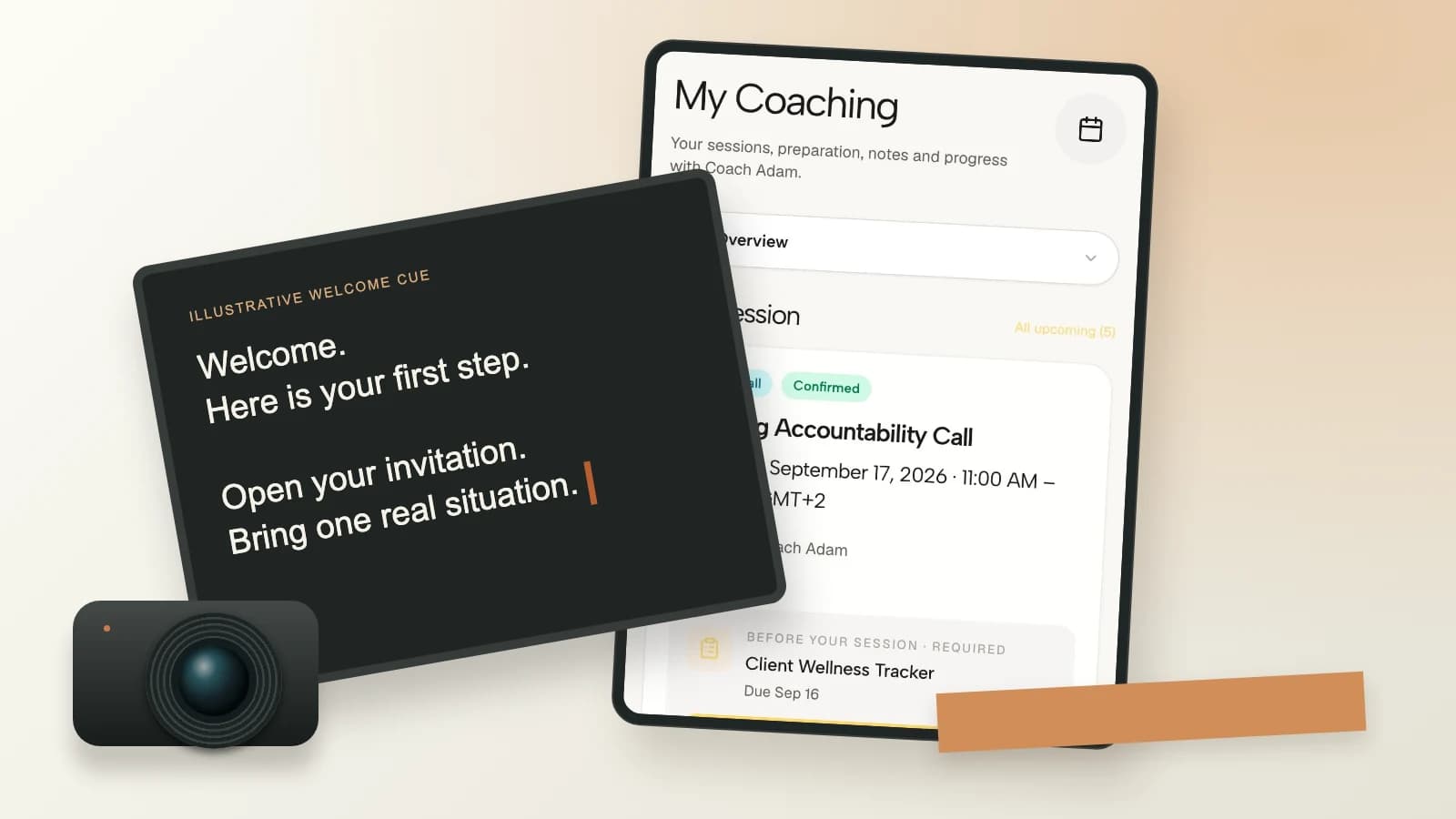
Coachful's demo client portal illustrates the orientation problem: a new client needs to recognize the place where their session and preparation information appear. Your video should match the experience you have actually configured, including the labels clients see on a phone.
Adaptable line: “Open the invitation sent to the email address you used when joining. In [actual destination], look for [actual first item]. If the invitation is missing or the page does not match these instructions, use [actual access-help route].”
Do not promise a particular button, automatic invitation or account behaviour without testing it. A video is not a workaround for an invitation that does not arrive. Check the real client path before recording the explanation.
3. Ask for one small preparation action
Give the client a specific action that helps the first conversation. Depending on your practice, that might be confirming the appointment, answering a brief preparation prompt or bringing one situation they want to discuss. Choose the action required by your actual engagement, not an impressive-looking stack of worksheets.
Explain the useful minimum. If the prompt asks what they want from coaching, say that a few rough sentences are welcome. If preparation is optional, say so. If something is required before you can proceed, explain that clearly in the written instructions as well.
Adaptable line: “Before we meet, please [one action]. You do not need a polished answer. [Useful minimum] will give us a starting point, and we can clarify it together.”

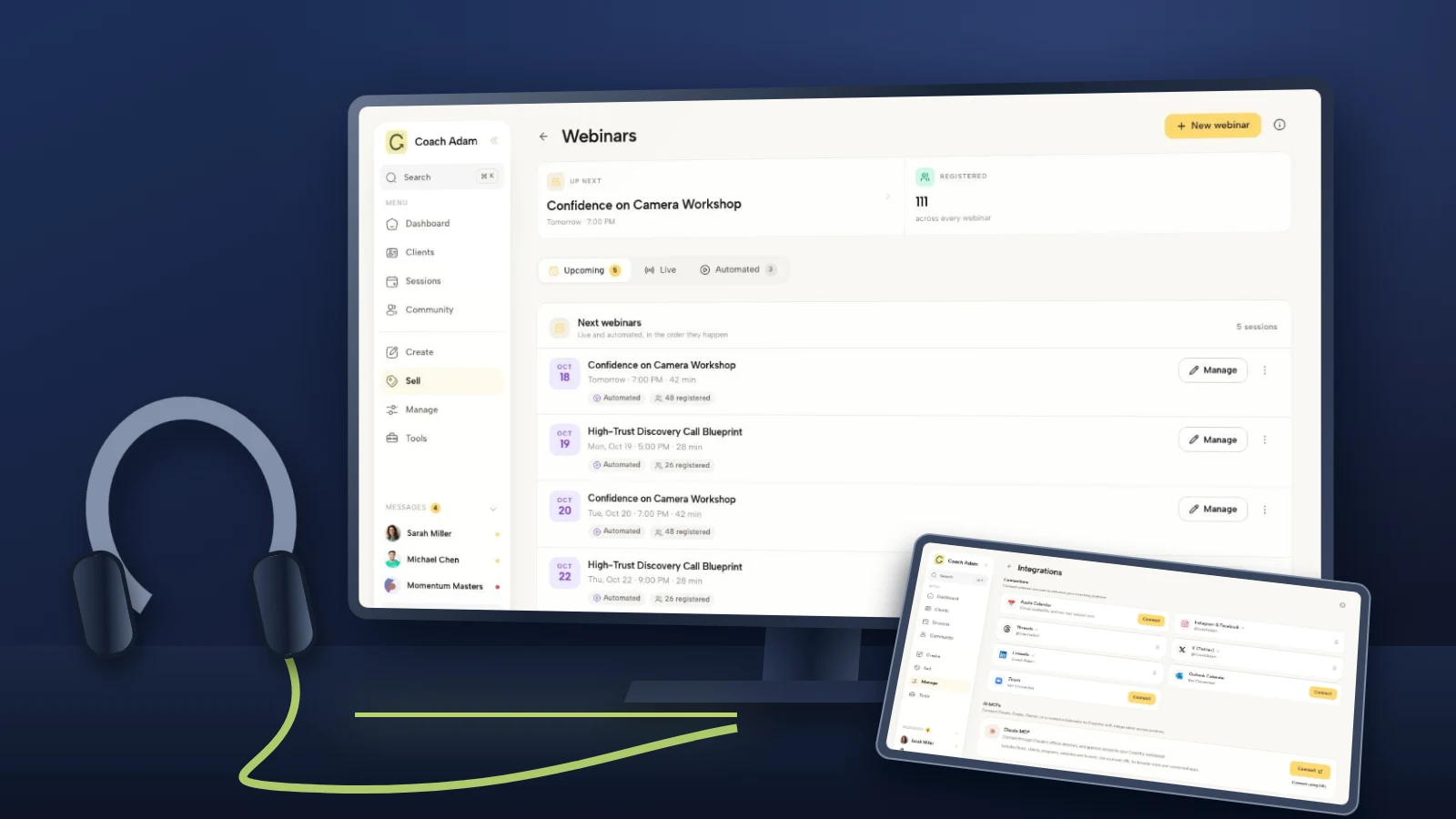
The onboarding workspace shown here can help you think about the sequence around the recording. Place the video where it introduces the next task, not after a long list of tasks that the client must already have understood. The visible demo does not establish that your own welcome process is configured or running.
For group coaching, distinguish preparation from public participation. Do not require someone to post private goals in a community just because an introduction thread is available. Offer an appropriate private route when the preparation contains material that does not belong in the group.
4. State the support route and its boundary
A warm welcome can accidentally create an unlimited-support promise. “Message me whenever you need anything” sounds generous, but it leaves the client to guess what you will answer, how quickly and through which channel.
Use the actual agreement. Name the channel for coaching questions, the expected response window you have agreed, and a separate access-help route if there is one. Do not insert a response time because it makes the script sound complete. Confirm the commitment first.
Adaptable line: “For questions between sessions, use [agreed channel]. I respond within [actual agreed window]. For account-access problems, use [actual help route]. The written welcome guide explains the support arrangements.”
If relevant to your practice, state that the channel is not an emergency service. A routine welcome video cannot supply an individual safety plan, clinical care or emergency response. Keep appropriate specialist guidance and local emergency arrangements separate from a generic recording.

Consistent branding is useful here for a practical reason: the client should recognize that the invitation, portal and written guide belong to the same engagement. Coachful's branding screen shows that surrounding client experience. It does not turn an informal phrase in a video into an agreed support policy.
5. Close by repeating the next action
Finish with the same first step you introduced earlier. Do not add a new download, optional course, referral request and community challenge in the final sentence. A client who was ready to begin should not leave wondering which of four buttons matters.
Adaptable line: “Your first step is [the same action]. You will find the link and written instructions below. I look forward to meeting you on [confirmed appointment reference, or a reusable reference to their booking].”
Keep dates out of reusable recordings unless they belong to a particular cohort. “See you next Tuesday” becomes wrong quickly. Put changeable details in the accompanying text and use a stable spoken reference such as “the appointment in your confirmation.”
A complete welcome video script you can adapt
This is a hypothetical script for a coach whose actual process includes a client invitation, preparation prompt and confirmed first appointment. It is not a description of an automatically configured Coachful journey. Replace every bracketed instruction with your real process before recording.
“Hi, and welcome to our career coaching engagement. I am glad we will be working together. This is a quick guide to getting ready for our first session. You will find the same instructions in writing below this video.
Start by opening the client invitation sent to the email address you used when joining. Once you are inside, look for [the actual session or preparation area]. Your appointment details are in [the actual confirmation location]. If anything differs from your confirmation, contact me before assuming the time has changed.
Before we meet, please answer [the actual preparation prompt]. Bring one situation or decision you would like us to work on. A few rough sentences are enough. You do not need to arrive with a perfect goal or a finished plan.
For questions between sessions, use [the agreed channel]. My response window is [the actual agreement]. For difficulty opening your account, use [the actual access-help route]. Please read the written welcome guide for the support arrangements and other practical details.
Your first step is to open the invitation and find the preparation prompt. The link and text instructions are below. I look forward to our first conversation.”
Read it aloud and remove anything you would not naturally say. Replace formal language with your own phrasing, while preserving the instructions and boundaries. Do not pad the recording to reach an arbitrary duration. Time your real read-through and judge whether each sentence earns its place.

How to record it without exposing client information
Use a quiet setting, understandable audio and a camera position that makes conversation feel natural. Make a short test and listen before recording the whole script. Clear speech matters more than a cinematic background.
If you show a screen, close private tabs and notifications first. Use demo material, not a real client's notes, messages, invoices or intake answers. Check the browser's bookmarks, account menu and any files that might appear during navigation. Cropping a name afterward is not a reliable privacy plan.
Record the human welcome separately from any changeable screen demonstration. This lets you replace a navigation segment without remaking the introduction. Describe meaningful actions aloud rather than relying on the viewer to see a small pointer move.
Check the result on a phone with ordinary audio settings. Can the client understand the instruction without zooming into a tiny dashboard? If the demonstration requires magnification and detailed narration, it probably belongs in a separate help clip or written guide.

If your welcome sits inside a course, inspect the lesson format and access rules in your account before deciding how to deliver it. The real Coachful course-builder screenshot illustrates lesson organisation, not a promise that a particular video host, caption workflow or file type is configured for your programme.
Give clients captions and a complete text companion
Video is an option, not a test of how someone prefers to learn. Supply accurate captions for prerecorded speech and a readable text version of the essential instructions. Check automated captions, especially names, links, time zones and the words that explain a support boundary.
The W3C guide to accessible audio and video explains captions, transcripts and description of visual information. Apply that guidance to your actual content and accessibility obligations; adding a transcript alone does not necessarily address everything a particular recording needs.

A useful companion is more than “watch the welcome video.” Include the first action, the actual link, appointment-location guidance, preparation request, access-help route and agreed support window. If the video shows an essential action, explain that action in text too.
Avoid autoplay with sound. Let clients pause, replay and choose the written version without losing information. Test the final location rather than assuming that captions visible in an editing tool will remain available in the delivered player.
Where should you put the welcome video?
Put it beside the first action: in the welcome email, start-here page or first relevant lesson, depending on the experience you actually provide. Avoid making a client search through a library to learn how to use the library.
Check access before sending. A client should not need to complete a step explained only inside a video they cannot yet open. For access instructions, the initial email and written guide need to work before the portal does.

Keep the subject and link text descriptive. For example: “Your coaching start guide” and “Watch the welcome video, or read the steps below.” Do not require marketing consent simply to receive operational instructions for a paid engagement.
The coaching welcome packet is the place for the fuller practical reference. Link to it rather than reciting every policy on camera. When the agreement, packet and video differ, correct the inconsistency rather than asking the client to decide which version counts.
Review the video when the process changes
Keep a small internal record of the video location, intended audience, recording date, version and owner. Review it whenever you change the invitation, first task, portal labels, appointment process or support commitment.
Watch the recording as a new client would and follow every instruction. Test links while signed out, where appropriate, and using an ordinary client role. A coach's administrator view can conceal an access problem that clients encounter immediately.
Ask a concrete feedback question: “After reading or watching this, was it clear what to do first?” Repeated access questions are a reason to inspect the handoff, not proof that clients are ignoring instructions. Treat watch counts cautiously: a completed video does not establish that someone understood or could complete the action.
Common questions about coaching onboarding videos
How long should a welcome video be?
Long enough to answer the first-step questions and no longer. Use a timed read-through rather than a universal target. If you need to explain policies, demonstrate several tasks and teach a coaching exercise, separate those jobs. The client should be able to find the beginning instructions quickly.
Should every client receive a personalised video?
Not necessarily. A reusable orientation plus a genuine personal message can be simpler to maintain. Personalise when it adds useful information, and share any individual recording through an appropriate private route. Do not pretend a reusable video was recorded for one person.
Can the welcome video replace the first coaching session?
No. It can handle orientation so the appointment is not consumed by navigation, but it does not replace contracting, checking understanding or coaching the client. Leave space for questions and different access needs.
Do I need to show my face?
No. A clear narrated demonstration or written orientation may suit your context. If seeing you adds warmth, keep that segment. If showing the screen adds clarity, include it. Choose the format for the instruction, not because every welcome asset is supposed to look like a promotional video.
Test one first step before recording a polished version
Write the five parts, read them aloud and test the client path. Remove unsupported promises, replace every placeholder and make the written version usable on its own. A plain recording that points to the right action is more useful than a polished welcome that leaves the client lost.
If you are deciding where that orientation should live, Try the interactive demo and explore the client portal, course and onboarding screens shown here. Use the five-part script to evaluate the experience you would give a new client before moving private material or configuring your own delivery.
Visual note: product images show real Coachful demo screens. The running order, storyboard, text companion and cover cue are original illustrative teaching materials. The cover's camera and prompter composition does not represent a Coachful recording or teleprompter feature.