Facebook Like Button for Website: 2026 Alternatives & Why

Coachful
The most useful thing I can tell you about a Facebook Like button for website pages is this: you can stop troubleshooting it. If your old code snippet won't render, your plugin looks dead, or your Squarespace block does nothing, that's not user error. The underlying button you were trying to add is gone.
That sounds like bad news. For most coaches, it's indeed an upgrade.
The old Like button trained people to chase a tiny hit of validation. A thumbs-up count looked nice on a blog post about burnout recovery or executive presence, but it didn't necessarily build a stronger audience, start better conversations, or send qualified people toward your offers. What works better now is simpler and more aligned with how a coaching business grows: make it easy for readers to share a specific resource and make it easy for the right people to find your Facebook page.
If you're a coach, consultant, course creator, or L&D lead, that shift matters. You don't need another broken widget. You need a website that helps people act.
The Facebook Like Button Is Gone Here Is Why
Meta ended the external Facebook Like button. Meta officially discontinued the Facebook Like Button plugin for all external websites as of February 10, 2026, meaning no functional Like button can be added to third-party sites through any official method according to this video explanation of the discontinuation.
That's the reset most tutorials still miss.
You've probably done the same thing many coaches do. You search “Facebook Like button for website,” find an old article, paste in code, clear cache, test another browser, then wonder whether your theme is the problem. It isn't. The tutorial is outdated.
Why old tutorials keep wasting your time
A lot of blog posts still teach a web that no longer exists. They show legacy embed steps, old plugin panels, or snippets that assume Facebook still supports the external Like button. That advice is stale, and stale technical advice is expensive because it burns your attention.
Practical rule: If a tutorial promises a working on-site Facebook Like button for a third-party website, treat it as obsolete unless it explicitly addresses the 2026 discontinuation.
That's the bad news.
The good news is that most coaches were solving the wrong problem anyway. A Like count on your blog wasn't the strongest path to inquiry calls, group program interest, or returning readers. It was mostly a visual comfort blanket. You saw the number and felt momentum, even when the business result was fuzzy.
What this change means for a coach
If you run a life coaching blog, an executive coaching resource hub, or a course site with article content, your job now is straightforward:
- Replace broken Like button thinking: Stop trying to revive a dead plugin.
- Choose the right action: Use a share button for content distribution.
- Build a stable brand path: Use a social icon when you want people to visit your Facebook page.
A broken button makes your site feel neglected. A clean modern alternative makes it feel current, deliberate, and trustworthy. That matters more than most coaches realize. People don't consciously say, “This website has outdated social plugins.” They just feel a little friction and hesitate.
The New Goal From Passive Likes to Active Engagement
For years, the Like button had enormous visibility. As of the mid-2010s, the Facebook Like and Share buttons were viewed over 22 billion times daily across more than 7.5 million websites globally, according to Meta for Developers. That scale made the button feel essential.
But visibility isn't the same as value.
A passive Like is quiet. A share or a deliberate click to your Facebook page is active. One signals mild approval. The other creates movement.
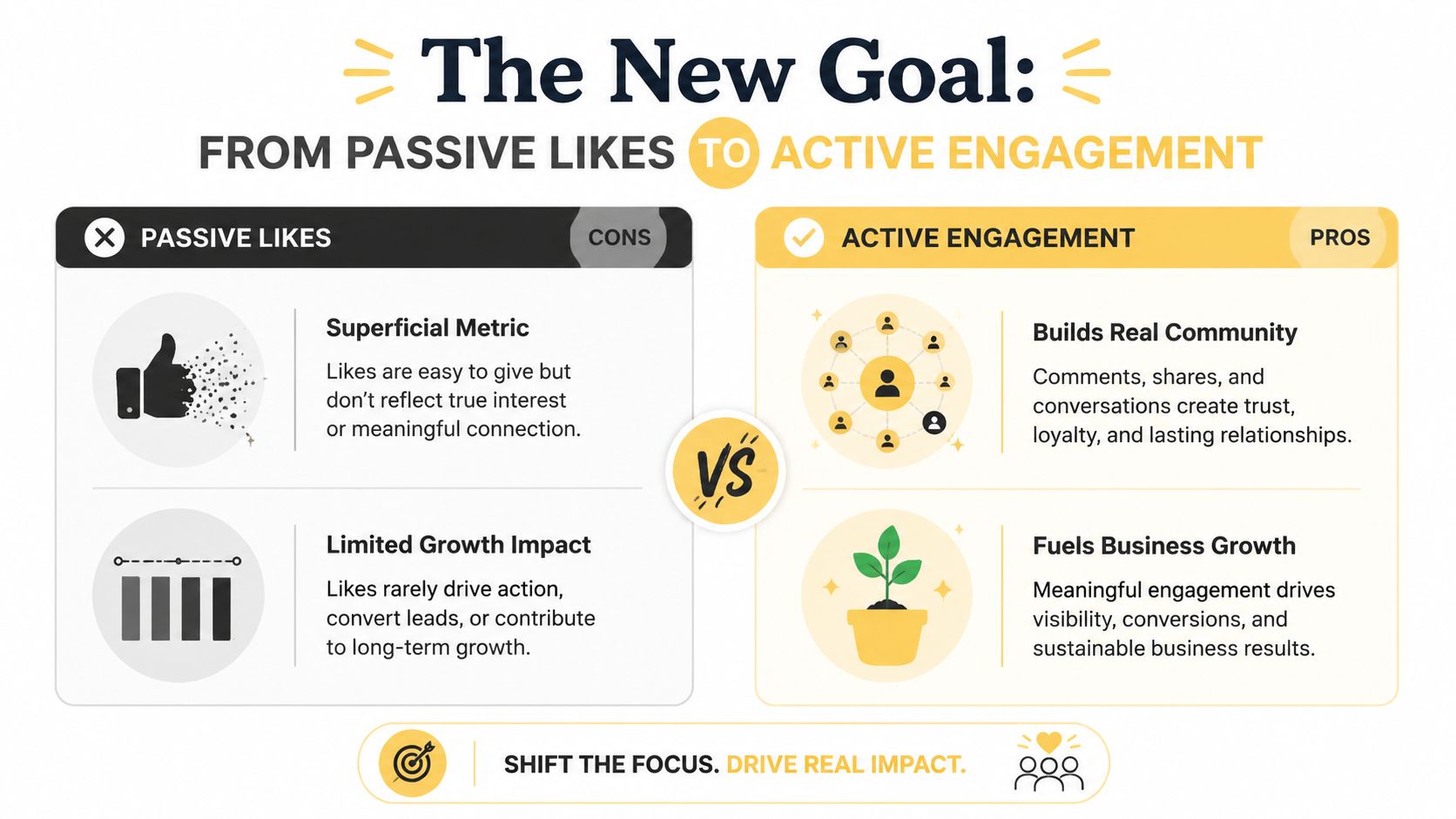
What coaches actually want from social traffic
A coach doesn't need random approval metrics. A coach needs one of these outcomes:
| Website moment | Better action | Why it matters |
|---|---|---|
| Someone loves your article on confidence at work | Share the article | It puts a specific idea in front of other people with the reader's implied endorsement |
| Someone likes your style and wants more | Visit your Facebook page | It moves them toward your broader brand and ongoing content |
| Someone is comparing coaches | Read more resources, then inquire | It keeps them in your ecosystem instead of staring at a meaningless count |
That's the mindset shift. Stop asking, “How do I get likes on my website?” Start asking, “What action brings this visitor one step closer to trust?”
A business coach with a post about pricing strategy doesn't benefit much from a floating Like count. But if a reader shares that article into a founder group, now the content travels. A parenting coach with a thoughtful blog post on teenage communication benefits when readers pass the article along to another parent. That's distribution with context.
Passive metrics feel good and still leave you stuck
This is the part many coaches resist. They think, “But I liked seeing social proof on the page.” Fair. Numbers can reassure.
They can also distract you from stronger signals. If your page gets shared, bookmarked, discussed, or sends people to your community, that's more useful than a vanity interaction ever was. If you're already thinking about audience retention and relationship building, Coachful's article on social media community management is a good companion to this shift.
A Like says, “I noticed this.” A share says, “I want other people to notice this too.”
That second behavior is closer to how coaching businesses grow. Referrals, recommendations, and resource sharing move the needle. Passive counters rarely do.
Your Best Alternative The Social Share Button
If you want one modern replacement for the old Facebook Like button for website content, pick the social share button.
It does the job coaches care about. It helps a reader distribute a useful piece of content to other people. That's a stronger outcome than collecting a thumbs-up that sits on your page and does nothing else.
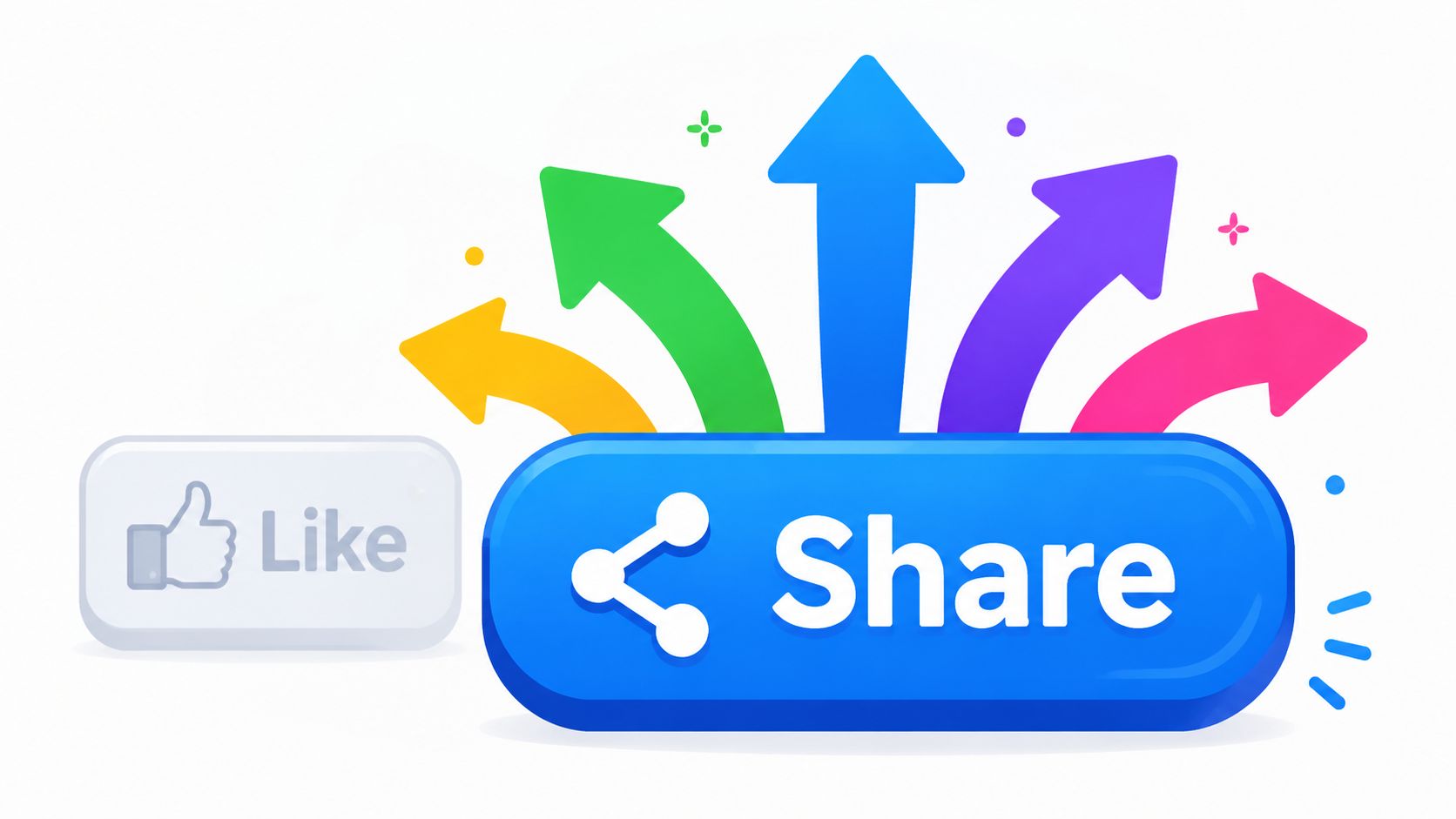
Why post-specific sharing beats site-wide social proof
This matters a lot for coaches with content libraries. For coaches, post-specific engagement is more valuable than aggregate site likes because it correlates directly with client program adherence and content consumption rates, as noted in Squarespace's guidance on adding a Facebook Like button.
That's a bigger strategic point than it sounds.
If you write:
- a post on handling imposter syndrome before promotion
- a lesson for a group coaching cohort
- a resource page for clients between sessions
You want to know which specific piece resonates. Not whether your whole site got a vague signal of approval.
A share button supports that. Someone reads one article, finds it helpful, and shares that exact page. That tells you more about audience interest than a site-level Like count ever could.
Real coaching examples
A health coach publishes a meal-planning article. A reader shares it into a family group chat or on Facebook. The shared link carries a clear topic and a clear context.
An executive coach posts “How to lead your first difficult performance conversation.” A manager shares it with a colleague. That one page becomes the ambassador for the brand.
Those are better outcomes because they connect your content to a specific need.
Use a share button on articles, lesson pages, and resource hubs. Don't waste it on every page by default. Your homepage, legal pages, and generic sales pages usually don't need the same treatment.
If you want a broader walkthrough of how website-level social features fit together, this social media integration guide is useful because it frames social features as part of a connected website experience instead of random add-ons.
The share button isn't a consolation prize. For content-led coaching businesses, it's the sharper tool.
How to Add Share Buttons to Your Coaching Website
You don't need to resurrect old Facebook code. You need a clean widget or plugin that fits your platform and doesn't turn your site into a maintenance project.
The benchmark for success has shifted to using Social Share widgets, which offer a 98% compatibility rate across platforms like WordPress, Wix, and Squarespace, ensuring the user journey remains unbroken.
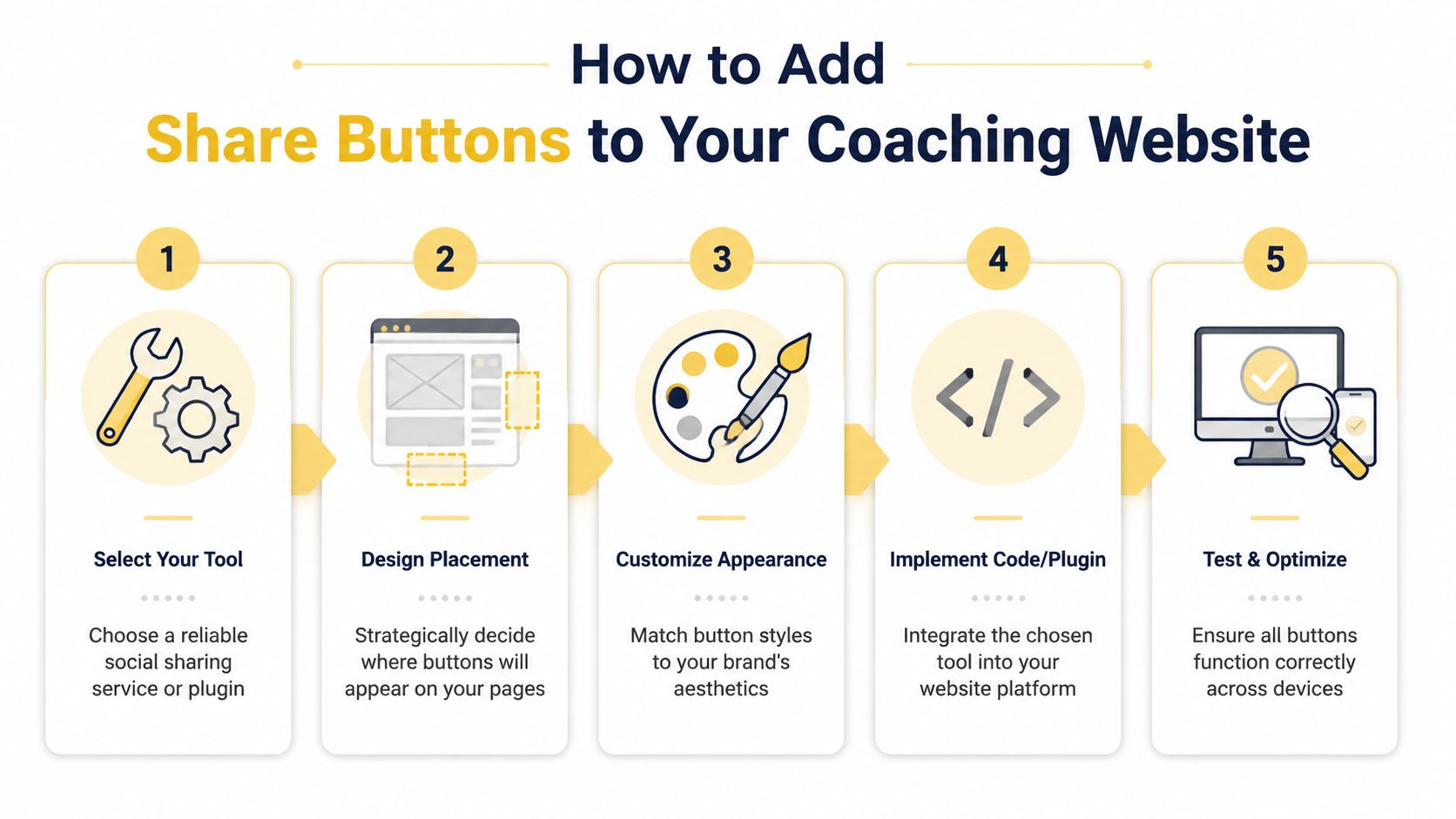
The simple setup that works
Here's the practical workflow I recommend.
Choose one tool and keep it simple
Pick a sharing widget or plugin that's actively maintained and easy to style. On WordPress, that usually means a current social share plugin. On Squarespace, Wix, or similar builders, it often means a widget or built-in block option.Place buttons where intent is strongest
Add them to blog posts, resource pages, and curriculum content. Don't scatter them everywhere. Readers are more likely to share when they've just consumed something useful.Match your brand
Adjust size, shape, spacing, and color so the buttons look like part of your site. If your site is clean and premium, giant default icons can make the page feel cheap.Test the share destination
Click every button on desktop and mobile. Make sure the shared page title, link preview, and target URL are correct.Review after launch
Keep what feels helpful. Remove what clutters the page.
Here's a walkthrough if you want a visual example before touching your site:
Where coaches usually get this wrong
Most mistakes aren't technical. They're strategic.
- They put buttons on low-intent pages: A contact page or terms page won't inspire sharing.
- They overdesign the feature: Too many icons create visual noise and decision fatigue.
- They ignore post-level relevance: The best-performing share targets are usually highly specific pages, not generic top-level pages.
A business coach might add share buttons only to blog posts and downloadable resource pages. A coaching school might place them on public curriculum explainers, not inside every admin page. A consultant with a thought leadership site might use them at the end of essays where readers naturally pause and decide whether to pass the piece along.
A quick platform decision
| Platform | Best path |
|---|---|
| WordPress | Use a maintained plugin |
| Squarespace | Use a compatible widget or built-in share option where available |
| Wix | Use an app or embed widget |
| Unsure what platform fits your coaching business | Compare options before building |
If you're still deciding on the right platform for your site, this website builder guide for coaches helps narrow the field without the usual generic fluff.
Linking to Your Facebook Page The Right Way
Sometimes you don't want someone to share a single article. You want them to find your Facebook page, follow your updates, and stay connected to your brand. That's where a social media icon earns its place.
This is the clean replacement for the old “Like us” mentality.
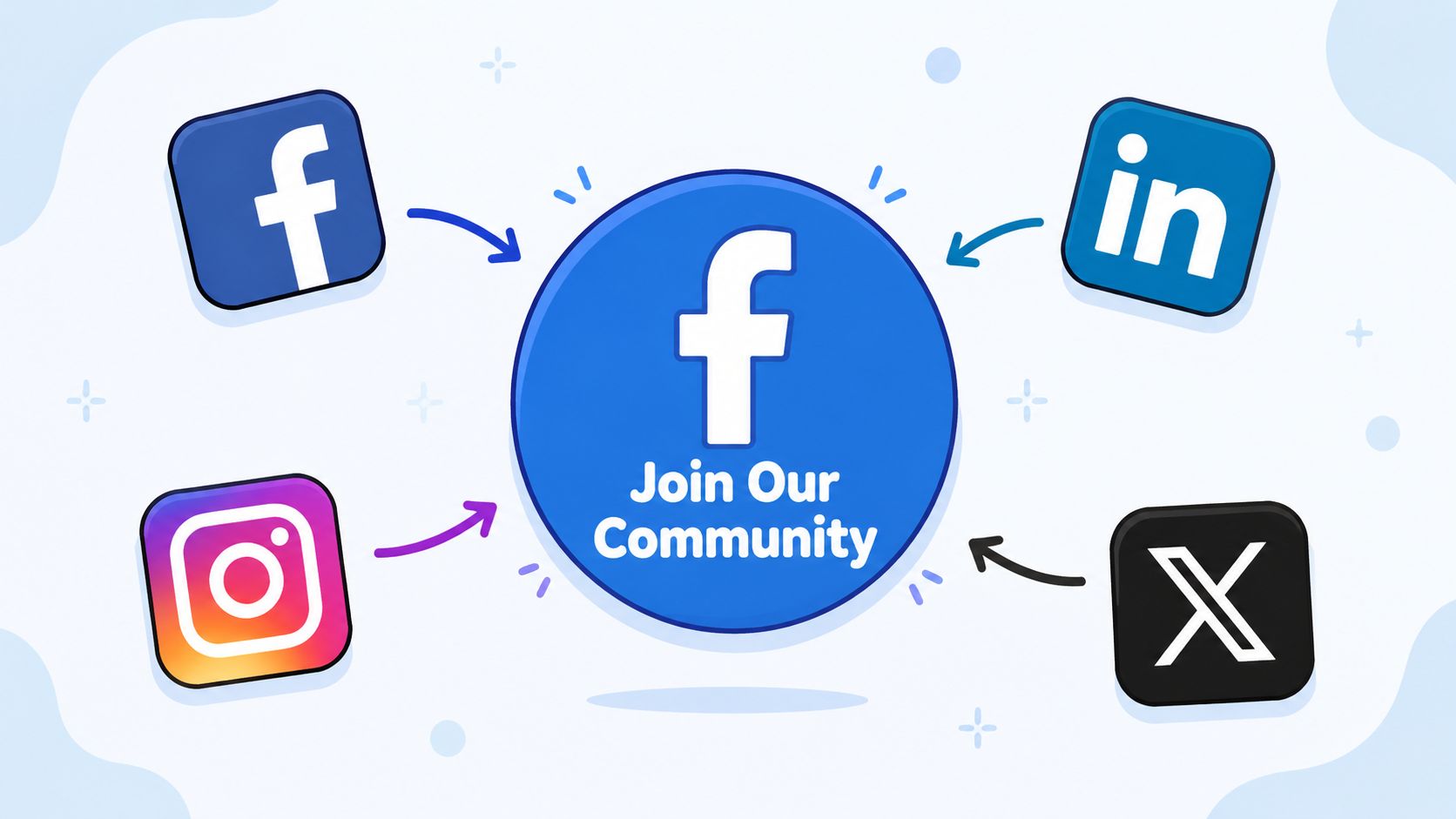
Use icons for brand connection, not article distribution
A viable alternative to the defunct like counter is a Social Media Icon linking to the coach's Facebook page, a critical pivot for the 90% of coaches who use social media for client acquisition, as discussed in Elfsight's alternative guide.
That's a useful distinction:
- Use share buttons when the page itself is the asset.
- Use a Facebook icon link when your page or group is the destination.
A life coach with an active Facebook page can place a Facebook icon in the site footer and contact page. An executive coach with a quieter, more formal website might place it in the footer only. A group program leader running a Facebook community can make that path visible without letting it hijack the site.
Best placement for a coaching website
I recommend restraint.
Header icons can work, but they can also act like exit signs. If your primary goal is booking calls or getting newsletter subscribers, don't make Facebook the loudest visual option at the top of the page. Footer placement is often smarter. It's visible, professional, and doesn't compete with your main conversion path.
Put your Facebook icon where interested visitors can find it easily, not where distracted visitors can escape too early.
For coaches who actively run Facebook communities, this guide on how to promote a group on Facebook is useful because it ties your website traffic to community growth in a more intentional way.
If you want a wider perspective on how Facebook fits inside search and digital visibility, these Digital marketing tactics from Mr. Green Marketing can help you think beyond the icon itself.
A good icon setup looks like this
- Footer link to your Facebook page: Clean and always available.
- About page mention: Good if your page is part of your coaching method or community.
- Contact page support: Helpful for people who want another touchpoint before reaching out.
What you shouldn't do is add oversized, flashing, template-style icons that cheapen the design. You're building trust. The icon should support that, not shout over it.
Move Beyond Likes and Build Your Community
The old Facebook Like button for website pages is finished. That's the bad news only if you were attached to the symbol.
For a coach, the better move is clearer. Use share buttons on pages worth passing along. Use Facebook page icons when you want people to connect with your brand beyond a single visit. One supports content distribution. The other supports audience building.
That combination is more honest and more effective. It reflects how people engage with coaching content. They don't just tap approval and disappear. They share a helpful article with a friend, save a resource for later, or follow a coach whose approach feels right.
If you're thinking more broadly about how social touchpoints can support offers, discovery, and trust, this comprehensive social commerce guide is a useful next read.
You came looking for a fix for a broken button. A better strategy is the fix. Stop chasing a dead widget. Build a website that helps people take the next step.
If you want a coaching platform that supports the rest of that journey after the click, Coachful brings your client onboarding, scheduling, payments, messaging, progress tracking, and program delivery into one place so your website doesn't have to carry the whole business alone.