How to Run a Coaching Webinar Q&A: 7 Steps and a Host Script

Coachful
Editorial Team
A coaching webinar Q&A should help the audience use the lesson, not turn into unpaid individual coaching or an interrogation designed to sell your program. Collect questions early, choose the ones that serve the room, answer briefly and protect a clear finish time. Tell people what happens to questions you cannot safely answer.
The awkward moment is familiar: you ask for questions, nobody types, then one person posts an entire career history just as you need to close. The solution is a moderation plan, not a more enthusiastic “Anything else?” This guide gives you seven steps, a workable agenda and original scripts you can adapt.
A simple 12-minute coaching webinar Q&A agenda
For an educational webinar, try reserving twelve minutes for questions as a planning example. Use one minute to explain the boundaries, eight minutes for three substantive answers, two minutes for a final audience question and one minute to close. This is an editorial starting point, not a research-backed optimum.
Eight minutes divided between three answers allows roughly two minutes and forty seconds each, including the question and handoff. If you cannot explain an answer inside that allowance, give the principle and a useful next step rather than racing through a whole coaching session. Shorten the teaching segment before you steal time from the ending.

Write your hard stop where you can see it. If the webinar includes an optional coaching invitation, give that its own announced space rather than hiding it inside the answer budget. People who came to learn should still receive the promised lesson and resources if they choose not to hear about the offer.
1. Decide what the question segment is for
Choose a learning purpose before opening the room. A career-coaching webinar might help people test a possible direction before changing jobs. Appropriate questions concern the testing method, common obstacles and examples. A complete review of one attendee's employment history belongs somewhere else.
Write two short lines in your host notes: “Today we can answer…” and “Today we will not assess…” The second might exclude individual medical, legal, financial or employment advice, personal coaching cases and confidential employer situations. Adapt the boundary to your qualifications and the actual topic; a disclaimer does not create competence.
For a sponsored corporate webinar, agree in advance whether questions will be visible to the sponsor, whether the session is recorded and what follow-up reporting is appropriate. Avoid collecting named disclosures merely because you have access to the chat. A small audience can recognize a situation even after you remove the person's name.

Opening script: “We will use the last twelve minutes for questions about applying today's method. Please keep your question general and leave out names or private details. I cannot assess individual cases here, but I can explain the principle and where a different kind of support may be needed.”
2. Give questions one route and one owner
Tell attendees exactly where to submit. Use the question panel if your actual platform supports the controls you need; otherwise use one clearly identified chat route. Do not ask people to monitor chat, a separate form and a second discussion board while also following your example.
If someone can help, assign a question monitor rather than vaguely asking a colleague to “keep an eye on things.” Their job is to collect questions, group duplicates, flag sensitive material, watch the clock and hand you a short version to answer. Agree who handles access trouble so a joining problem does not occupy the entire question queue.

Hosting alone is workable. Pause deliberately at a planned point, stop sharing if necessary and scan the queue. Say what you are doing instead of disappearing into silent reading. Keep a small note with four headings: answer live, combine, outside scope and follow-up. A plain document is enough.
Instruction script: “Put questions in [the actual destination] as they occur to you. Start with one sentence of general context, then the question. I will group similar questions so we can cover more useful ground. Please do not paste client notes or identifying details.” Replace the bracketed destination before the event.

Test visibility rather than promising privacy. A private-looking message box may still expose names to hosts, appear in an export or enter a recording. Explain the behavior you have verified. For event technology, joining and attendee-side testing, use the separate webinar dry run checklist.
3. Prepare honest prompts for a quiet room
Silence does not tell you that people learned nothing or disliked the session. Some are thinking; others are listening on a phone, managing access needs or deciding whether a question feels safe to ask. Give a brief pause and offer a narrower prompt than “Any questions?”
- “Which step would you want to see once more before trying it?”
- “Where would this method become difficult in an ordinary working week?”
- “Which assumption in the example would change in your situation? Keep the details general.”
- “Would an example of starting, testing or reviewing the action be most useful?”
Prepare two relevant questions of your own. Label them accurately: “A useful question to consider is…” or “Here is one I prepared because it clarifies the method.” Do not invent an attendee, claim someone submitted it or present it as a frequently asked question unless you have a basis for that description.
If the room stays quiet, answer one prepared question, summarize the key move and finish on time. An empty queue is not a reason to demand disclosure or call on a named person without invitation. A well-explained example is better than manufacturing the appearance of engagement.
4. Select by shared usefulness and safety, not sales value
Arrival order is easy to follow and often a poor selection rule. Start with questions that clarify the central method for several people. Combine genuine duplicates, then consider a useful edge case. Do not silently reserve all the time for people asking about your paid package.
Use four response routes. Answer live when the question is relevant, safe and broadly useful. Generalize when the useful principle can be separated from personal detail. Decline or refer when the request is outside your competence. Defer when the answer needs checking or more time than you have.

For example, “How do I compare two possible career directions?” can fit a webinar about small career experiments. “Should I resign tomorrow, given my diagnosis and my manager's conduct?” needs a boundary, not an improvised public decision. You can explain what the method can and cannot establish without directing that person to resign.
Selection script: “Several questions concern choosing an experiment, so I will take those together first. I also see a very personal situation. I will not read its details aloud or assess it here. I can explain the general boundary, and we can identify an appropriate route for further help.”
Popularity is not the same as suitability. If your tool allows voting, a highly ranked question can still be unsafe, irrelevant or beyond your qualifications. Do not describe an optional feature as essential to running a useful Q&A. Thoughtful manual selection works too.
5. Answer with a principle, one example and a next move
Give the direct answer first. Follow with one clearly hypothetical example, then a small next action. This structure keeps you from adding five qualifications before saying anything useful. Include the important limitation when it changes the action, rather than using caveats to avoid answering.
Hypothetical audience question: “How do I test a career direction when I cannot afford to quit?”
Sample host answer: “Start with a test that does not require resigning. For example, someone considering training work could interview two practitioners, observe an authorized session or design a small practice exercise outside their existing work commitments. The next move is to name the uncertainty you want to test, then choose a low-risk way to gather evidence. Your employment obligations and personal circumstances still matter.”
This answer teaches a method without assessing the attendee's finances, employer or suitability for a career. It does not guarantee a job or imply that experimentation removes risk. Resist the temptation to finish with a miniature sales pitch every time you explain something.
When you do not know: “I do not know enough to give you a reliable answer to that. I can check [specific point] and share it through [agreed route] by [realistic date], or point you toward a better-qualified source.” Make the promise only when you can fulfill it. Otherwise say that you cannot take it on.
6. Interrupt unsafe detail kindly and protect the recording
Do not wait for a disclosure to become complete before setting a boundary. If someone begins naming colleagues, describing a private client or sharing clinical information, interrupt the detail rather than the person. Thank them for the question, explain the limit and preserve the general learning issue where possible.

Privacy script: “I am going to pause the personal detail there so we do not share more than you intended. The general question seems to be how to choose a next step when the situation is uncertain. I can speak to that principle, but not assess the people or circumstances involved.”
Dominant-attendee script: “I want to make room for other questions, so I will stop this example here. The point to take away is [brief principle]. If there is a separate question, please submit it in one sentence.” Be courteous without apologizing for protecting the rest of the room.
Do not promise that a public chat contribution can be made private afterward. If recording is involved, explain the applicable arrangement before people participate. Review the recording and associated chat before distributing a replay; remove or withhold material you cannot appropriately share. If you cannot safely edit the session, do not publish it unchanged just because a replay was promised.
Keep the attendee experience accessible. Read or paraphrase the selected question aloud without its identifying detail, then speak the answer rather than only typing it. If an exercise or resource appears on screen, provide a usable text route. The lesson should not depend on reading tiny chat text on a phone.

7. Close the queue and make the next step optional
Signal the last question before the hard stop. Do not invite an unlimited new queue while announcing that you have thirty seconds left. Say what will happen to unanswered questions, including which ones you will not address individually. A vague promise to “get back to everyone” can create hours of work you never planned to deliver.
Closing script: “We have time for one final question about today's method. After that, I will recap the action and show where to find the promised resource. I cannot provide individual coaching through the remaining questions. If a general point needs correcting, I will share that through the event's agreed follow-up route.”
If coaching is an appropriate next step, explain who it serves and what clicking does. For example: “If you want to explore whether this work fits your situation, the application page explains the program and asks about fit. Applying is a separate choice; you do not need to apply to receive today's worksheet.” Only describe the terms and process you actually offer.

A question is not permission for a sales call. Keep educational follow-up separate from any additional marketing relationship, and honor the registration and communication terms that apply. Do not add people to a different audience or turn a sensitive disclosure into a prospect note simply because the event was connected to your business.
A copyable host and moderator run sheet
- Purpose: the specific learning question this webinar answers.
- Boundary: what will not be assessed or discussed publicly.
- Question route: one tested destination and a clear visibility explanation.
- Owner: who monitors questions, clock and access problems.
- Prepared questions: two useful prompts, labeled as host-prepared.
- Selection: shared relevance, safety and scope before arrival order.
- Answer shape: direct principle, one example, one next move.
- Close: final-question cue, hard stop and realistic follow-up commitment.
- Replay: a review owner and a plan for sensitive content.
After the event, record themes rather than unnecessary personal stories. Which explanation was unclear? Which example needed another step? Which question belonged outside the event? Use those observations to improve the next session. A small question queue is feedback about that event, not evidence of market demand or coaching outcomes.
Common coaching webinar Q&A questions
Should questions come before or after the coaching offer?
Keep learning questions attached to the lesson. If you include an offer, distinguish questions about the teaching from questions about the program's scope, price or access. Announce the structure so people can choose which part to stay for. Do not withhold an educational answer until after a pitch.
What if someone challenges the method?
Restate the challenge fairly and answer the substance. Explain where your method has limits or depends on an assumption. “That would change the recommendation” is a credible answer. You do not need to persuade every attendee or interpret disagreement as a personal coaching issue.
Can the Q&A become content afterward?
General themes can inform new educational material, but publishing a person's question, name, voice or identifiable circumstances is a different decision. Use an original hypothetical example instead when possible. Check permissions and applicable obligations before repurposing a recording or quotation.
Rehearse the question handoff before you go live
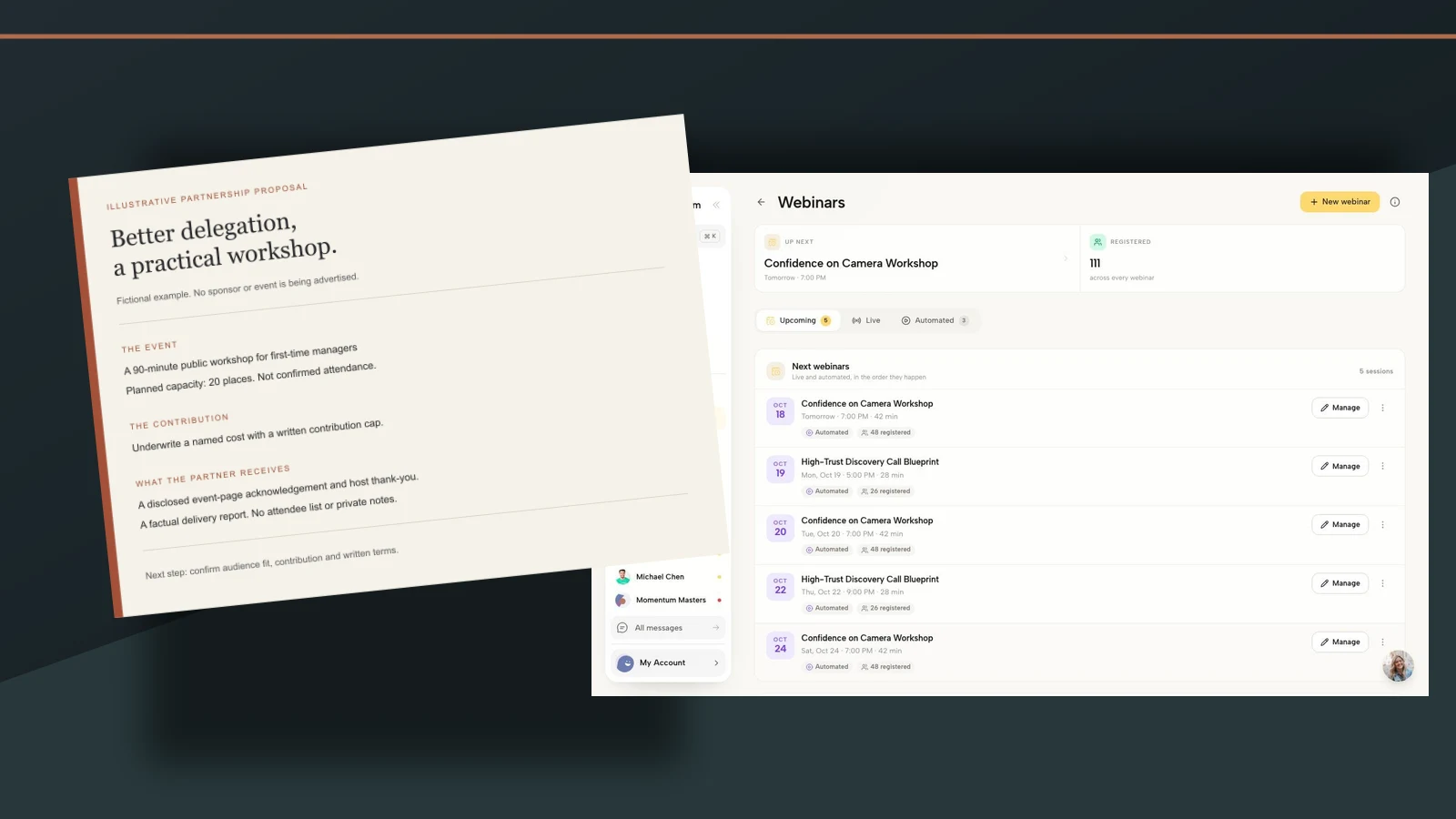
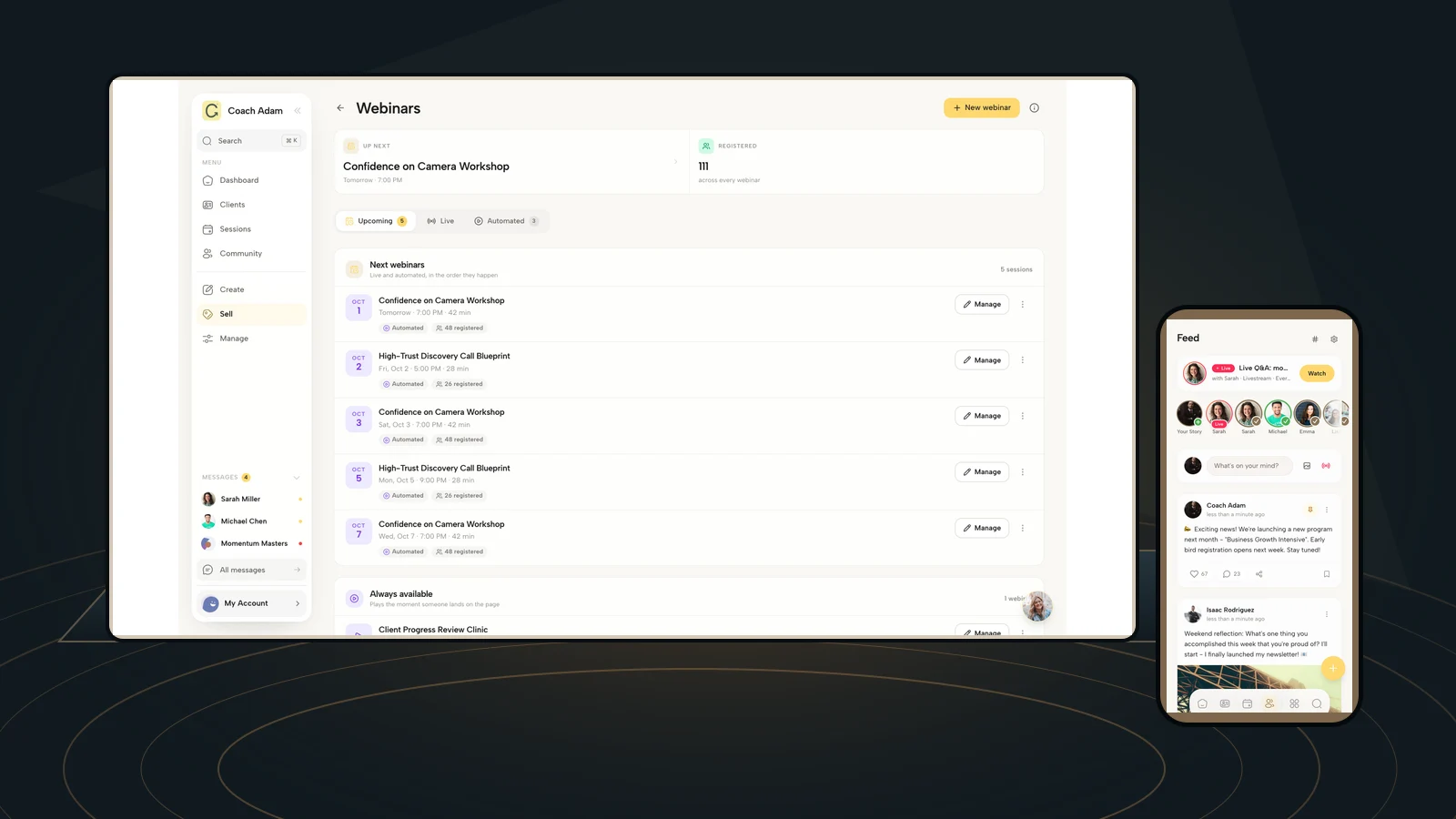
Coachful's real demo screens above show webinar administration, team organization, community participation, channels and a funnel editor. They are supporting workflow surfaces, not proof of anonymous questions, upvoting, dedicated webinar moderation roles or automatic follow-up from a question. Verify any behavior your event depends on in the actual setup.
Write the host script first, then rehearse one ordinary question, one sensitive question and the closing handoff. If you are choosing where to organize the event and its optional next step, Try the interactive demo and inspect the webinar and participant-facing surfaces. The useful test is whether your audience can follow the instructions, not whether the host dashboard looks busy.
Sources and visual note: The practical moderation approach is an editorial application of common event-production principles, consistent with InfinityStream's webinar Q&A management guidance. The scripts, timeline and examples are original and hypothetical. Product visuals use real Coachful demo screens; the cover is an original composition, not a new product interface.