Paperbell Review 2026: What It Does Well and Where It Stops
This Paperbell review comes down to one sentence: Paperbell is one of the simplest ways for a solo coach to sell a one-to-one package, and it stops at the point where the coaching itself begins. A client can find you, sign, pay, fill in an intake form and book in a single flow, for one flat price with unlimited clients. What happens between sessions, and what happens when you hire a second coach, is outside its scope.
We tested the claims below against Paperbell's own pricing page, FAQ and help pages, and against what reviewers say on G2, Capterra and Trustpilot. We also make Coachful, a coaching platform that competes with Paperbell, so the comparison section near the end says exactly where each one wins. If you want the full field instead of one product, read our ranked Paperbell alternatives.
Paperbell review: the short verdict
| Our read | |
|---|---|
| What it is | Package checkout, scheduling, contracts, payments and a simple website for coaches |
| Best for | Solo coaches selling one-to-one packages who want very little setup |
| Not for | Programs with daily work, teams of coaches, courses, communities, health data under HIPAA |
| Price, as listed in October 2026 | Free with 1 client; then one plan at $57 a month or $570 a year |
| Platform fee | 0%, with Stripe or PayPal processing fees |
| Ratings, as listed in October 2026 | G2 4.7 (63 reviews), Capterra 4.7 (150), Trustpilot 3.9 (13) |

What Paperbell is, and who built it
Paperbell launched in 2020. It was founded by Laura Roeder, who also founded the social scheduling tool MeetEdgar, and it is bootstrapped. The idea has stayed the same since launch: a coach should be able to sell coaching online without wiring together a scheduler, a payment page, a contract tool and a website.
Everything in Paperbell starts from a package. You define what the client buys (a number of sessions, a monthly subscription, a group program, a digital download), set the price and payment options, attach a contract and an intake form, and Paperbell turns it into a checkout. The client portal then holds their session history, shared notes and messages.
Paperbell pricing in 2026
Paperbell's pricing is the easiest part of this review. As listed in October 2026:
- Free: the full feature set with one client, no credit card and no time limit. You upgrade when you sign your second client. On the free plan the public coaching site stays live for the first 7 days.
- Paid: one plan at $57 a month, or $570 a year, per coach. Unlimited clients, sessions, packages, files and traffic.
- Fees: Paperbell adds no transaction fee. Stripe or PayPal charge their usual processing fees.
- Guarantee: a 30-day money-back guarantee, and the monthly plan can be cancelled from your account.
Capterra named it a Best Value product in 2025, and it is easy to see why. A coach with 30 clients pays the same as a coach with 3. The one cost that grows is people: each additional coach needs a separate account at the same price.
What Paperbell is great at
The package checkout
This is the reason to buy it. A client picks a package, signs the agreement, pays, answers the intake questions and books the first session, without you sending four separate links. Payment options are generous: subscriptions, payment plans, pay-in-full discounts, pay-what-you-can, coupons and setup fees, through Stripe or PayPal.
Simplicity that holds up
Reviewers describe it in nearly the same words: clean, easy, the "admin assistant on steroids". Setup takes an afternoon rather than a week, and there are no tiers to compare, which removes a real source of anxiety for new coaches.
Scheduling that respects your time
Bookings detect the client's time zone, leave gaps between appointments and send reminders, including SMS reminders. Calendars sync with Google, Apple and Outlook, and sessions can carry an automatic Zoom link.
A website you do not have to build
Every account gets a branded coaching site with a custom URL and landing pages for your packages. It will not win design awards, and reviewers say branding options are limited, but it is a professional place to send people on day one.
Support that listens
Capterra reviewers rate customer service 4.8 out of 5, and several mention features shipped after they asked. For a small team that is a meaningful signal.
Where Paperbell stops
None of these are hidden. Paperbell's own positioning is "simple", and simplicity has edges:
- Nothing structured between sessions. There are no goals, habit tracking or daily check-ins, and no multi-week programs with daily tasks. Packages can deliver content and worksheets, and reviewers note the missing goal tracking.
- One coach per account. Bringing on an associate means a second subscription and a second login, with no shared calendar or team permissions.
- No native mobile app. Clients use the mobile browser or a home-screen shortcut. There is nothing to download from the App Store or Google Play.
- Courses and community need another tool. Video content and online classes can sit inside a package, but there is no full course builder and no member community.
- Marketing is light. Paperbell sends reminders and post-appointment emails, but it has no funnels and no marketing email sequences, so most users add an email tool.
- No AI assistant, and the CRM is basic compared with tools built around client records.
- Not HIPAA compliant, as its own FAQ states. It is GDPR compliant per its terms.
One more practical point: we could not find a documented bulk export of client data in Paperbell's help center. Ask support what they can send you before you build a large roster on any platform.
What Paperbell users say
The review picture is consistent. On G2 (4.7 from 63 reviews) and Capterra (4.7 from 150), users praise the simplicity, the all-in-one checkout and responsive support. Trustpilot is thinner and lower, at 3.9 from 13 reviews, with complaints about slow replies and one cancellation dispute that Paperbell answered publicly by pointing to self-serve cancellation and a refund.
The recurring criticisms are about scope, not quality: newer coaches find $57 a month high before they have steady income, pricing is in US dollars only, design customization is limited, and coaches who start running group programs or courses say they eventually added a second platform.
Who should choose Paperbell
- You coach alone and plan to stay that way.
- You sell one-to-one packages or simple group programs, and the work happens on the calls.
- You want one flat price, unlimited clients and no tiers to think about.
- You are validating your first offer and want to sell to one client for free.
- You accept PayPal payments, which some coaching platforms do not support.
If three or more of those describe you, Paperbell is a sensible choice and you can stop reading here.
Paperbell vs Coachful: a fair comparison
Coachful starts from the same sale and keeps going after it. You build an offer with a price, payment plan, agreement and booking step, and the client then lands in an app on iPhone, Android or the web with their program, this week's tasks, habits, messages and next session.

| Paperbell | Coachful | |
|---|---|---|
| Package checkout with contract, payment and booking | Yes, its core strength | Yes, through offers and client journeys |
| Clients on the entry price | Unlimited at $57 a month | Entry plans cap clients; see your plan |
| Free option | Free with 1 client | Free trial; no free plan |
| Payment processors | Stripe and PayPal | Stripe and Razorpay; no PayPal |
| Goals, habits and check-ins | No | Yes |
| Multi-week programs with daily tasks | No | Yes |
| Courses and community | Content inside packages; no community | Course builder, community feed, cohort groups |
| Client mobile app | Mobile browser | iPhone and Android app with your branding |
| More than one coach | Separate account per coach | Team plans with three or six coach seats |
| Video | Zoom links | Built-in video, or Zoom, Meet and Teams links |
| Funnels and email sequences | No | Yes |
| Platform fee | 0% | 0% |
Where Paperbell wins
Paperbell is simpler, it has a free trial, its flat price covers unlimited clients, and it accepts PayPal. If your coaching is a series of calls and nothing in between, it does less and costs less to learn.
Where Coachful wins
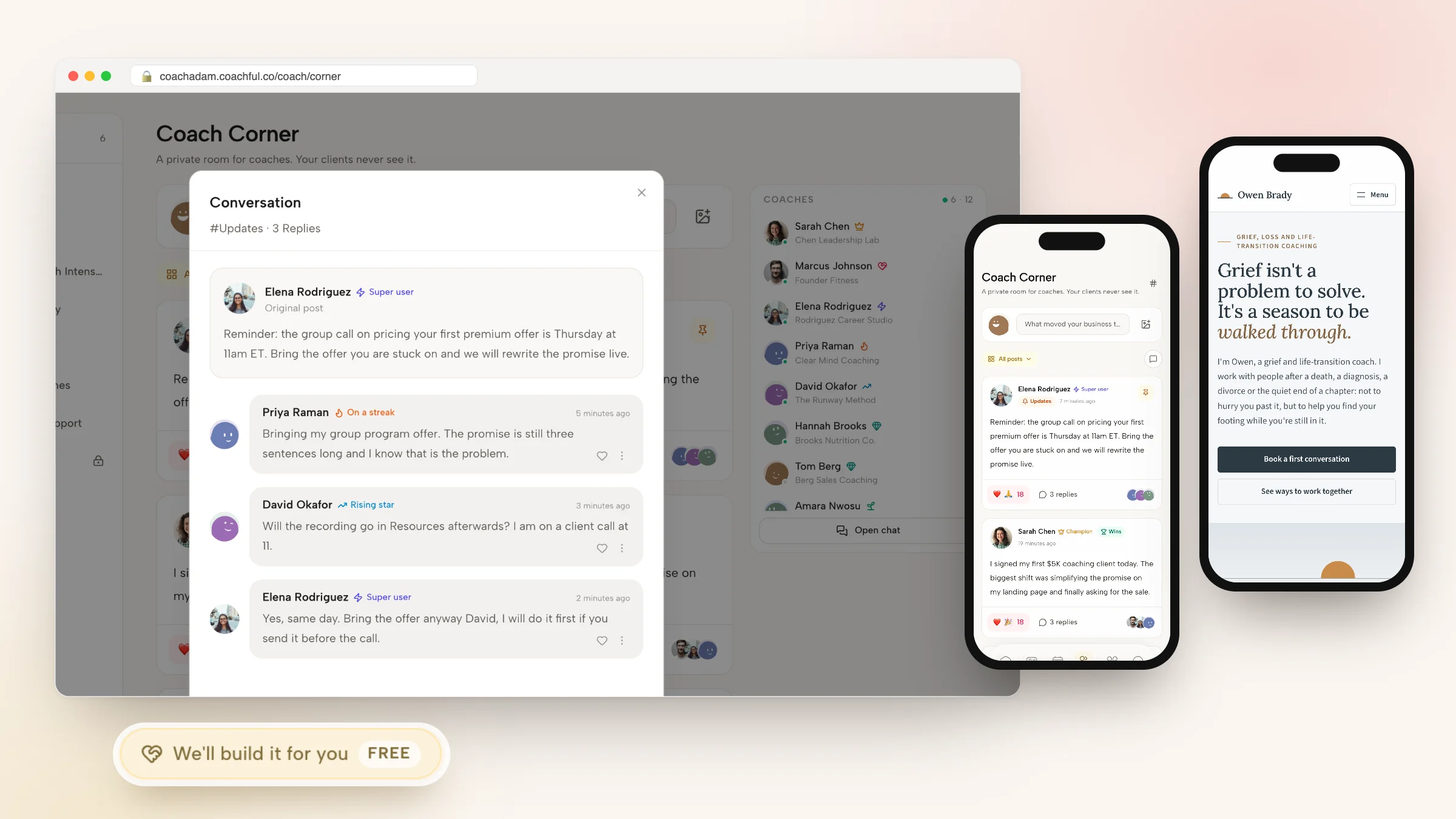
Coachful wins once clients need something between calls. Programs with daily tasks, habits with streaks and morning and evening check-ins give you a reason to open the app before each session and see who is on track, and the client sees the same picture in My Coaching.


It also wins when the business grows sideways. Courses, a community and cohort groups live in the same account, and team plans add coach seats with their own availability and permissions. A website builder with 30 designed homepage templates, funnels and email sequences replaces the extra tools Paperbell users usually add.

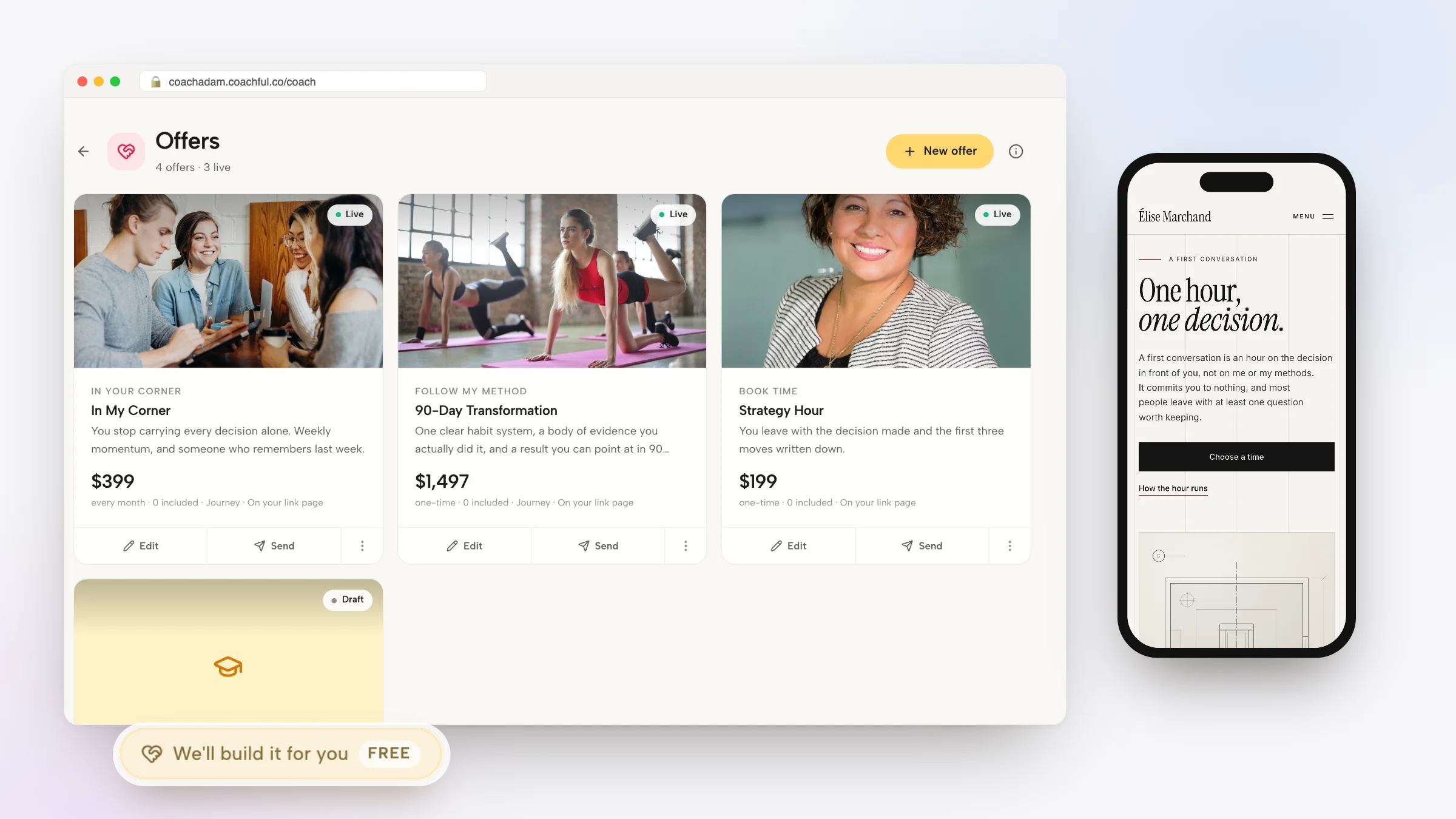
Why Coachful stands out: a free white-glove service. Every Coachful plan includes a build service at no extra cost. You describe what you want from Create > We'll build it for you, add your Paperbell pages and package descriptions as links, and the Coachful team builds your website, offer, program or email sequence inside your account, usually within about 24 hours. One recent request came from a life-purpose coach moving over from another coaching tool, whose program descriptions and FAQ were adapted from the old pages. Read how the white-glove service works.

For the feature-by-feature version, see Coachful vs Paperbell, or Coachful as a Paperbell alternative for the switching path.
How to test Paperbell properly before you pay
Paperbell's free trial is enough to run a real test. Use it like this:
- Build your best-selling package exactly as you sell it. Real price, real payment plan, real contract text, real intake questions.
- Buy it yourself on your phone with a second email address. Note every screen and how long checkout takes.
- Book, reschedule and cancel a session as the client, and check what lands in your calendar.
- Write down what you did outside Paperbell during the test week: homework emails, reminders, check-in messages, course links. That list is the size of the gap.
- Decide on the gap, not the checkout. If the list is short, upgrade. If it is long, test a platform that covers it, using the same package.
The same steps work on any platform. Our guide to selling coaching packages online covers how to price and structure the package itself.
Frequently asked questions
Is Paperbell worth it in 2026?
For a solo coach selling one-to-one packages, yes. As listed in October 2026 it costs $57 a month or $570 a year with unlimited clients and no platform fee, and the package checkout is excellent. It is less worth it if you run programs with daily work, courses, a community or a team, because you will pay for other tools as well.
Is Paperbell free?
Paperbell is free to try for 7 days, with no free plan after that. You need the paid plan, $97 per month as listed in October 2026, once the trial ends. On the free trial, the public coaching site stays live for the first 7 days and goes offline afterwards, according to our pricing records.
Does Paperbell have a mobile app?
No. Clients use Paperbell in a mobile browser and can add it to their home screen, but there is no app in the App Store or Google Play. Coachful has iPhone and Android client apps that carry your branding inside the Coachful app.
Can I run group coaching on Paperbell?
Yes, Paperbell supports group programs, workshops and live classes as packages. What it does not have is a community feed or individual tracking of each member's goals and habits. Coachful creates a cohort group with chat and a feed when clients enroll, and tracks each member separately.
Is Paperbell HIPAA compliant?
No. Paperbell's FAQ states that it is not HIPAA compliant. It is GDPR compliant per its terms. Coachful is not HIPAA certified either; coaches who handle protected health information should choose a platform that signs a BAA.
Is Coachful better than Paperbell?
It depends on what happens between your sessions. Paperbell is simpler and has unlimited clients at one flat price. Coachful adds programs, habits, check-ins, courses, community, a client app, funnels, email and team seats, and its entry plans cap clients. Compare your roster against the plan Coachful shows you before deciding.
Will Coachful rebuild my Paperbell site if I switch?
Yes, at no extra cost on every Coachful plan. Request it from Create > We'll build it for you, paste your Paperbell page links and attach your logo and copy. The team builds the pages and offers in your account, usually within about 24 hours, and nothing is invented: missing details are left for you to fill in.
More reading: Paperbell vs HoneyBook, Paperbell vs CoachAccountable, our Coachful review and the guide to software for solo coaches.