How to Sell Coaching Packages Online: A 9-Step Setup
To sell coaching packages online, you need four things working together: a package with one clear outcome, a page that explains it, a checkout that takes payment, signs the agreement and books the first session in one go, and a way to turn the sessions someone bought into credits they spend on your calendar. Most coaches get the first two right and then stitch the last two together with a payment link, a PDF contract and a lot of email.
This is the setup, in nine steps, from the package itself to the renewal conversation. If you are still choosing a platform, our comparison of the best platforms to sell coaching packages covers the tools; this guide is the how-to that sits on top of whichever you pick.
And if you would rather hand the build to someone, Coachful's team will set up your packages, the page and the checkout for you, free on every plan. The details are in step 9.
Step 1: Shape the package around one outcome
A package is a promise with a container around it. The promise is the outcome; the container is the length, the number of sessions, the cadence and the support between them. Write the outcome first, in the client's words: "Leave a job you have outgrown with a plan for the next one" beats "6 x 60-minute career sessions".
Three containers cover most coaching practices:
| Shape | Length and sessions | Between sessions | Suits |
|---|---|---|---|
| Focused package | 90 days, 6 sessions every two weeks | Messaging, one worksheet per session | A defined problem with a finish line |
| Deep package | 6 months, 12 sessions | A program with weekly tasks and check-ins | Habits, identity or career change |
| Ongoing retainer | Monthly, 2 sessions a month | Messaging and monthly review | Leaders and founders who want a thinking partner |
For worked examples, see 12 life coaching package examples, and if you plan to offer more than one level, how to structure three coaching packages.
Step 2: Decide how people will pay
Price comes from your market and your positioning, and we will not pretend a blog post can set it for you. What you can decide now is the payment shape, because it changes your checkout:
- Pay in full, often with a small saving. Cleanest for you, hardest for the buyer at higher prices.
- A payment plan of three or six instalments. Make sure missed instalments have a written consequence. Our guide to high-ticket payment plans covers the policy.
- A recurring subscription for retainers, with a minimum term if you need one.
- Tiers: two or three levels inside the same offer, so a buyer compares within your page instead of leaving to compare with someone else.
If you want to test a new price without upsetting current clients, read raising package rates without losing trust.
Step 3: Write a package page that answers the real questions
Buyers of coaching packages have the same five questions every time, so the page should answer them in this order:
- What will be different for me? The outcome, in one headline and two sentences.
- Is this for someone like me? Who it is for, and who it is not for.
- What exactly do I get? Sessions, length, cadence, support between sessions, any program or resources.
- How does it work after I pay? The first 48 hours, step by step.
- What if it does not suit me? Your reschedule, pause and refund terms in plain words.
Then the price and one button. If most of your sales happen after a discovery call, send buyers to the page rather than a long email; this guide to the post-call offer page shows how. For the sales page craft itself, see how to create a coaching sales page.

Step 4: Build a checkout that pays, signs and books
The single biggest improvement most coaches can make is collapsing four separate steps into one checkout. The buyer should, without leaving the flow:
- pick the package (and the tier or payment plan),
- pay, ideally with Apple Pay or Google Pay as options,
- sign your coaching agreement,
- answer a short intake, and
- book their first session.
Every hand-off you remove is a place a buyer can no longer stall. Our guide to a low-friction coaching checkout covers the details, including coupons and order bumps.
How this looks in Coachful
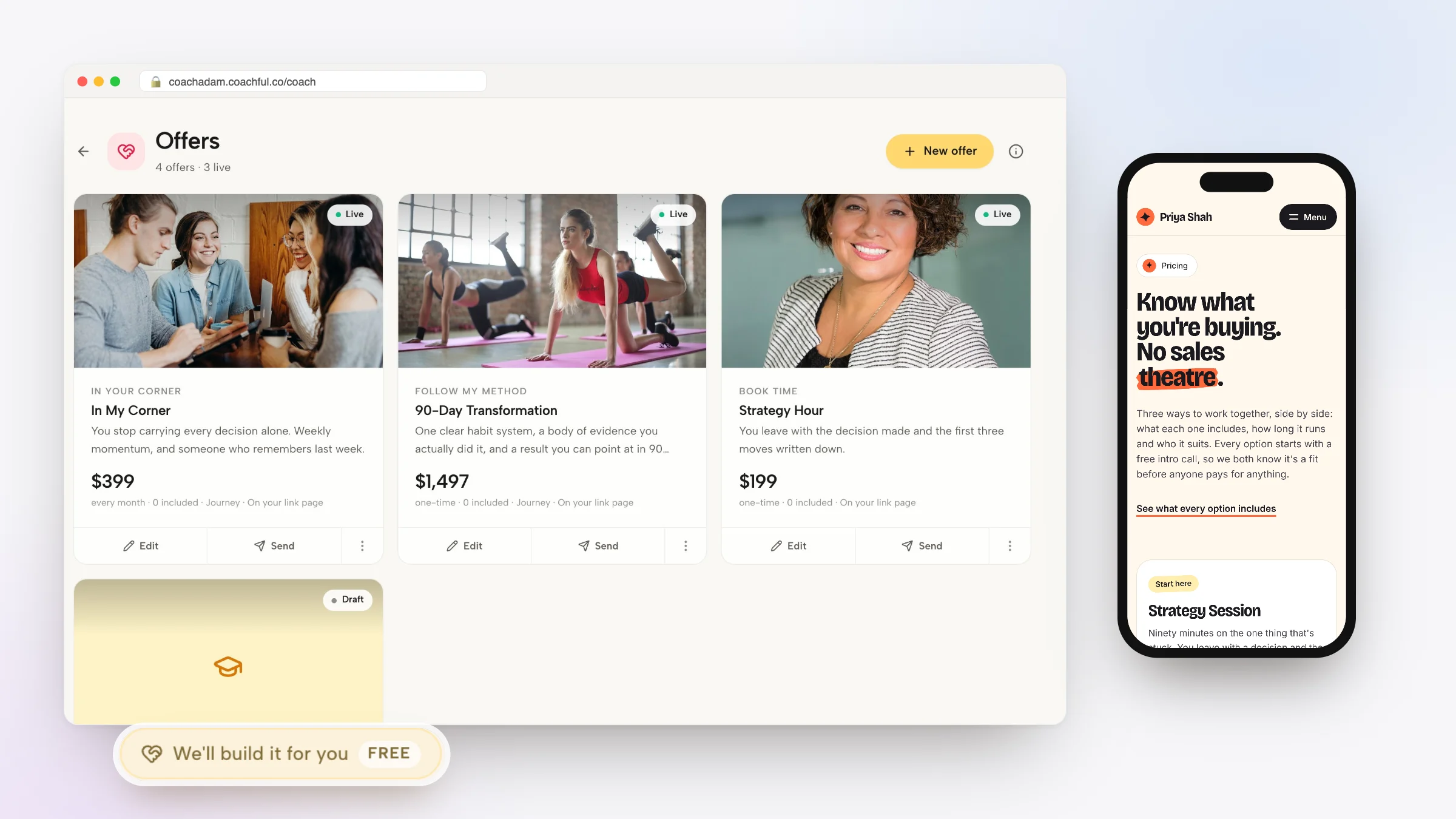
In Coachful, a package is an Offer. An offer can bundle programs, courses, resources, a number of sessions, community access and private chat into one thing you sell. You can start from one of 30 ready-made offer templates (1:1 packages, ongoing support, intensives, groups and more), which fill in the name, sales copy, FAQs and session allowance but never set your price. Pricing can be one price or two to six tiers, one-time, recurring or a payment plan, with coupons and order bumps. Payments go to your own Stripe or Razorpay account with a 0% Coachful platform fee, and your agreement goes out for e-signature before the first call.

Every offer gets a direct page. You can also add it to your link-in-bio page, create a sales funnel for it or add it to your website menu, from the same screen. If you sell programs and resources together, bundles show the combined value against the separate prices.

Step 5: Turn sessions into credits with rules
Once someone has paid for eight sessions, they should not pay again when they book. They should spend a credit. That sounds obvious, yet a lot of coaches still track "sessions left" in a spreadsheet and send booking links by hand.
Set three rules and write them into your agreement:
- Expiry. For example, 6 sessions used within 16 weeks. It keeps the package moving and protects your calendar.
- Cancellation window. How late a client can cancel before the session counts as used. 24 hours is common.
- Cadence. Fortnightly sessions should actually be fortnightly. Our guide to scheduling packages so every session finishes on time has the math.
In Coachful, a package's sessions become credits the client spends at booking. Each session type decides whether a credit follows attendance or a cancellation window, and clients book from your live availability with two-way Google, Outlook and Apple calendar sync. For a deeper look at tracking and invoicing, see session tracking and auto-invoicing.
Step 6: Onboard the buyer in the first 48 hours
Buyer's remorse lives in the gap between paying and the first session. Close it:
- Within minutes: a welcome message from you, not just a receipt.
- Within a day: the first session booked, ideally inside the checkout.
- Before the first session: a short worksheet on goals and context, so session one starts at depth.
In Coachful, access to everything in the offer is granted automatically after purchase, and you can attach an optional journey that walks the new client through their first steps. A worksheet attached to the session shows up on the client's My Coaching page next to the call link.

Step 7: Deliver between sessions
A package that is only sessions feels expensive by week five. The work between sessions is what clients remember: a weekly task, a habit to track, a short check-in, a voice note from you on a hard day. You do not need a lot of it, but you need some, on a rhythm.
Coachful runs this as a program inside the package: weekly goals, daily tasks, habits with streaks and morning and evening check-ins, in the client's iPhone or Android app. Our guide to creating a coaching program covers the structure.
Step 8: Watch unused sessions and start the renewal early
Two numbers tell you how a package business is doing: sessions people have paid for and not booked, and clients approaching their last session. The first is a retention warning. The second is a renewal opportunity, and the best time to raise it is a few sessions before the end, not in the last one. See when to start the renewal conversation.

Coachful's analytics show unscheduled credits, attendance and no-shows, and every payment is recorded on the client with an invoice, so who has paid for what is a glance rather than a search.

Step 9: Send people to the package, or have it built for you
A package page with no traffic is a draft. The usual routes in:
- Discovery call, then the offer page. The most common path for packages above impulse-buy prices. Build the call page first with our coaching booking page guide.
- A lead magnet funnel that ends in the call or the offer.
- Your link-in-bio page, with the offer as a card people can buy from.
- Your existing clients, at renewal.
The free white-glove build
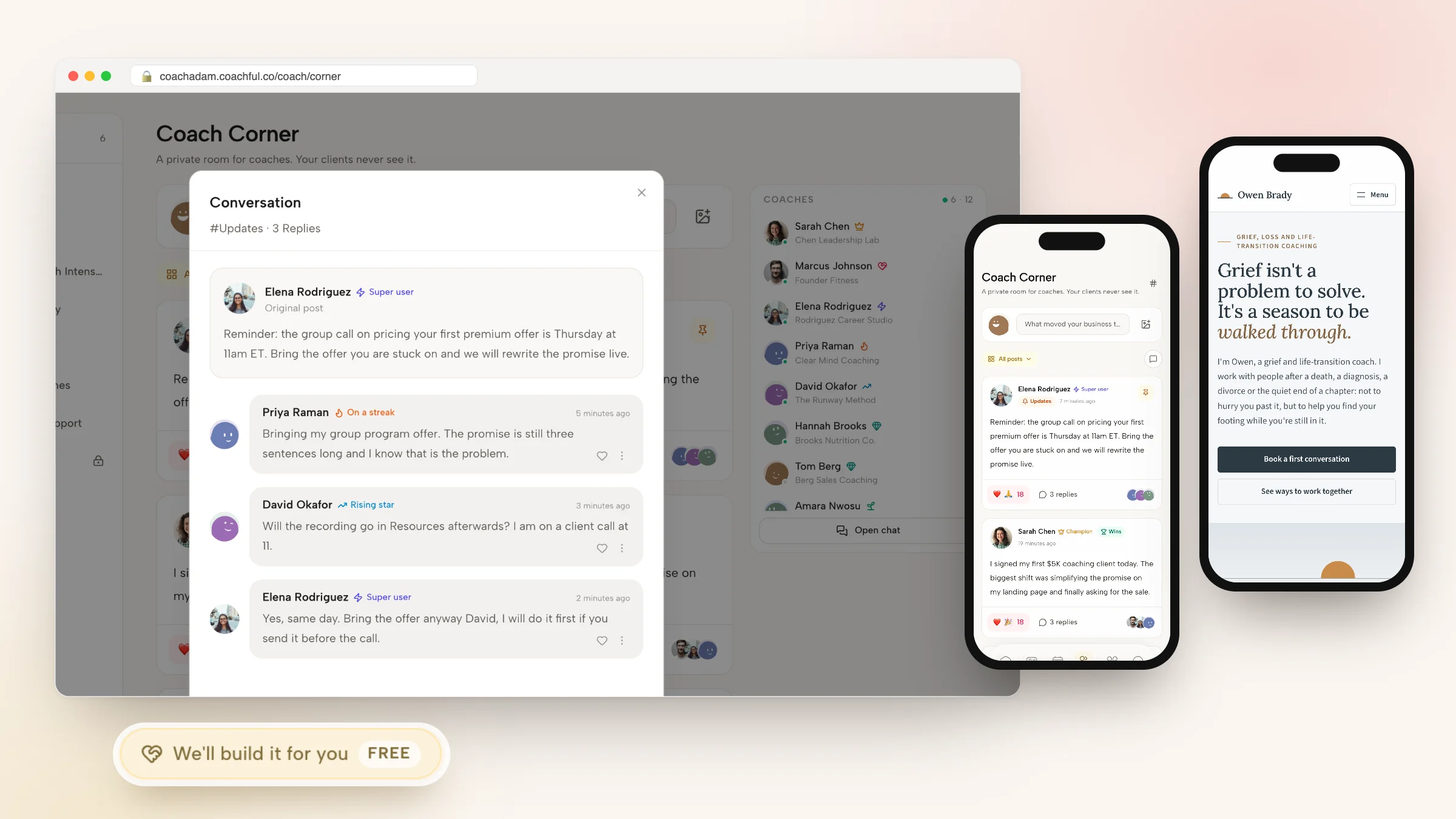
If setting all this up sounds like a month of weekends, Coachful's white-glove service does it for you, free on every plan. Open Create and choose "We'll build it for you · FREE", pick what you want built (an offer or sales page, a funnel, a website, a program, an email sequence and more), describe it, and attach up to 8 links and 10 files: your old sales page, your agreement, your logo, your copy. The team replies by email, usually within about 24 hours, and builds it inside your account, where you can edit everything.

One recent request came from a business mentor for beauty professionals who sells on Instagram: the team built a sales page and checkout for a 12-week mentorship, turned a free start-up guide into a funnel that now leads to the sales page, and rewrote the follow-up emails. The facts policy is strict: no invented testimonials, credentials or prices, and anything missing is left for you to fill in. The service does not record your videos or run your ads. Read more in our white-glove service guide, or see the coaching packages page for what the package tools do.
Frequently asked questions
What is the best way to sell coaching packages online?
Use one checkout that takes payment, signs your agreement, collects a short intake and books the first session, then turn the package's sessions into credits the client spends on your calendar. Send buyers to a package page that answers outcome, fit, contents, onboarding and terms, usually after a discovery call.
How do I set up a coaching package with session credits?
Decide the number of sessions, an expiry and a cancellation window, then sell the package on a platform that issues credits at purchase. In Coachful, an offer's session allowance becomes credits the client spends when booking, and each session type decides whether credits follow attendance or a cancellation window.
Should I offer payment plans for coaching packages?
For higher-priced packages, usually yes, because a plan lowers the first payment. Put the consequence of a missed instalment in your agreement and keep access tied to payment status. Coachful offers payment plans alongside one-time and recurring pricing, with payments into your own Stripe or Razorpay account.
Can I sell coaching packages without a website?
Yes. A direct offer page and a link-in-bio page are enough to start. In Coachful every offer has its own page, and you can add it to your link page as a card. A website helps later for search traffic and trust, and Coachful's team will build one for you for free.
Do I need a contract to sell coaching packages online?
You should have a written agreement covering sessions, expiry, cancellations, payment plans and refunds. The easiest time to get it signed is during checkout, before the first session. Coachful sends agreements for e-signature and stores the signed copy on the client record. Start from our coaching agreement template.
Will Coachful set up my coaching packages for me?
Yes, for free. On every plan, the white-glove team will build your offer or sales page, checkout, funnel, website or program inside your account, usually within about 24 hours of your request. You send what you have, and they leave anything they cannot verify for you to fill in.
How is this different from comparing platforms to sell coaching packages?
A platform comparison helps you pick the tool. This guide is the setup you run on whichever tool you choose: the package shape, payment options, the page, the checkout, credits and renewal. For the comparison, read our roundup of coaching apps with payments and the package platforms guide.