Webinar Poll Questions for Coaches: 5 Useful Examples

Coachful
Editorial Team
The most useful webinar poll questions help a coach choose what to teach next, check whether an example landed, or help participants pick a practical action. They should not pressure people to disclose personal problems or turn a public answer into permission for a sales call.
If your webinar chat is silent, adding a random question about coffee will not fix an unclear lesson. Ask something the audience can answer quickly, explain why you need the answer, and visibly use it. Below are five copyable polls for coaching webinars, with answer options, host scripts and boundaries.
Choose a poll by the decision it helps you make
This is a menu, not a requirement to run five polls in one session. For a short teaching webinar, start with an opening needs question, one question during the worked example, and an optional action question near the end. Add another only if it changes the experience.
- Need: Which example deserves more time?
- Understanding: What needs another explanation?
- Pace: Should you slow down or move on?
- Application: What can someone reasonably try?
- Follow-up: Which resource would they actually use?
These choices solve a different problem from building a webinar funnel. The funnel gets someone to the session and its next step. A good live question helps you teach the people who actually arrived.

1. The opening needs poll: choose the right example
Best when: your audience shares a general goal but may be stuck at different stages. Ask after the welcome and before your first substantive example, not while people are still working out how to hear you.
Imagine a leadership coach teaching a hypothetical webinar on giving useful feedback. The poll could read:
Which part of giving feedback would be most useful to work on today?
A. Starting the conversation
B. Making the request specific
C. Agreeing what happens afterward
D. Not sure yet
Host introduction: “Choose the part that would help you most. I will use your answers to decide which example to unpack in more detail.”
If the opening wins, demonstrate an opening. If answers are spread across the options, explain that you will use one continuous example covering the three stages. Do not ask people to vote on a choice you cannot accommodate within the promised topic.
For a career coach, the options might be choosing a target role, explaining a career change, and preparing for the first conversation. Those are alternatives within one lesson, not three different webinars competing for the remaining time.
Avoid: “What is your biggest leadership failure?” That asks for personal disclosure without helping you make a better teaching decision. It can also expose someone in front of colleagues. Ask about the learning need, not the embarrassing incident.

2. The scenario poll: check understanding without testing people
Best when: you have explained a distinction and want to see whether the audience can apply it. Give people a fictional situation, then compare possible responses.
A colleague interrupts you twice in a meeting. Which opening would you try first?
A. “You never let anyone speak.”
B. “In today's meeting, I was interrupted twice. Can we agree how to finish our points?”
C. Say nothing now and bring it up in their annual review.
D. I need more context.
Host introduction: “This is a practice example, not a judgment about how you handle conflict. Choose a starting point, and we will look at the reasoning.”
B gives you a useful example of describing an observation and making a request. A turns the moment into a broad label; C postpones a conversation that might be possible now. D is legitimate: power, safety and the purpose of the meeting may change what is appropriate.
Ask what information would make the decision easier. A coaching webinar should not train people to treat one sentence as the correct answer to every workplace situation. Explain the principle and its limits rather than congratulating the “good” voters.
For a business coach teaching offers, use a fictional buying decision instead. For a health coach, keep the scenario within your competence and avoid presenting a poll as diagnosis, treatment selection or individualized medical advice.

3. The pace poll: make it safe to say “slow down”
Best when: you are teaching a process with several linked steps. Use it after a meaningful demonstration, before adding another layer.
What would help you use this method?
A. Repeat the example more slowly.
B. Show a different example.
C. Move to the next step.
D. I am listening rather than practicing today.
Host introduction: “There is no prize for keeping up. Tell me which route would make the next few minutes more useful.”
This is more actionable than “Does that make sense?” People can select a useful change without declaring themselves confused. If several participants want repetition, restate the key step and show it once more. If the room splits, give a brief recap and point to a written example people can revisit.
Set a time boundary before launching the poll. You might offer one slower example now and save a second variation for the resource pack. Do not promise to rebuild the entire agenda in response to every preference.
If nobody votes, give a short recap and continue. Silence might reflect a technical problem, a participant on a phone, or a person who prefers to observe. It does not prove disinterest, resistance or a lack of commitment.

4. The action poll: turn the lesson into a small experiment
Best when: participants have seen the method and need to choose a realistic next action. Ask before the closing invitation, while the teaching still has their attention.
Which step could you test in the next seven days?
A. Draft an opening sentence.
B. Practice the conversation with someone I trust.
C. Arrange an appropriate conversation.
D. Review whether this is the right approach for my situation.
Host introduction: “Choose something within your control. You do not have to make a public commitment or explain your situation.”
Ask participants to write their selected action somewhere they will find it. Then invite them to add a specific occasion privately: before a meeting, during a rehearsal, or after checking an organizational policy. Keep the action about their behavior, not a guaranteed response from someone else.
D is not a failure option. A person may need advice from a manager, HR professional, clinician or another qualified professional before acting. Your webinar does not override those boundaries.
A community prompt can support practice afterward, but joining a community should be a separate, clear choice. Do not repost named answers from a webinar into a client group or tell other members what an attendee committed to do.

5. The resource poll: ask what follow-up would be useful
Best when: you have more than one relevant resource and can actually deliver the option selected. Put the question near the end, separately from any invitation to discuss coaching.
Which resource would help you take the next step?
A. The opening-sentence worksheet.
B. A second worked example.
C. A short practice checklist.
D. None of these today.
Host introduction: “This helps me choose what to make easiest to find after the session. Selecting a resource does not book a call or sign you up for a different mailing list.”
If the poll is anonymous, you cannot deliver a different resource to each person from that vote alone. Put the resources on an accessible page, or provide a separate optional request form. If replies are identified, check what participants were told about visibility, follow-up and data use.
Keep the promised replay and any essential worksheet available under the original event terms. Do not make a resource people already earned conditional on taking a sales call. When you do invite someone to coaching, explain the service and let them choose it directly.
For wording after the session, our webinar follow-up email templates cover the separate delivery task. A poll response is context for being useful, not a substitute for permission.

Write answer options that do not distort the room
Keep each question about one decision. “Was the session clear and useful?” combines two judgments: it can be clear but irrelevant, or relevant but confusing. Ask which explanation would help next, or ask about usefulness separately.
Pew Research Center's questionnaire-design guidance explains why wording, response choices and question order matter. A webinar poll is not a representative survey, but the same care helps you avoid collecting answers that mean different things to different people.
- Make single-choice options distinct. “New manager” and “Less than two years managing” overlap. Use clear experience ranges or ask a different question.
- Allow an honest exit. Include “Not sure,” “Not applicable” or a skip option when it prevents a forced answer.
- Use plain labels. “Show another example” is easier to understand live than an elaborate learning-style category.
- Keep ratings consistent. If a higher number means greater confidence, do not reverse that meaning later.
- Check the mobile view. Read every option on a phone-sized screen before the event.
Do not imply that a low confidence score is a clinical assessment or that a higher score proves improved skill. Confidence, knowledge, behavior and outcomes are different things. A quick self-report can guide your explanation without establishing any of them.

Read the result without inventing a conclusion
Suppose a hypothetical webinar has 20 attendees present when you launch a question. Twelve vote: six choose starting the conversation, four choose making the request clear, and two choose agreeing a next step. Eight do not vote.
The accurate summary is: “Six of the twelve people who voted chose the opening, so I will spend a little more time there.” It is not “Half the room cannot start a feedback conversation,” and it is certainly not “Half of managers need our coaching program.”
The first claim describes responses. The second changes both the denominator and the meaning. The third turns a small, self-selected group into a claim about the market. None of those leaps is necessary to make the next five minutes useful.
Record the question, response count, attendance at that moment if available, and what you changed. Compare repeated sessions cautiously: different traffic sources, audiences and wording can produce different answers. You are looking for a teaching improvement, not manufacturing a conversion benchmark.

Run the interaction without making it awkward
Before going live, test the complete question as an attendee. Check whether people can skip it, whether the host sees names, what appears in a recording, and whether results are shown automatically. Never promise anonymity because a control merely looks private from the host view.
Give a brief response window and say when you will close it. Read the options aloud so participants are not dependent on tiny screen text. Restate the result in words, then explain the teaching choice you are making. Do not leave people staring at a chart while you silently work out what it means.
If the polling tool fails, a low-risk A, B or C chat prompt can work, provided you say that responses are visible. For sensitive material, use private reflection instead. A structured form may be appropriate afterward, but only collect information you need and can protect.
In a small corporate audience, even unnamed answers may be recognizable. Avoid questions about health conditions, disciplinary situations, finances or identifiable colleagues. Agree with the sponsor what, if anything, will be reported. Aggregate presentation is not a guarantee that an individual cannot be inferred.
Where Coachful fits, and what to test yourself
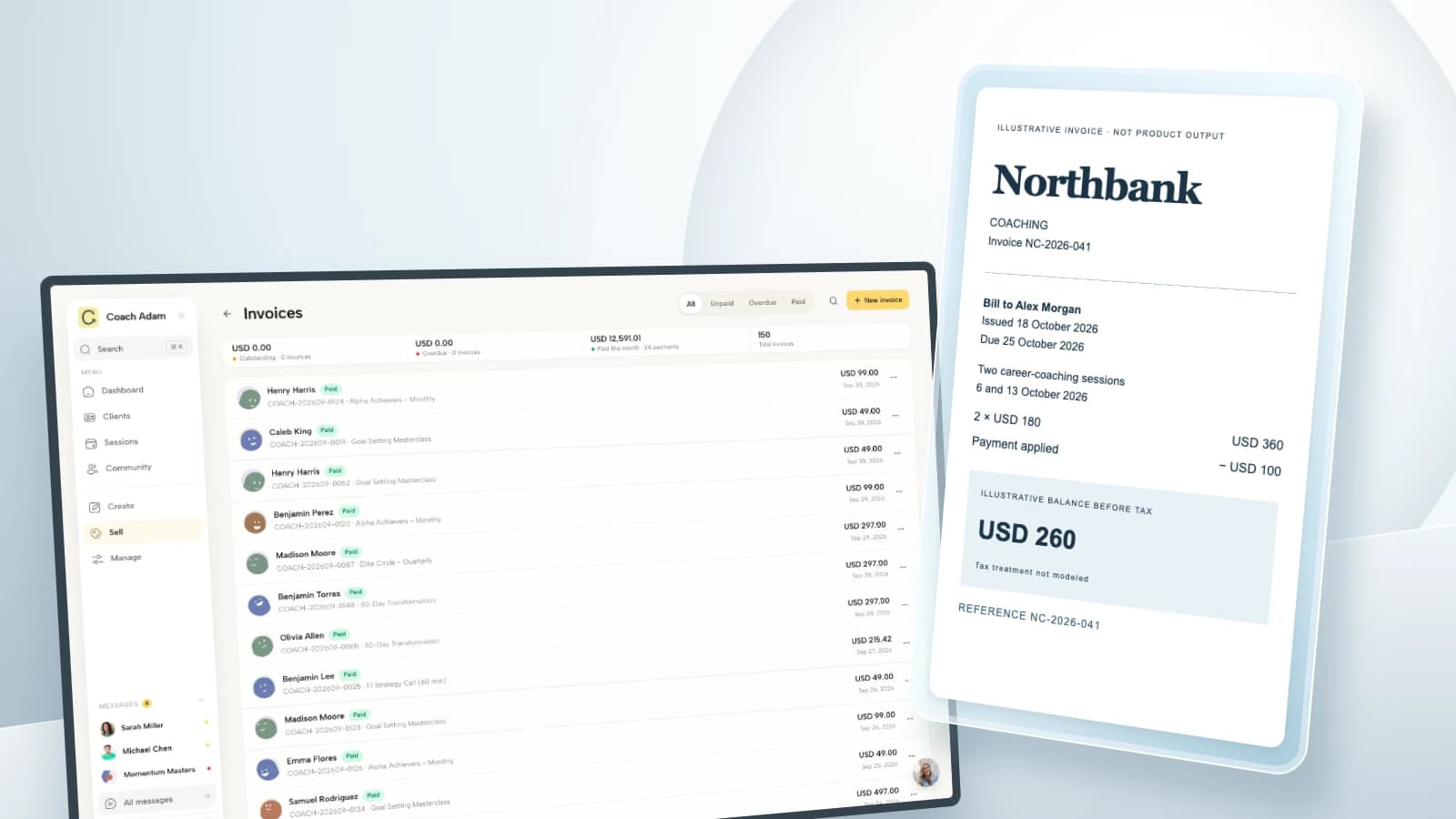
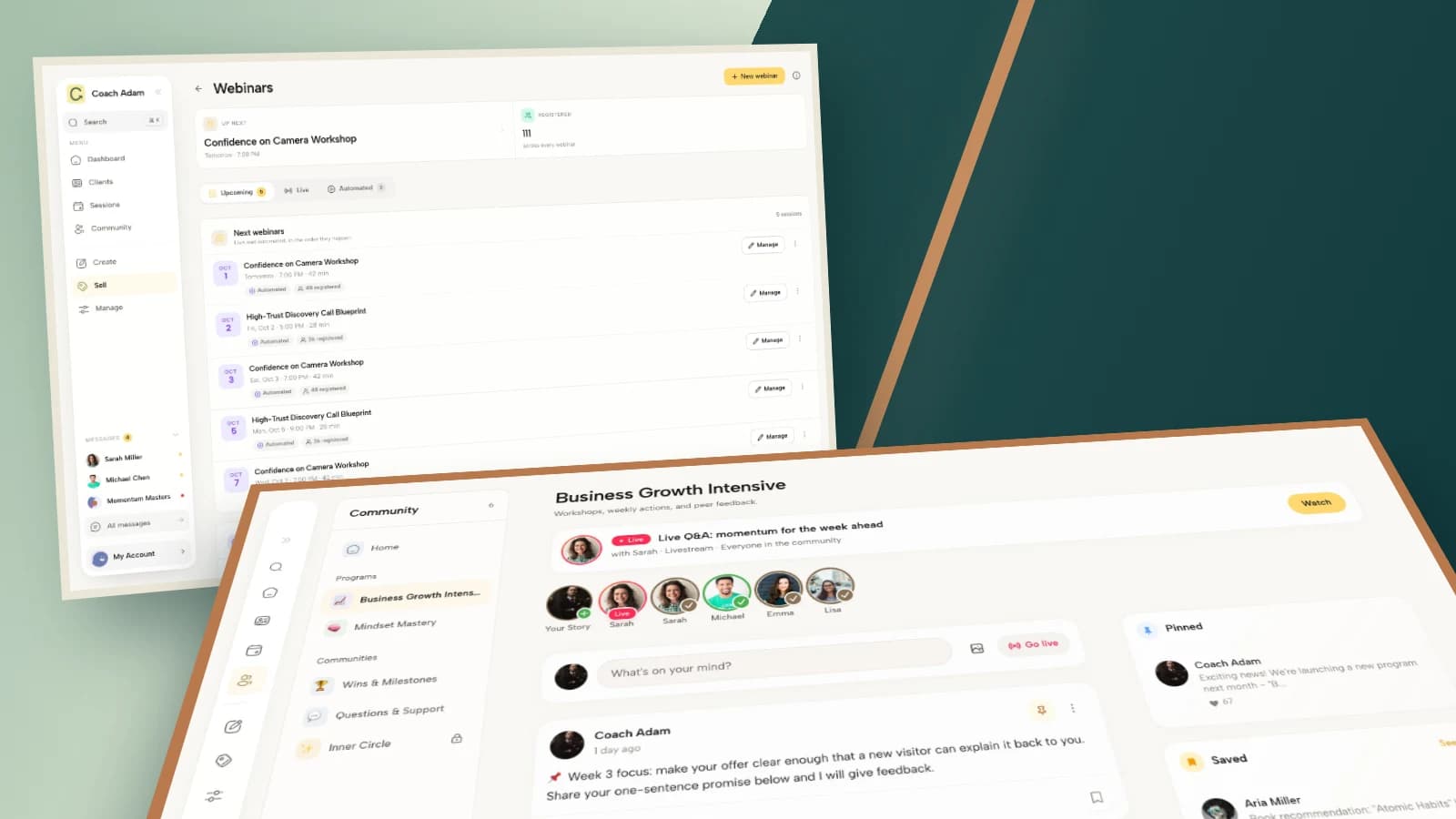
Coachful's video calls and webinar page describes in-room polls alongside webinar tools. The demo screens in this article show supporting surfaces: webinar administration, a form builder, channel management, community participation and an email sequence editor. They are not screenshots of these five proposed polls.
Do not assume that a poll automatically updates a lead, routes an email sequence, preserves anonymity or grants marketing consent. Those are separate behaviors to verify in the actual setup. Use the question bank even if your current webinar platform only supports a simple single-choice vote.
Once you have chosen the two or three questions worth asking, try the interactive Coachful demo to explore the webinar and supporting communication surfaces. Start with the learning decision, then check the tool. A more elaborate setup cannot rescue a question you will ignore.
Frequently asked questions
How many poll questions should I use in a coaching webinar?
Start with two or three that serve different decisions. That is a practical starting point, not a proven universal optimum. Reduce the number when the session is short or the discussion is already useful. Use more only when the learning design justifies the interruption.
Should I show the results immediately?
Show them when that helps the lesson and does not expose participants. For a scenario question, you may want people to decide before seeing the group's answer. For personal topics, sharing results can be inappropriate even when names are hidden.
Can I use poll answers to qualify coaching leads?
An answer can reveal a stated interest, not purchase readiness or permission to contact someone. Offer a separate, explicit next step such as requesting a resource or booking a conversation. Do not treat selecting “I need another example” as asking for a sales follow-up.
What should I do with poll results in a webinar replay?
Review the recording before sharing it. Remove names, chat or sensitive disclosures that should not be distributed, and explain that any displayed results came from that live session. Never present old responses as votes from the replay audience or manufacture activity around a recording.
The test is simple: can you finish the sentence “Because you answered that, I will…”? If you cannot, replace the poll with a clearer example, a useful pause or a direct invitation to ask a question.