Zoom Breakout Rooms for Coaches: 7 Setup Steps

Nour
Founder, Coachful
How do you send a coaching group into Zoom breakout rooms without losing the room, the time or the trust? Prepare the instructions before the call, test the participant journey, assign people deliberately and bring everyone back to discuss their own learning, not their partner’s story.
The awkward moment is familiar: you click Open All Rooms, someone asks what they are supposed to do, and another person disappears with the only copy of the instructions. The fix is not a more elaborate exercise. It is a short hosting plan that still works when someone joins late, uses a phone or chooses not to participate.
This guide covers the technical and facilitation setup for coaches using Zoom Meetings breakout rooms. It is not a list of icebreakers or a claim that small-group discussion automatically produces better coaching. For activity selection, use our group coaching activities guide. Here, the job is making the chosen activity work safely online.
1. Confirm which tool is hosting the breakout rooms
Zoom breakout rooms are smaller sessions inside a Zoom meeting. The host can assign participants to them, visit rooms and bring people back. Zoom’s official breakout-room overview explains the current controls and options. Check your actual account and application before promising a particular experience.
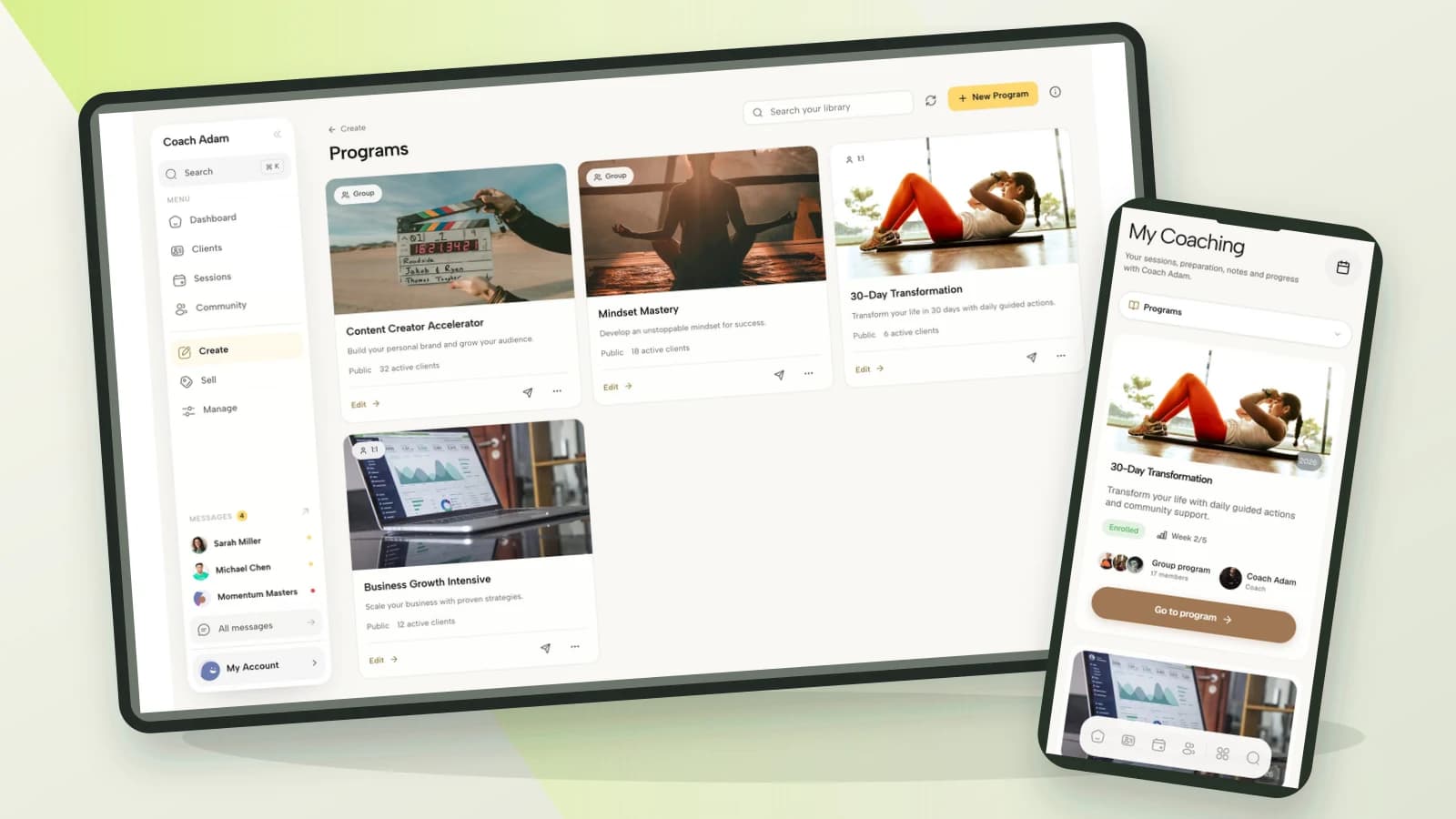
If you use Coachful around the session, separate the responsibilities. Coachful can support the program, preparation and communication; the breakout controls live in Zoom. Coachful’s Zoom versus built-in video guide explicitly identifies Zoom as the option for breakout rooms. Do not assume a group call in Coachful includes the same feature.

Write down the meeting location, the host account, the person operating rooms and the fallback contact method. Open the invitation from a participant’s perspective. Does it lead to the intended Zoom meeting, rather than an old recurring session or the wrong video service? A working link on your own computer is not a complete participant test.
Check that the meeting duration and capacity fit your account. This article deliberately does not quote plan limits, because those can change. If your session depends on a co-host, verify that role and the controls available to that person in the meeting you will actually use.
2. Enable and rehearse the controls before clients arrive
Zoom’s published setup guidance points to the web portal’s Settings, Meeting and In Meeting (Advanced) area to enable breakout rooms. If the option is locked, your account administrator may need to change it. Interface labels and available options can vary, so use the official documentation alongside your current account rather than hunting for an exact screenshot match.
Start a rehearsal meeting and find Breakout Rooms in the meeting controls. Create a small test allocation, open the rooms, send a message, visit a room and close the rooms. A colleague joining as a participant is more informative than switching between two host windows.
- Assignment: test the manual, automatic or participant-choice method you intend to use.
- Instructions: verify how the participant will access the brief after leaving the main room.
- Timing: test the timer and return countdown rather than guessing what happens when time expires.
- Help: have the participant request help, and practice responding.
- Recovery: have them leave and rejoin, then practice placing them back into the right room.
Rehearse from a phone too if members will use one. A participant may need to switch between Zoom and the worksheet, which is a different experience from your large host monitor. Offer a brief that can be read before joining, and do not make a complex shared document essential to participation.

A small rehearsal should expose friction, not prove that every future device will work. Tell members how to get help and provide a solo alternative for someone whose connection cannot support moving between rooms.
3. Put the brief somewhere that survives the room change
“Discuss your goals” is not enough instruction for a paid coaching session. People need a purpose, a sequence, a role and a stopping point. Give the brief in writing and explain it aloud before opening rooms. Ask someone to summarize the first step so confusion surfaces while you can still address everyone.
Use this copyable brief as a starting point. It is a hypothetical exercise for a general coaching cohort, not a protocol for clinical work or a substitute for professional training.
Purpose: leave with one small action you can test before our next session.
Choose: a current, manageable challenge you are comfortable discussing with another member. Use a fictional example or work alone if preferred.
Roles: one speaker, one questioner and, in trios, one process observer. We will rotate.
Questions: What do you want to change? What is within your influence? What is the smallest useful experiment?
Boundary: ask before offering advice. Do not diagnose, record or repeat another person’s story outside the room.
Return: bring your own action or observation about the process. Do not report on your partner.

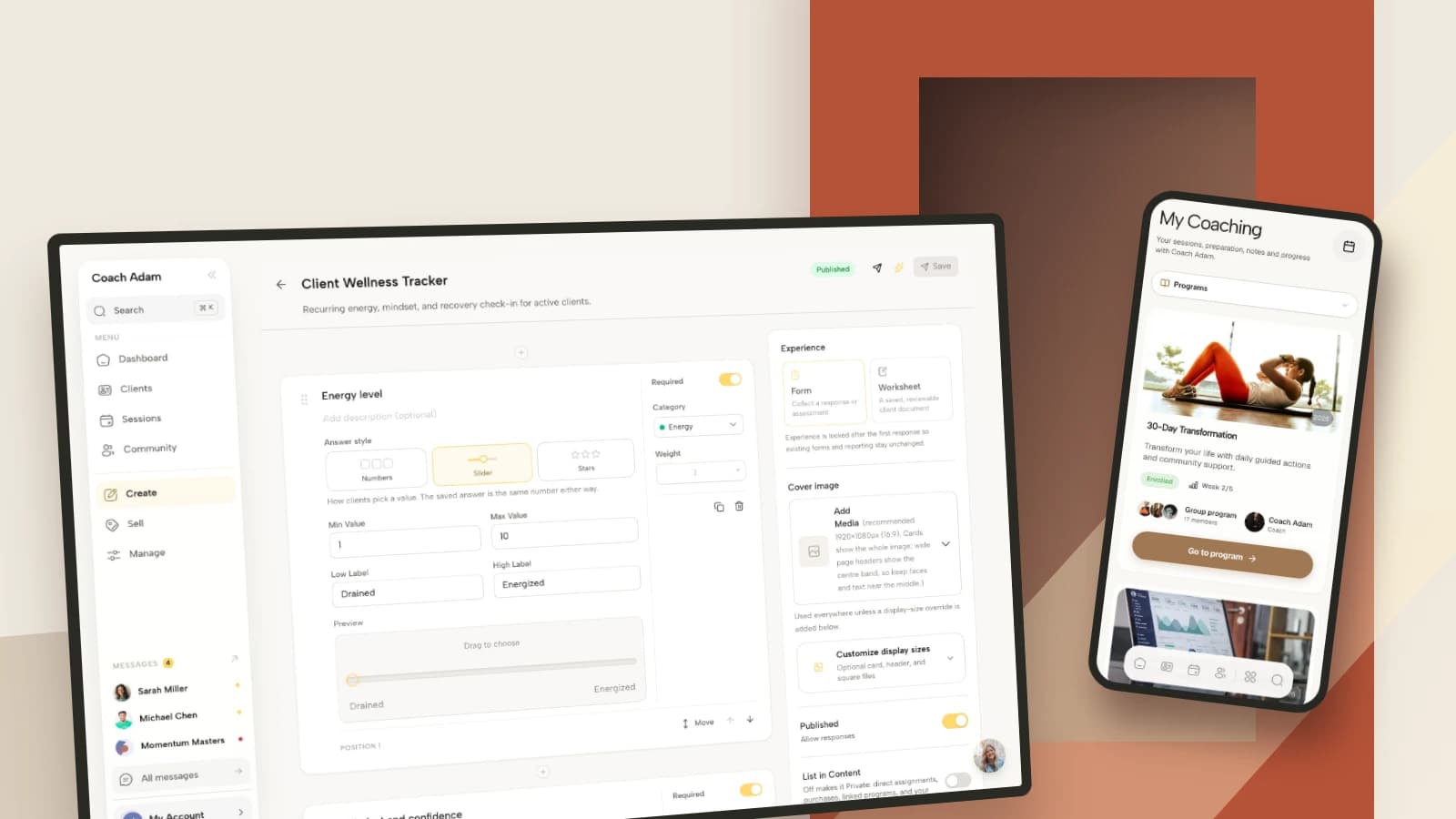
A worksheet builder is useful for preparation, but only collect information you actually need. You do not need members’ full personal histories to allocate rooms. Avoid asking for sensitive disclosures in a shared document or a pre-call form simply because the field is available.
Before the meeting, send the brief with the session instructions. During the meeting, share its location again and allow a quiet minute to read. Do not rely on a chat message remaining conveniently visible after every device or room transition.

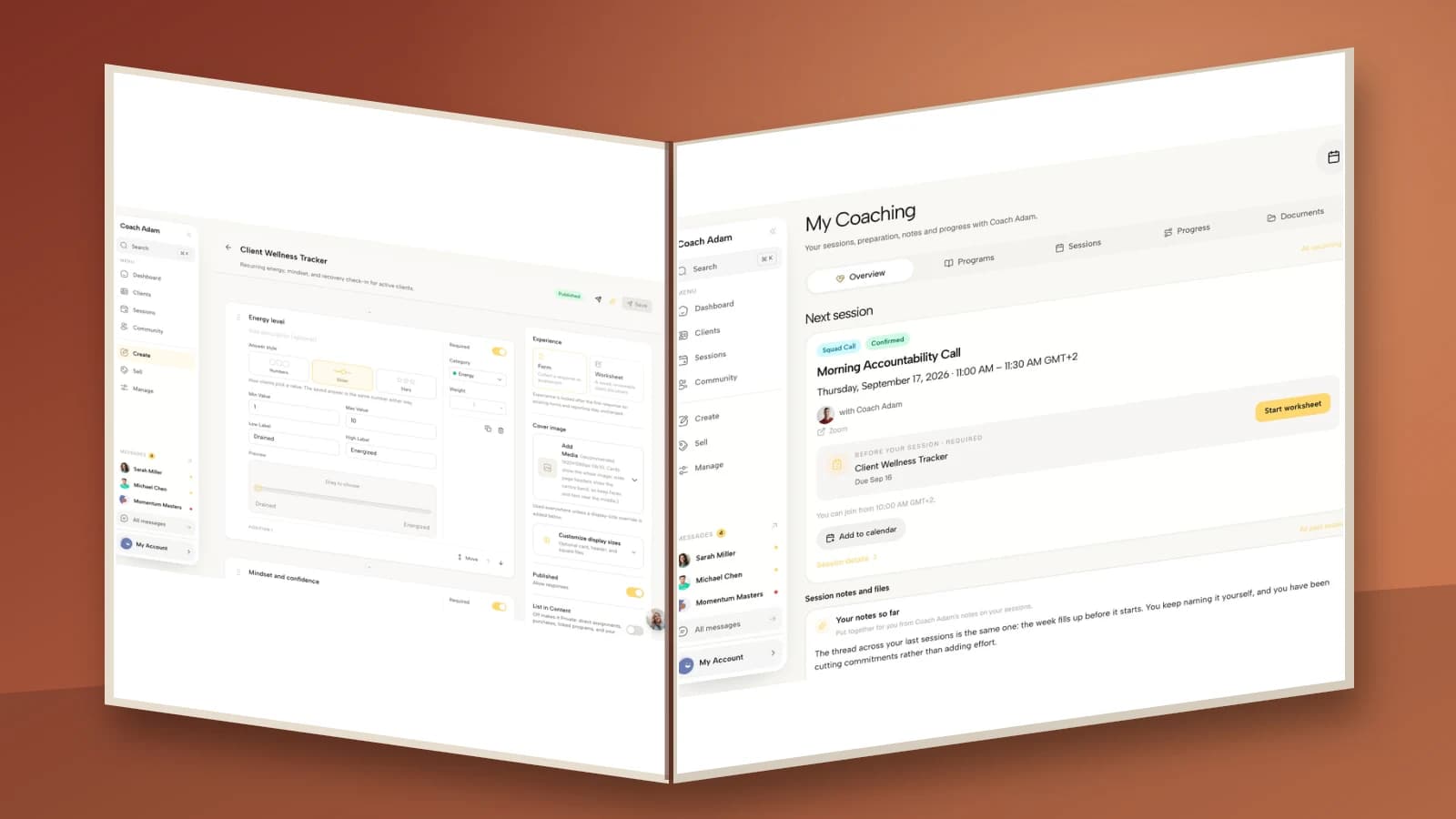
The demo portal above illustrates a preparation surface, not a configured Zoom breakout session. Whatever platform you use, test access through the member’s account. A coach-only resource link is a very efficient way to send everyone into ten minutes of troubleshooting.
4. Allocate people for the purpose, not for neat arithmetic
Choose pairs when the aim is protected speaking time. Choose trios when a process observer adds value and you have time to rotate. Larger rooms can suit discussion, but make it easier for quieter members to become an audience. The smallest workable group is usually simpler to facilitate.
Manual assignment is useful when you need to avoid a manager and direct report sharing a sensitive exercise, separate people with a known conflict or accommodate an agreed access need. Random assignment can be fine for low-stakes practice. Participant choice works when members can understand and navigate the room options without being stranded.

For the hypothetical eight-person group shown above, two trios and one pair account for all eight participants. The pair cannot follow a script that requires a separate observer. Give them a two-person variation with equal speaking turns, or choose four pairs if that better serves the session.
Keep a simple private allocation list. You need names, room and any logistical accommodation, not a shared explanation of why you separated particular people. Room names should also be neutral. “Room 2” is better than a label that broadcasts someone’s problem or ability.
Plan for an odd number before the call. You might make one trio, offer a volunteer a solo reflection or join a room if that will not leave the rest of the group unsupported. Do not discover your solution by leaving the final person alone and hoping they will not notice.
5. Agree boundaries and make passing a real option
A breakout room is a smaller conversation, not a confidentiality guarantee. Members can repeat what they hear, take notes or use tools outside your control. State your expectations clearly, explain the limits and avoid activities that depend on promises you cannot enforce.
Try this opening script:
“Choose something you are comfortable working on with another member today. You can pass, use a fictional situation or stay for a solo reflection. Please do not record or share anyone else’s material. When we return, speak about your own learning. I may visit rooms to help with the process; I will announce myself.”
Explain how to ask the host for help and what someone should do if a topic becomes uncomfortable. Keep a practical route back to you. Where your tested settings allow it, explain how to return to the main session; otherwise agree the help-request process before opening rooms.
Do not describe breakouts as impossible to record. Zoom’s breakout-room guide distinguishes cloud recording of the main session from local recording in the room a recording participant occupies. Check your recording settings and permissions, but also recognize that a software control cannot prevent every external capture.
If someone becomes distressed, stop treating the exercise as the priority. Offer a private conversation, an appropriate pause or another agreed support route within your competence. A peer group should not be made responsible for handling a crisis. For employer-sponsored work, also consider hierarchy and whether people genuinely feel able to decline.
6. Host the time, the transitions and the exceptions
Give the group the timing in plain language before you open rooms. For a first attempt, one well-explained round can be more useful than several rapid rotations. If you use trios, the example below fits a complete breakout block into 30 minutes, including instructions and debrief.

- Minutes 0 to 3: explain the purpose, roles, boundaries and help route.
- Minutes 3 to 24: three seven-minute rounds. Each contains four minutes of exploration, two of reflection and one for changing roles.
- Minutes 24 to 30: return, reflect on the method and choose an action.
Build your tested return countdown into the final round. Do not add it after the exercise and then wonder where the debrief went. Broadcast short transition prompts such as “Finish the current sentence, then switch roles.” Avoid sending so many messages that the host becomes a constant interruption.
Tell people whether you will visit rooms and why. A useful visit checks the process: “Have you found the brief?” or “Does everyone know whose turn it is?” It is not an invitation to take over the conversation or assess members’ personal disclosures.
Have a recovery plan for predictable problems:
- Someone arrives late: brief them in the main room first. Do not drop an unbriefed person into someone else’s sensitive conversation.
- Someone disconnects: use the allocation list to restore the group, and tell the remaining members whether to continue or pause.
- A room has only one person: move them or offer the agreed solo option. Do not count an abandoned room as participation.
- A member dominates: reset the equal-turn instruction, rather than publicly diagnosing the person.
- The technology fails: return to individual reflection and whole-group coaching. The exercise serves the session, not the other way around.
If a co-host handles logistics, agree your division of work beforehand. One person watches timing and member questions; the other facilitates. Both should know who will close rooms and what signal means the activity needs to stop early.
7. Bring learning back without collecting other people’s stories
After everyone returns, resist the schoolroom report-back: “Tell us what your partner said.” Ask what each person noticed in their own thinking, what question helped or what action they chose. Let members decline to share. A quiet but useful reflection is not a failed breakout.
Three debrief questions are enough: What became clearer? What will you try before the next call? What do we need to change about the format? The last question gives you operational feedback without asking whether everyone “loved” the exercise.

Keep the brief and any reusable resources with the relevant program so members can find them again. Do not publish individual breakout notes to a cohort resource library. Your reusable asset is the exercise instruction, not a member’s personal material.

A short follow-up can preserve the useful part: “Here is the brief we used. Keep your partner’s material private. If you chose an action, note when you will test it. You can message me about the format or request a different arrangement next time.” Post only what is appropriate for that audience.
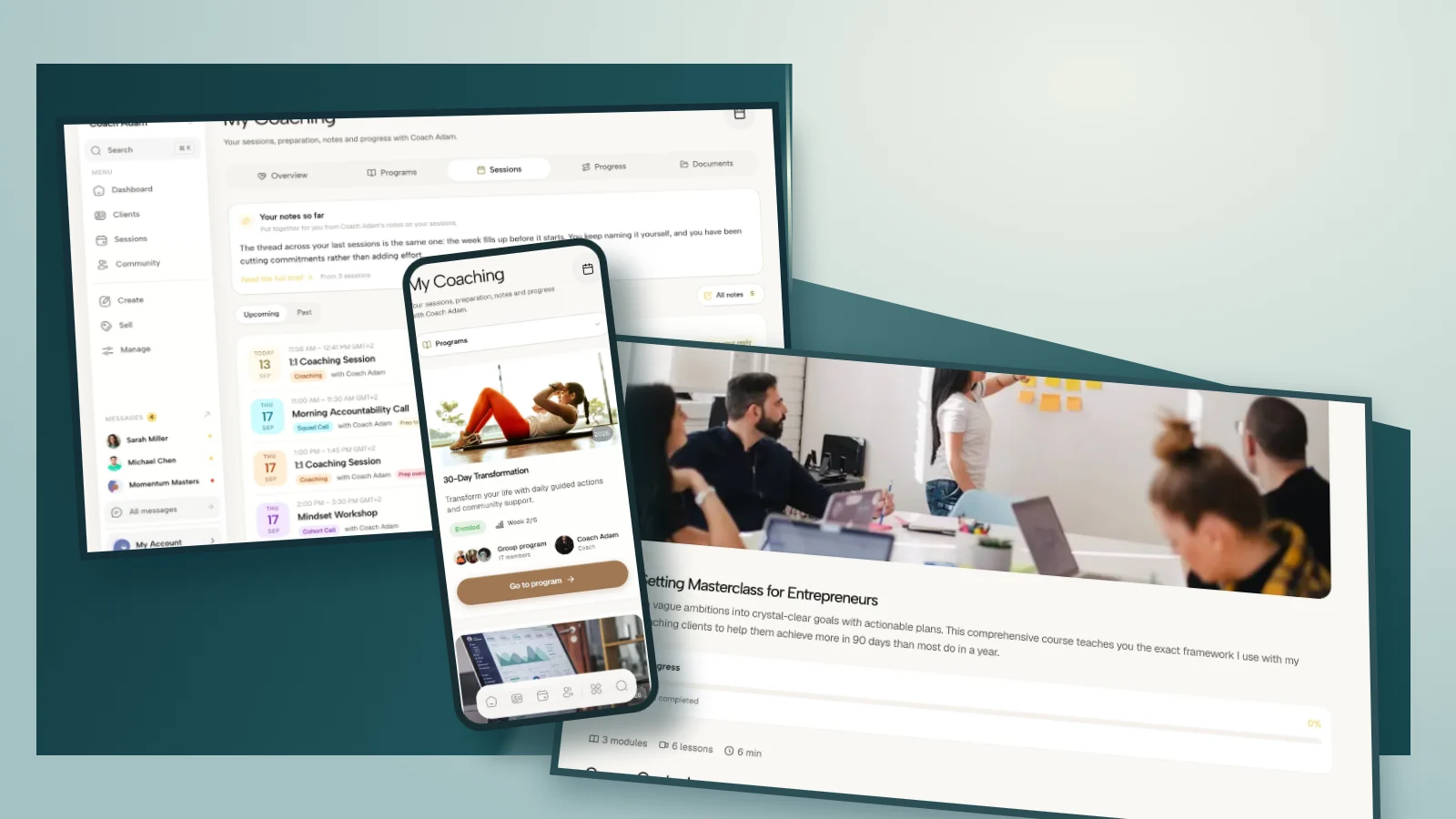
If you want a place to manage preparation and the between-session program around Zoom, try the interactive Coachful demo. Look at the client preparation, program and communication surfaces before deciding whether they fit your delivery. You still configure and run Zoom breakout rooms in Zoom.
Frequently asked questions
Can I use Zoom breakout rooms for group coaching?
Yes, when your account and meeting settings support them. Use them for a defined coaching purpose with clear instructions, participation choices and a help route. Breakouts are not automatically the right format for every topic, group or access need.
Should I use pairs or groups of three?
Use pairs for more speaking time and simpler instructions. Use trios when observing the process is part of the learning and there is enough time for everyone to rotate. Adjust the task if attendance changes; a pair cannot perform three simultaneous roles.
Can I record breakout conversations?
Do not treat recording as the default for coaching practice. Check Zoom’s current documentation and your actual settings, distinguish main-room cloud recording from local recording and obtain appropriate informed agreement where recording is justified. A no-recording agreement is still not a technical guarantee.
Does Coachful’s built-in video have Zoom breakout rooms?
No. Coachful’s published help identifies breakout rooms as a reason to use Zoom alongside Coachful. The surrounding program and client preparation are separate from the meeting feature. Test the actual joining instructions rather than assuming a platform connection configures the rooms for you.
What if a client does not want to enter a breakout room?
Offer a credible alternative, such as solo reflection or working with a fictional example. Explain it before asking people to decide. Do not require an explanation in front of the group or treat passing as evidence that someone is not committed to coaching.
Your next-session checklist
Choose one activity, rehearse the controls, publish the brief, prepare the allocation, explain the boundaries and reserve the debrief. Your success measure is not how quickly everyone vanishes into separate rooms. It is whether members understand the task, can get help and leave with something useful they chose for themselves.
Source boundary: Zoom feature descriptions above come from its linked documentation; account settings and product behavior may change. The scripts, room allocation and timing are editorial examples for coaches, not tested outcome claims. Coachful screenshots show real demo surfaces and do not depict Zoom controls or a preconfigured breakout workflow.