Best Client Onboarding Software: 10 Picks for Coaches

Coachful

Your discovery call went well. The client wants to start, you've agreed on the focus, and you're already thinking about the work ahead. Then you send a questionnaire, a separate agreement, a payment link, and a calendar invitation. The agreement stays unsigned, the questionnaire disappears into an inbox, and you spend your next break writing another follow-up.
That's how great coaching can lose momentum before session one. The client may still want your help, but they're unsure what to do next. Meanwhile, you're wondering whether another software subscription will save time or give you another dashboard to maintain.
The best client onboarding software connects enrollment to coaching delivery. Templates should remove repeated setup, automations should follow up on unfinished tasks, and integrations should keep you from copying client information between systems. Clients should know what's required, what they've completed, and how to get help.
Don't automate every message. Automate the administrative chasing so you can personally handle uncertainty, sensitive questions, and the relationship itself.
The same service-design questions apply beyond coaching. Bornbir's doula onboarding guide offers a useful adjacent perspective for practitioners thinking about their own welcome process.
The platforms below serve different needs. Some connect package purchase, signatures, and booking. Others are stronger at goals, accountability, or managing multiple coaches. The right choice depends on where clients get stuck and what you need to happen after they arrive.
1. Coaching client management software to streamline your practice
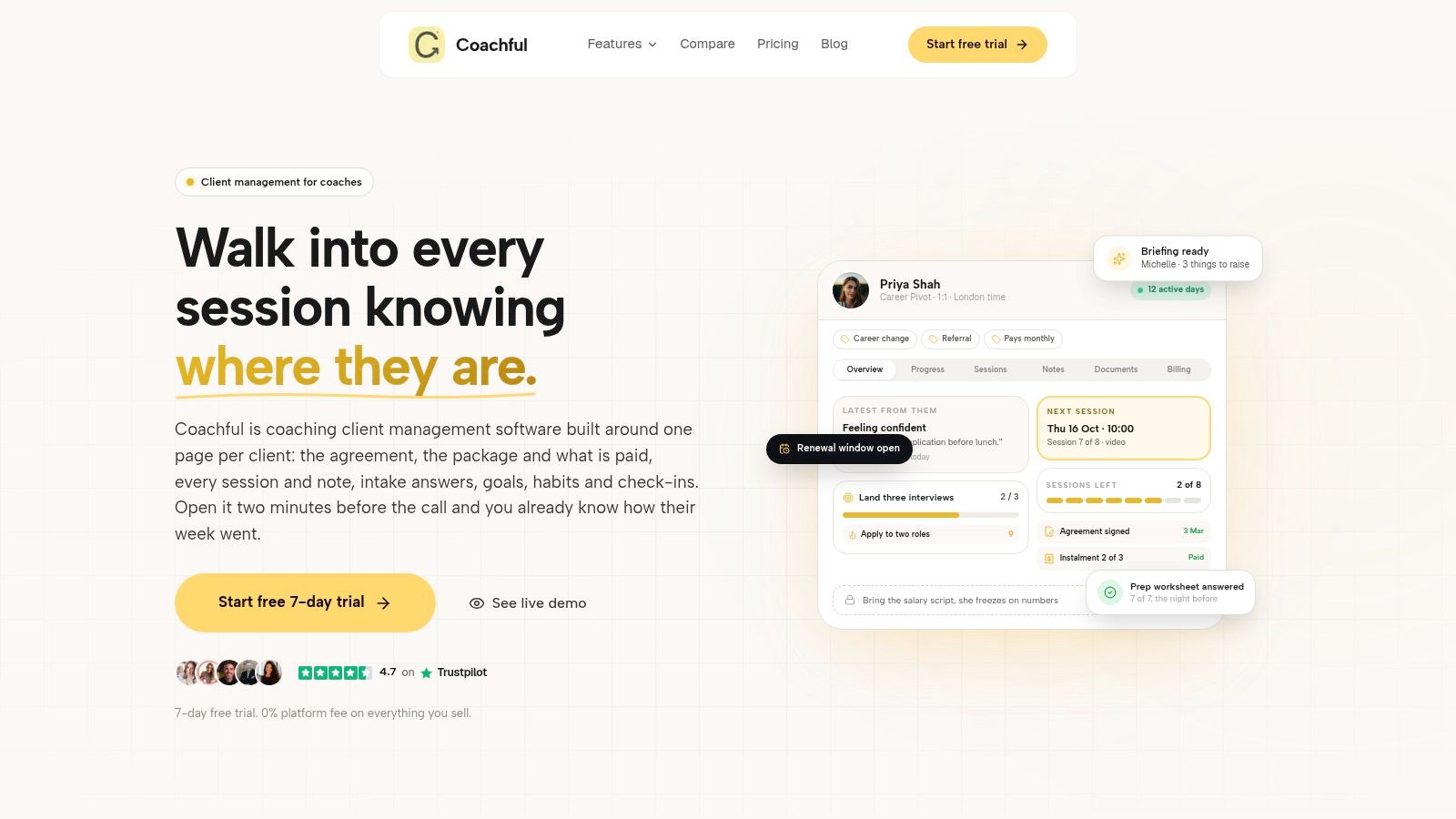
Coachful is worth shortlisting when onboarding needs to connect directly to ongoing coaching. Its coaching client management software brings onboarding, scheduling, payments, messaging, notes, and progress tracking into a shared workspace. That makes it relevant to solo practitioners as well as practices running groups and cohorts.
Consider a business-coaching client who joins after an inquiry call. The intended workflow is to collect intake information, provide agreements and welcome materials, arrange payment and scheduling, then carry the client's goals into the coaching engagement. During a demonstration, verify how agreement acceptance works, whether your required e-signature process is supported, and how inquiry details enter the client record.
Where the connected workspace matters
Coachful's goals, milestones, resources, and session notes give onboarding information a purpose beyond enrollment. A client's initial concern about delegation, for example, should remain useful when you prepare sessions and review progress.
- Operational strengths: Automated reminders and renewals reduce repetitive follow-up, while templates help standardize the welcome experience.
- Delivery strengths: Programs, cohorts, shared resources, and engagement dashboards support work between appointments.
- Implementation trade-off: A full workspace takes configuration. Start with the essentials rather than building every possible program.
- Price and integration questions: The supplied product details don't specify pricing or available third-party integrations. Request both before committing.
Use Coachful's client onboarding checklist to define what must happen before a client attends. For dashboard planning, the adjacent challenge of how to track new gym members with dashboards is a useful prompt: decide which incomplete actions deserve attention, rather than displaying activity without a response plan.
Best fit: Coaches who want a continuous client record, not a temporary enrollment portal they'll abandon once sessions begin.
2. Satori
Satori built its product around coaching engagements, and it shows the moment you set one up. A career coach selling a twelve-session package can attach scheduling, intake forms, agreements, and preparation materials to a single engagement rather than stitching those pieces together across separate tools. For a solo coach who wants clients to move from booking into a structured program, Satori matches that shape well.
Pricing follows active client count, so roster size is a real purchasing factor. Satori offers a free trial without requiring a credit card, though you should confirm current terms before starting. Program limits, booking caps, and access to group coaching, proposals, and custom branding all vary by tier, so check the plan you are buying against the package types you sell.
The strongest argument for Satori is repeatability. Build an engagement once, with its forms, schedule, and resources, then adapt it for each new client instead of rewriting instructions after every discovery call.
Where Satori asks more of you: proposals sit on higher tiers, and a proposal feature does not guarantee the signing method your contracts require. Run a test client from booking through first session during the trial and note every point where you would have to email them manually.
Use this guide to automating coaching client onboarding workflows to map the triggers you want to test. Pay particular attention to what happens when someone books but has not completed the required preparation.
3. CoachAccountable
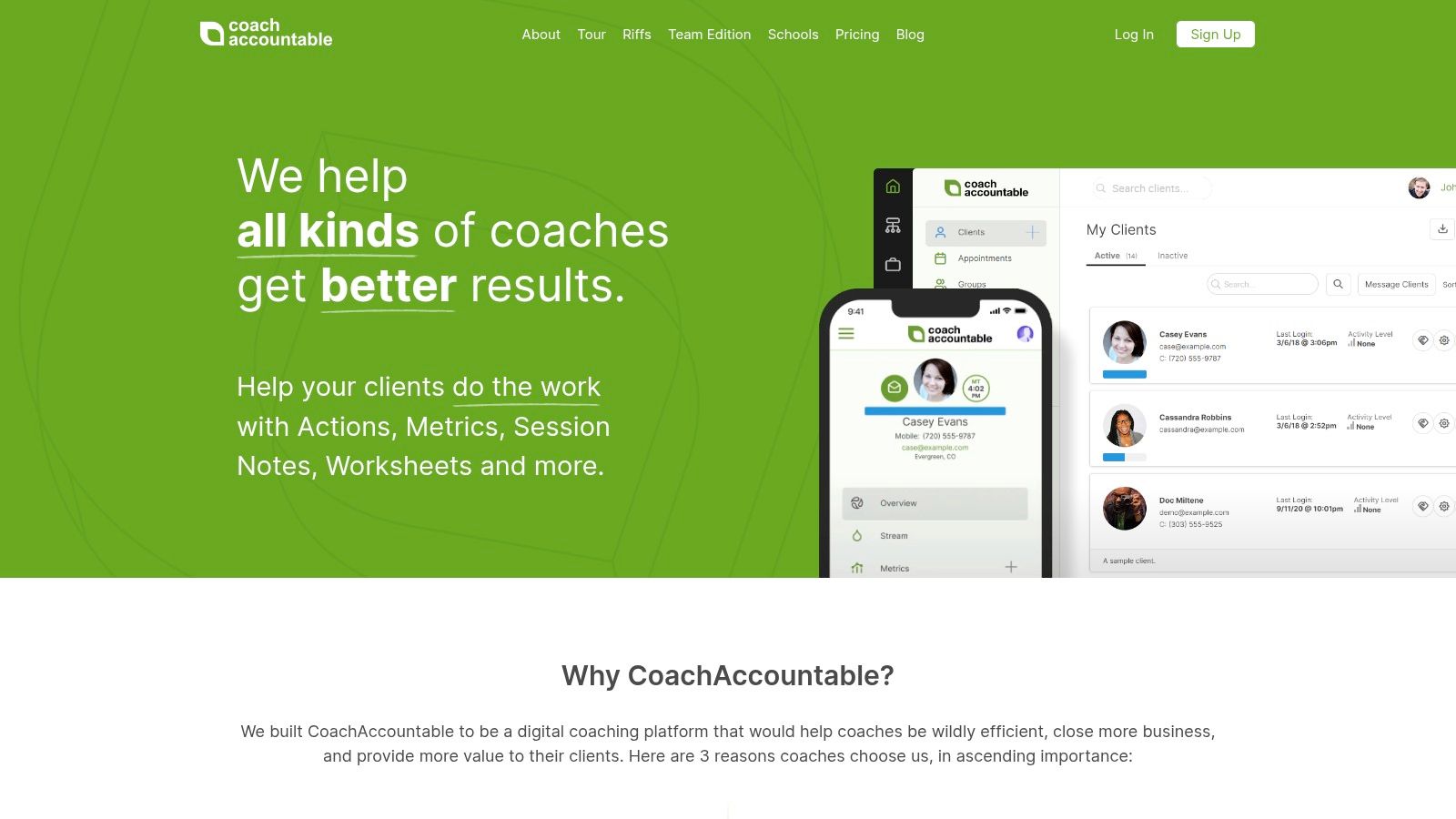
Choose CoachAccountable for the work clients do after enrollment, not just the paperwork before it. Its actions, metrics, worksheets, courses, and session notes make it particularly relevant when accountability is central to your coaching approach.
CoachAccountable also provides a client portal, scheduling, and online payments. For a leadership coach, that could mean bringing a new client into a portal, collecting preparation through a worksheet, scheduling the initial appointment, and establishing a commitment to practice delegation between sessions.
The inquiry-to-agreement stage needs a separate demonstration. Confirm how prospects enter the system, how intake connects to their record, and whether contracts and your required e-signature method need another tool.
A completed intake form isn't the same as an engaged client. Test whether the client can find their next action without asking you where it lives.
Strong accountability, deliberate setup
Pricing scales with active client count, so assess the cost against your working roster rather than your entire contact list. Team Edition adds coach-client assignments and organizational oversight, which matters when an administrator coordinates several practitioners.
The trade-off is setup effort. Worksheets, courses, metrics, and reminders need thoughtful design. If you only need a signed agreement, invoice, and calendar slot, you may be buying more operational depth than you'll use.
Privacy also needs an explicit decision: the vendor states that the platform isn't HIPAA compliant. Coaches working with health-related information should establish their obligations before collecting records, rather than assuming that a coaching portal automatically suits every sensitive-data workflow.
4. Paperbell
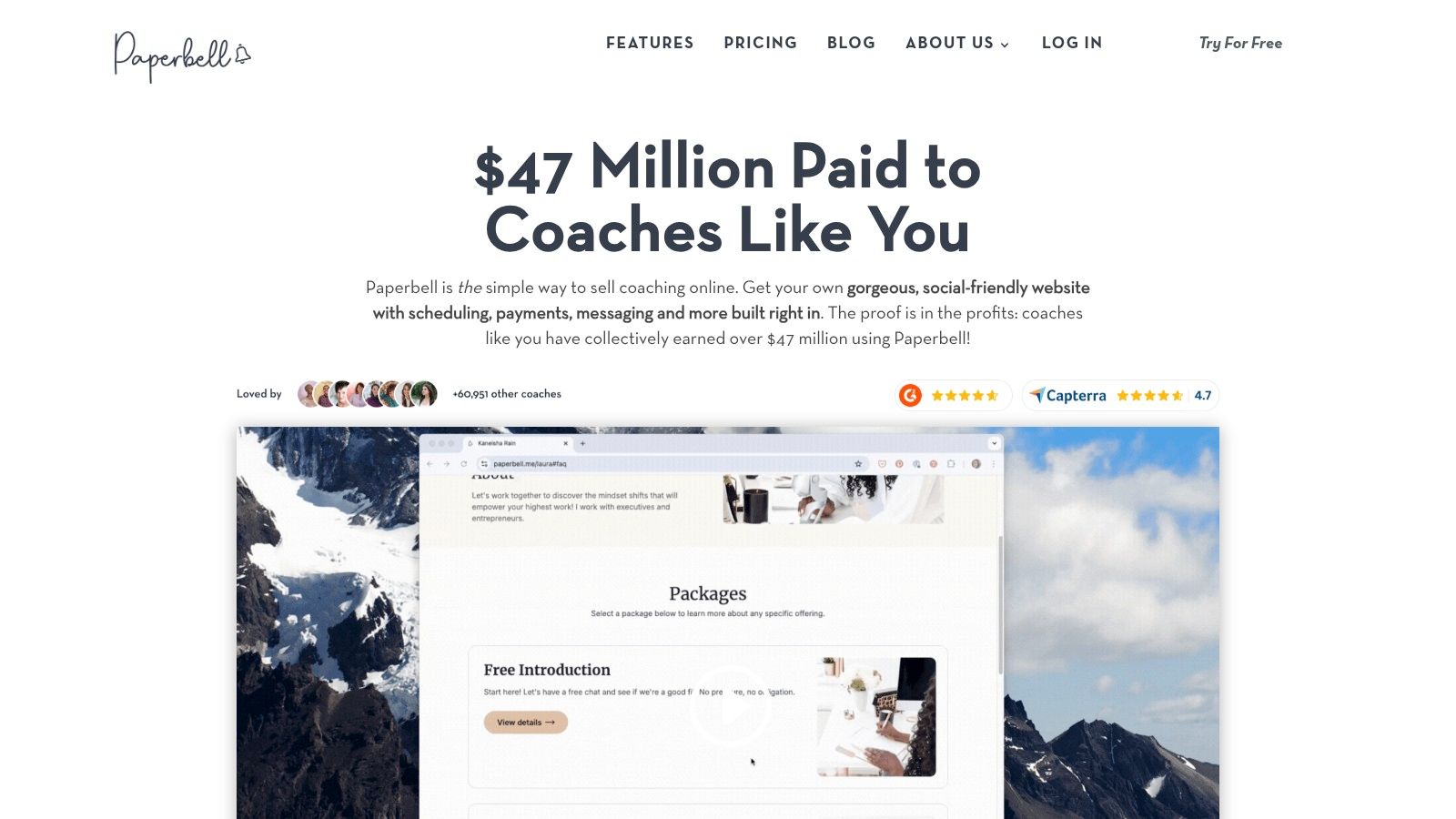
A prospect asks how to buy your coaching package. If your answer currently requires separate messages for payment, a contract, and booking, Paperbell addresses that commercial handoff directly.
Paperbell combines coaching package pages, checkout, scheduling, intake surveys, contracts, payments, and a client portal. Its connected purchase, signing, and booking flow makes it a practical option for solo coaches selling clearly defined services.
For example, a life coach could direct an interested prospect to a package page rather than manually assembling enrollment instructions. Test where the intake survey appears, when the client signs, and whether booking can happen before required paperwork is complete.
- Pricing structure: A flat subscription covers the core feature set rather than charging by client count. Stripe or PayPal processing fees may still apply.
- Low-pressure exploration: A free account lets you set up and explore before deciding.
- Practice limitation: The account is designed around a single service provider, so a multi-coach business may need separate accounts.
Keep the scope realistic
Paperbell includes automated client emails, payment plans, subscriptions, group coaching tools, downloads, and secure notes. Its website builder is package-focused rather than a highly customizable publishing system.
It's also less focused on detailed between-session accountability than CoachAccountable. That distinction matters if your clients need ongoing action tracking rather than straightforward enrollment and appointments.
Use a coaching client onboarding checklist and software framework to identify your nonnegotiables. Paperbell is most compelling when a simpler buying experience solves your main problem.
5. Simply.Coach
For a coaching academy, onboarding isn't finished when a participant submits a form. Someone must assign the right coach, establish access, collect preparation, and make sure the practitioner has what they need before the appointment.
Simply.Coach is relevant to that broader workflow. It supports individual practitioners and coaching businesses through client journeys, intake and session forms, notes, goals, action tracking, reminders, and client portals.
Its organizational fit is the main reason to shortlist it. Higher-tier options include coach matching, reporting, white labeling, and business administration, alongside individual and group coaching support.
Test the handoff between people
For an academy enrolling participants into a leadership program, demonstrate the journey from inquiry through intake, coach assignment, agreement signing, and first-session scheduling. Confirm the e-signature mechanism rather than treating forms or document storage as equivalent to signing.
- Solo versus business plans: Compare the correct product offering. Features and pricing differ between solopreneur and business plans.
- Capacity: Client allowances per coach vary by tier, so model the roster each practitioner will manage.
- Cost trade-off: Business plans cost more than many solo-coach tools, and larger programs may require a higher tier or quote.
The onboarding-time question is partly about administration: can a coordinator see who is stalled without opening every practitioner's records? Ask for that demonstration alongside the client-facing experience.
Simply.Coach is a stronger candidate when consistent delivery across coaches matters more than finding the lightest possible checkout-and-calendar combination.
6. Coaching.com
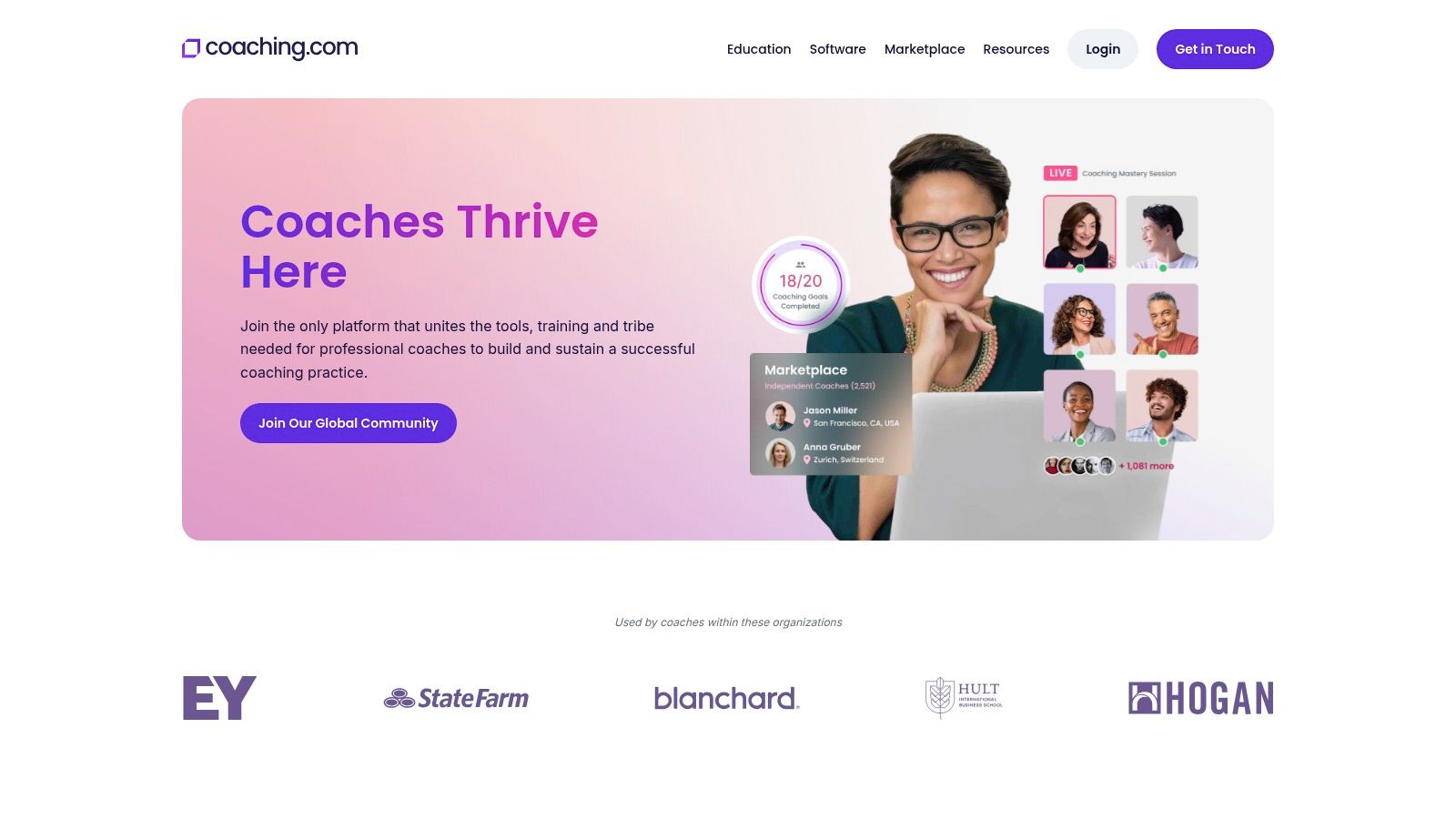
Coaching.com suits buyers managing a portfolio of coaching engagements. Its appeal extends beyond intake to coach matching, program templates, progress reporting, and administrative oversight.
Coaching.com provides client portals, session notes, forms, surveys, scheduling, messaging, and automated content delivery. An executive-coaching firm could use those capabilities to organize preparation and track engagements across its coach pool, rather than leaving each practitioner to maintain a separate process.
The full-flow test should start before assignment. Show how an inquiry becomes an engagement, how intake reaches the assigned coach, where the agreement is signed, and what the client sees when arranging the initial session.
Buy the software you actually need
Pricing is based on coach or administrator licenses, and implementation may cost extra. The business software offering lists unlimited client engagements, but buyers should confirm current terms and distinguish the software subscription from membership and marketplace services.
That distinction prevents a practical purchasing mistake: comparing offerings that don't include the same operational capabilities.
Buying rule: Ask the vendor to demonstrate your complete enrollment journey using the exact subscription under discussion.
For a solo coach, the management depth may be unnecessary. For a firm coordinating coaches, clients, and sponsors, that same depth may justify the setup work.
Watch permissions carefully. In a sponsored engagement, the person paying for coaching shouldn't automatically receive access to private intake responses or session notes. Require a demonstration of what administrators, coaches, participants, and sponsors can see before choosing the platform.
7. HoneyBook
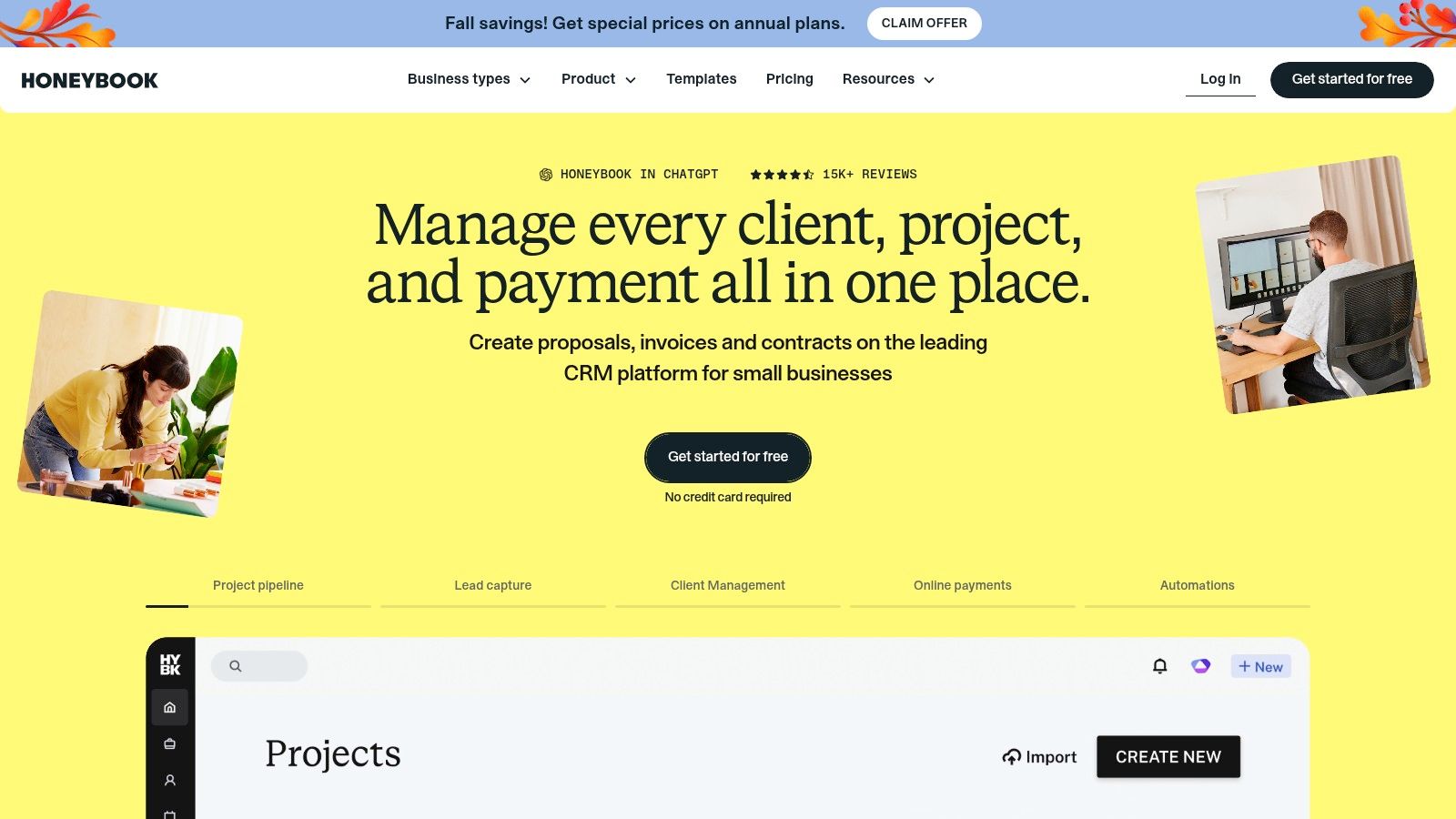
If clients stall between expressing interest and becoming paying clients, HoneyBook targets the right part of the problem. Its emphasis is lead intake, proposals, contracts, invoices, payments, and follow-up rather than coaching methodology.
HoneyBook combines those business-management functions with a client portal and project management. Scheduling, automations, and SMS reminders are available on eligible plans, while higher tiers add team capabilities.
A consultant offering coaching alongside advisory work could use a lead form to begin a commercial workflow, send a proposal and contract, collect payment, and arrange a kickoff. During the trial, test the signing experience and whether unfinished intake generates the follow-up you expect.
- Useful strength: Commercial documents and payment administration sit within a connected client workflow.
- Pricing caution: Scheduling and automation depend on the plan, and higher tiers cost substantially more than the entry option.
- Coaching limitation: Goals, client accountability, and progress tracking aren't its central focus.
Reminders need an outcome
There's directional evidence for appointment reminders: a Cochrane review of seven studies involving 5,841 participants reported attendance of 67.8% without reminders and 78.6% with mobile-message reminders. Those are healthcare findings, not a promised coaching result.
For your practice, check whether clients can easily confirm, cancel, or reschedule. A reminder that creates another email exchange may not solve the coordination problem.
HoneyBook offers a trial and a no-credit-card-required start. Use that opportunity to test the plan you'd purchase, not just the most feature-rich demonstration.
8. Dubsado
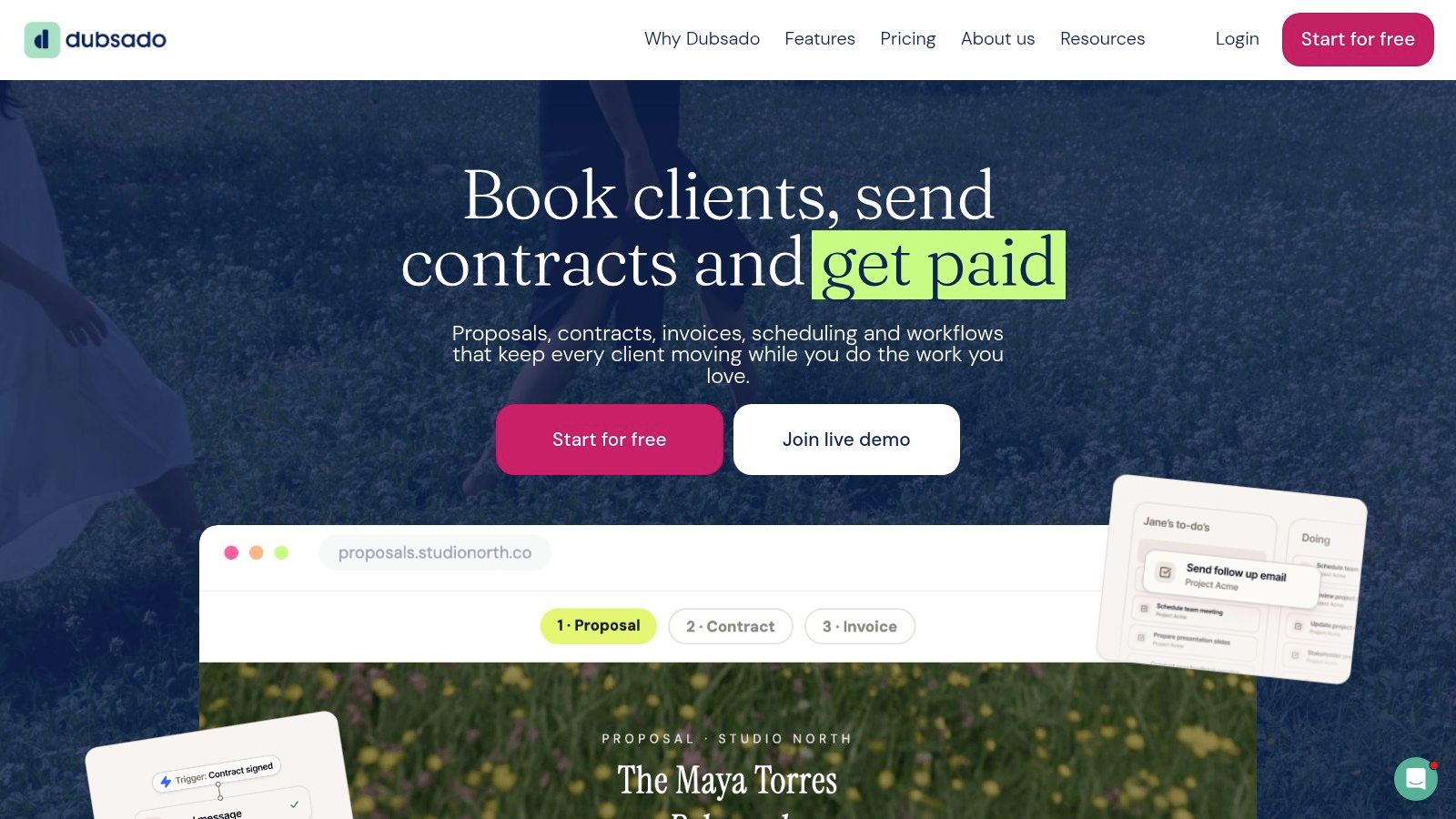
Dubsado asks more of you upfront than most tools on this list.
It supplies building blocks rather than a finished coaching process: forms, email templates, contracts, invoices, payment plans, and client portals through Dubsado, with proposals, automated workflows, and full scheduling on the Premier plan. Coaches who want control over the exact sequence a client follows get the most from it, particularly when administrative consistency is the priority.
Take an executive coach closing a three-month engagement. The inquiry form feeds a proposal, the proposal carries the contract, the signed contract releases the invoice and a booking link for session one, and the intake questionnaire follows before anyone meets. Drop-off tends to hide between the verbal yes and the signed document, so run a test proposal and leave it unopened for a week. Every step in that chain exists. Someone still has to build each one.
The real cost is build time
The price question is less about subscription and more about hours: designing templates, writing canned emails, and wiring triggers before automation saves anyone time. A coach onboarding a few clients a month may never recover that setup investment. A steady volume of similar engagements will.
- Capacity advantage: Both listed plans include unlimited clients and projects.
- Feature gate: Automated workflows and full scheduling require Premier.
- Delivery boundary: Goals, session accountability, and progress tracking sit outside the platform, so delivery work needs a separate system.
Trial it on a live engagement
The vendor offers a free trial with Premier features enabled. Build the workflow you would sell, send it to a test address, and abandon it halfway through. The abandoned path tells you more than the finished one: whether reminders fire, whether the client can resume where they stopped, and how much chasing falls back on you.
Keep the first version narrow: agreement, intake, payment, first appointment. Add branches only where a service splits, since every extra path needs maintaining when your packages change.
Best fit: Coaches and consultants who want configurable business administration and are prepared to run a separate system for coaching delivery. Confirm how intake data moves between the two before accepting duplicate entry as the cost of flexibility.
9. Practice Better
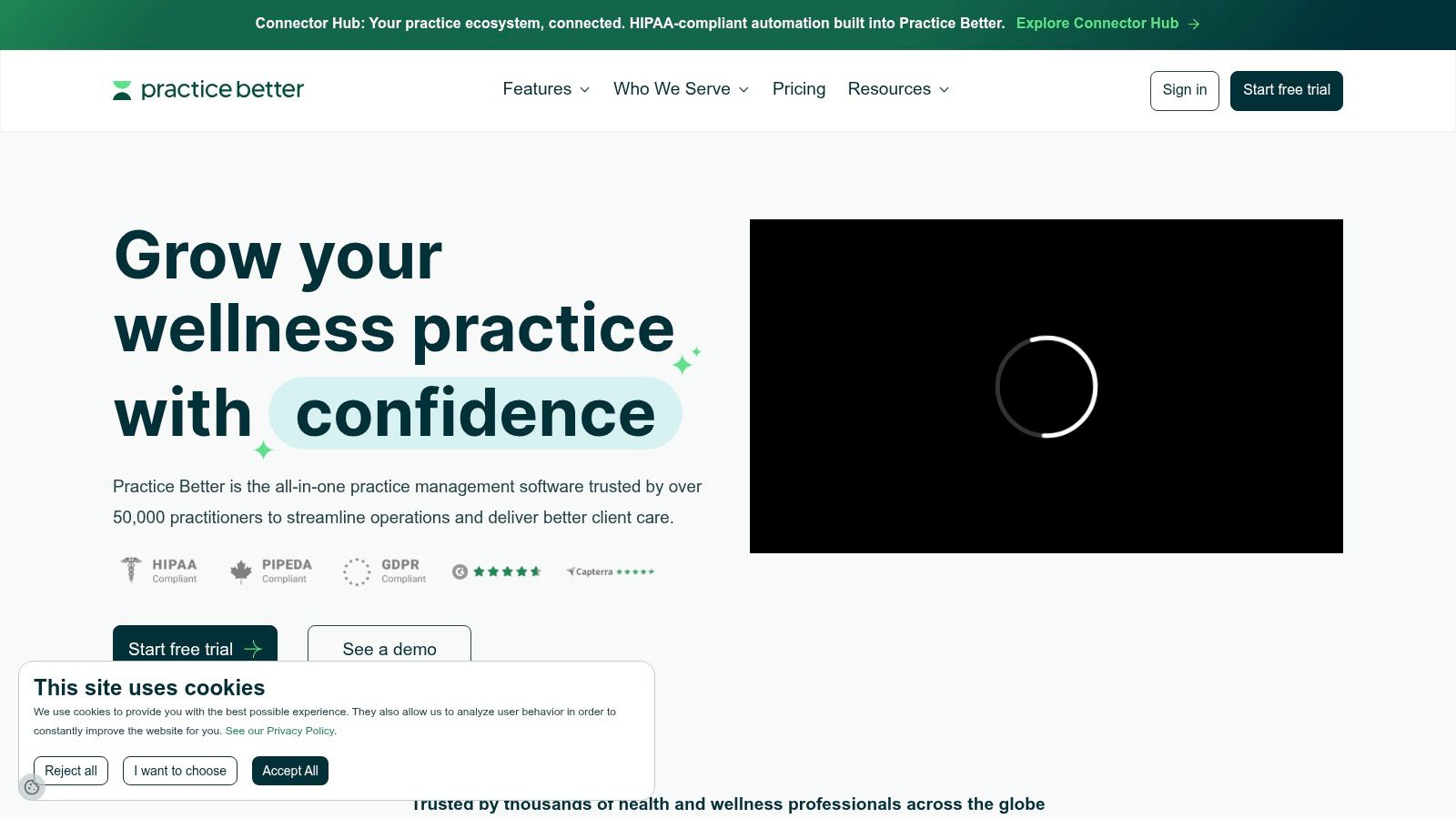
A wellness client may need to share information that doesn't belong in an ordinary sales questionnaire. Practice Better is particularly relevant when onboarding connects to health and wellness practice management.
Practice Better combines client records, booking, invoicing, reminders, programs, packages, journals, telehealth, and mobile apps. It supports solo practitioners and teams, with a free plan for a limited client roster and paid plans offering greater capacity.
For a wellness coach, evaluate the sequence from inquiry to intake, consent, agreement signing, payment, and the initial appointment. Confirm the exact e-signature workflow and whether any required forms, integrations, or services add cost.
Treat privacy as an operating requirement
The vendor lists HIPAA, PIPEDA, and GDPR-related compliance claims in its plan comparison. Those claims don't remove your responsibility to check your contract, configuration, client location, and professional obligations.
Ask who can access intake responses, whether administrators can read private notes, and how clients request corrections or deletion. If AI processing is involved, ask whether it can be disabled and whether client information is used for model training.
- Strong fit: Health and wellness workflows that extend beyond generic contracts and calendars.
- Plan considerations: Client limits, branding, and team features vary.
- Trade-off: Business and executive coaches may leave much of the health-focused functionality unused.
The practical question isn't whether the platform has the longest feature list. It's whether your client can safely complete the required preparation without confusion, and whether you can find that information when the session begins.
10. Bonsai
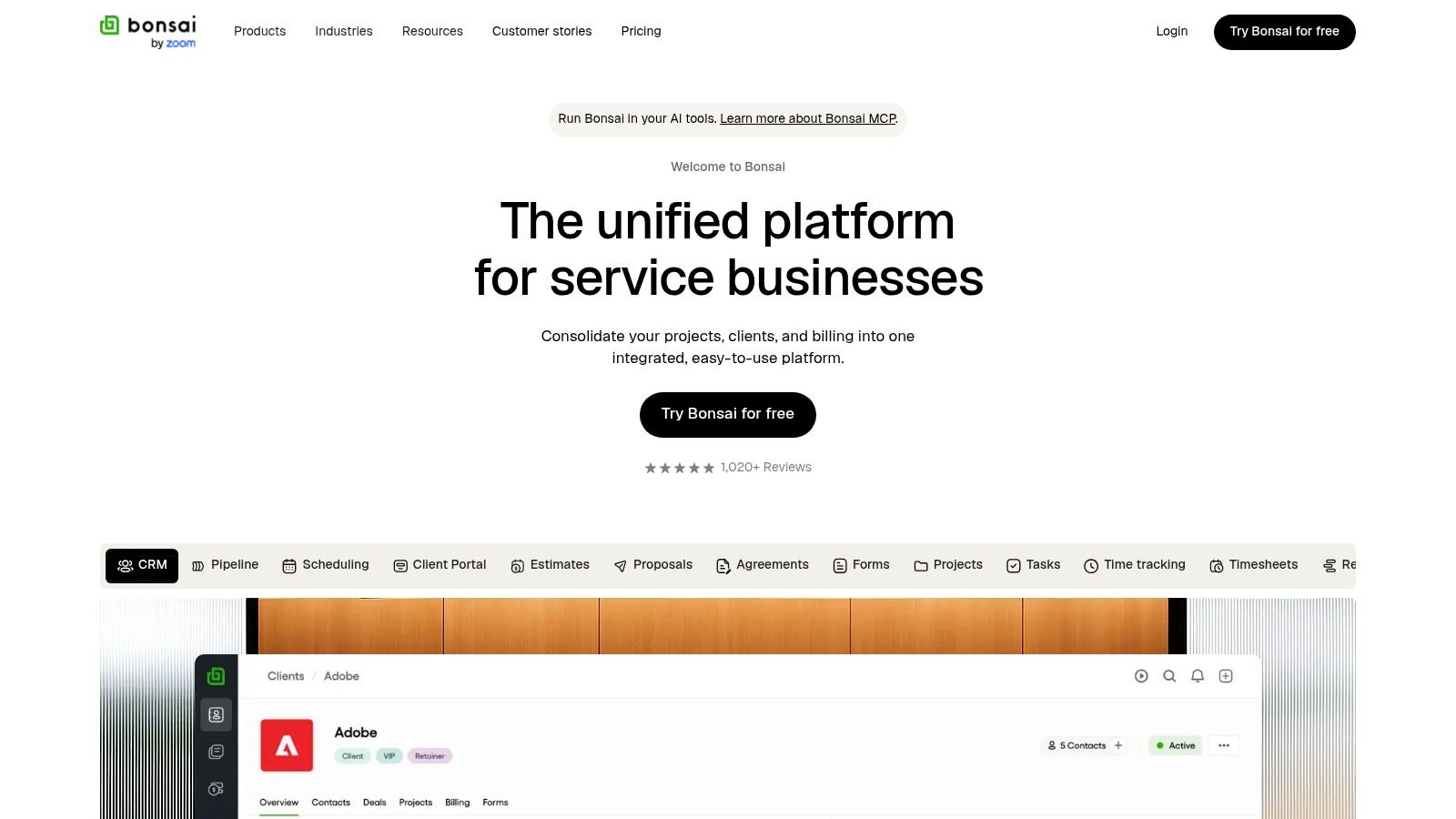
Bonsai makes sense when coaching is part of a broader service business. A consultant who also delivers workshops and advisory projects may prefer shared business administration over a coaching-specific delivery environment.
Bonsai brings together proposals, contracts, forms or questionnaires, scheduling, invoicing, payments, client management, and a client portal. Higher plans add reporting, workload management, and team permissions.
For a strategy consultant selling a coaching engagement, those functions can support the commercial path from initial information collection through agreement and payment to kickoff. During the trial, verify how signatures are collected, whether intake answers remain accessible, and which reminders run without manual intervention.
- Business advantage: Common enrollment and project-administration tasks sit within the same platform.
- Cost considerations: Advanced reporting and custom permissions require higher tiers, while integrated payment fees may vary by method and region.
- Coaching limitation: Structured programs, coaching goals, and client progress aren't core strengths.
Check the next handoff
The biggest question is what happens after the first appointment. If you'll move client information into a separate coaching workspace, inspect the export and integration options before committing.
A survey of 238 advice firms found that nearly a fifth of onboarding journeys experienced data errors linked to duplicating information across disconnected systems. That's evidence from advice firms, not coaching, but it provides a useful reason to test data continuity.
Bonsai offers a free trial and published plan tiers. Use them to evaluate the complete operating cost, including the coaching-delivery tools you'd still retain.
Top 10 Client Onboarding Software Comparison
Read the table against your actual enrollment path: inquiry, intake form, contract signature, payment, first session booked. Coaching-specific platforms carry more of that path inside one workspace. Business-administration tools cover contracts and payments cleanly, then hand off to whatever you use for session delivery.
| Platform | Core Capabilities | Standout / Trade-Off | Best Fit | Pricing & Value |
|---|---|---|---|---|
| Coachful | Onboarding, scheduling, payments, messaging, notes, goals, progress tracking, cohorts | 🏆 All-in-one coaching workspace; setup may take time | 👥 Solo coaches and growing teams | 💰 Pricing not specified |
| Satori | Scheduling, programs, client portal, resource sharing | ✨ Coaching-focused workflows; active-client and feature limits | 👥 Solo coaches and small practices | 💰 Published plans; 15-day trial |
| CoachAccountable | Actions, metrics, worksheets, notes, courses, payments | 🏆 Strong between-session accountability; not HIPAA compliant | 👥 Coaches, teams, and organizations | 💰 Scales with active clients |
| Paperbell | Package sales, scheduling, forms, contracts, payments, portal | ✨ Connected purchase-to-onboarding flow; designed for one provider | 👥 Solo coaching businesses | 💰 Flat subscription; free account available |
| Simply.Coach | Client journeys, goals, forms, groups, coach management | ✨ Supports multi-coach programs; business plans can cost more | 👥 Coaching businesses, schools, and academies | 💰 Tiered plans; capacity varies |
| Coaching.com | Engagements, goals, reporting, coach matching, scheduling | 🏆 Program-level oversight; may be more than solo coaches need | 👥 Coaching firms and organizations | 💰 License-based; implementation may cost extra |
| HoneyBook | Leads, proposals, contracts, payments, scheduling, automations | ✨ Strong business onboarding; limited coaching progress tools | 👥 Coaches and service businesses focused on sales workflows | 💰 Multiple plans; free trial |
| Dubsado | Client portals, forms, templates, invoices, payment plans | ✨ Repeatable intake workflows; automation and full scheduling require Premier | 👥 Small practices prioritizing administration | 💰 Unlimited clients on listed plans; 21-day trial |
| Practice Better | Client records, booking, programs, journals, telehealth | 🏆 Health-practice tools and compliance claims; health-focused | 👥 Health and wellness coaches | 💰 Free plan available; paid tiers add capacity and features |
| Bonsai | Proposals, contracts, forms, scheduling, payments, portal | ✨ Covers business administration; limited coaching-program tools | 👥 Coaches and consultants managing client operations | 💰 Tiered plans; free trial |
Use the Best Fit column as a shortlist filter. Mark the rows that match your practice size and delivery model, then confirm current plan limits directly with each vendor before committing.
Turn Smooth Onboarding Into Lasting Client Trust
The best client onboarding software is the platform that fits your actual enrollment process and leaves clients ready to begin. A polished portal won't compensate for an unnecessary questionnaire, unclear agreement instructions, or a booking process that forces clients to ask for help.
For a solo practice selling defined packages, start by examining Paperbell or Satori. If your coaching depends on goals, resources, and between-session follow-through, compare Coachful and CoachAccountable. Coaching schools and multi-practitioner organizations should examine Simply.Coach and Coaching.com for assignment, oversight, and program-management needs.
Commercial administration is a different buying problem. HoneyBook, Dubsado, and Bonsai deserve attention when proposals, contracts, payments, and repeatable business workflows cause the most friction. Practice Better is particularly relevant when your health or wellness work requires a practice-management environment.
Trial a pair of shortlisted tools
Choose a pair based on your main bottleneck, then run the same fictional client through each. Don't begin with your most complicated historical exception. Begin with the engagement you sell regularly.
- Submit an inquiry: Check what information carries into the client record and what you must enter again.
- Complete intake on a phone: Look for confusing questions, unnecessary fields, and unclear next steps.
- Sign the agreement: Verify the signature method, document access, completion record, and any additional fees.
- Pay and book: Confirm payment-plan options, processing costs, calendar behavior, and rescheduling.
- Leave something unfinished: Observe whether reminders stop after completion and whether you can identify stalled clients.
- Prepare for delivery: Find the intake responses, goals, resources, and notes without searching across disconnected tools.
- Test data control: Check permissions, exports, edit history, retention, and deletion before adding real client information.
Measure more than form completion. Time to value means the time until a client reaches a meaningful outcome, not merely the end of setup, as explained in Intellum's customer onboarding metrics guide. For your practice, that outcome might be a booked session with preparation complete or an initial goal ready to discuss.
Launch the smallest reliable workflow
Keep essential intake, agreement signing, payment, and scheduling clear. Add resources and deeper questionnaires when clients need them, rather than requiring everything before they've experienced your coaching.
For another perspective on managing sensitive service relationships, consider the questions involved in how to streamline onboarding for wealth management clients. Then return to your own client's experience: can they understand what happens next, complete it confidently, and reach you when they're unsure?
Choose the tool that makes those answers clearest. Launch the workflow, review where clients pause, and improve the experience using your own completion and attendance records.
Coachful brings client onboarding, scheduling, secure payments, messaging, and progress tracking into a shared coaching workspace. Visit Coachful to explore how configurable templates, reminders, and connected client records could support a calmer enrollment process and a better-prepared first session.