
Meeting Scheduling Software for Coaches: 10 Tools Compared

Coachful
You've spent three weeks trading emails to book one discovery call. The prospect replies late, the time changes twice, you send a fresh calendar invite each time, and by the third reschedule she stops replying altogether. You're left wondering if she lost interest in coaching or just lost patience with the process.
That hesitant doubt sits behind most searches for meeting scheduling software. Do you need a simple link that books a call, or do you need a platform that also handles notes, programs, payments and follow-up after the call ends? A tool that solves the first problem can still leave the second one untouched, and that's where clients slowly drift away.
These ten tools fall into three groups. Some are pure schedulers built for booking alone, some add payments and routing, and some are coaching-adjacent platforms where scheduling sits beside client records. Judge each one against your own practice with one rule. Don't ask only how fast it books. Ask what it does in the hour after the session, and whether its plan limits will still fit when you've added your next five clients.
1. Coachful
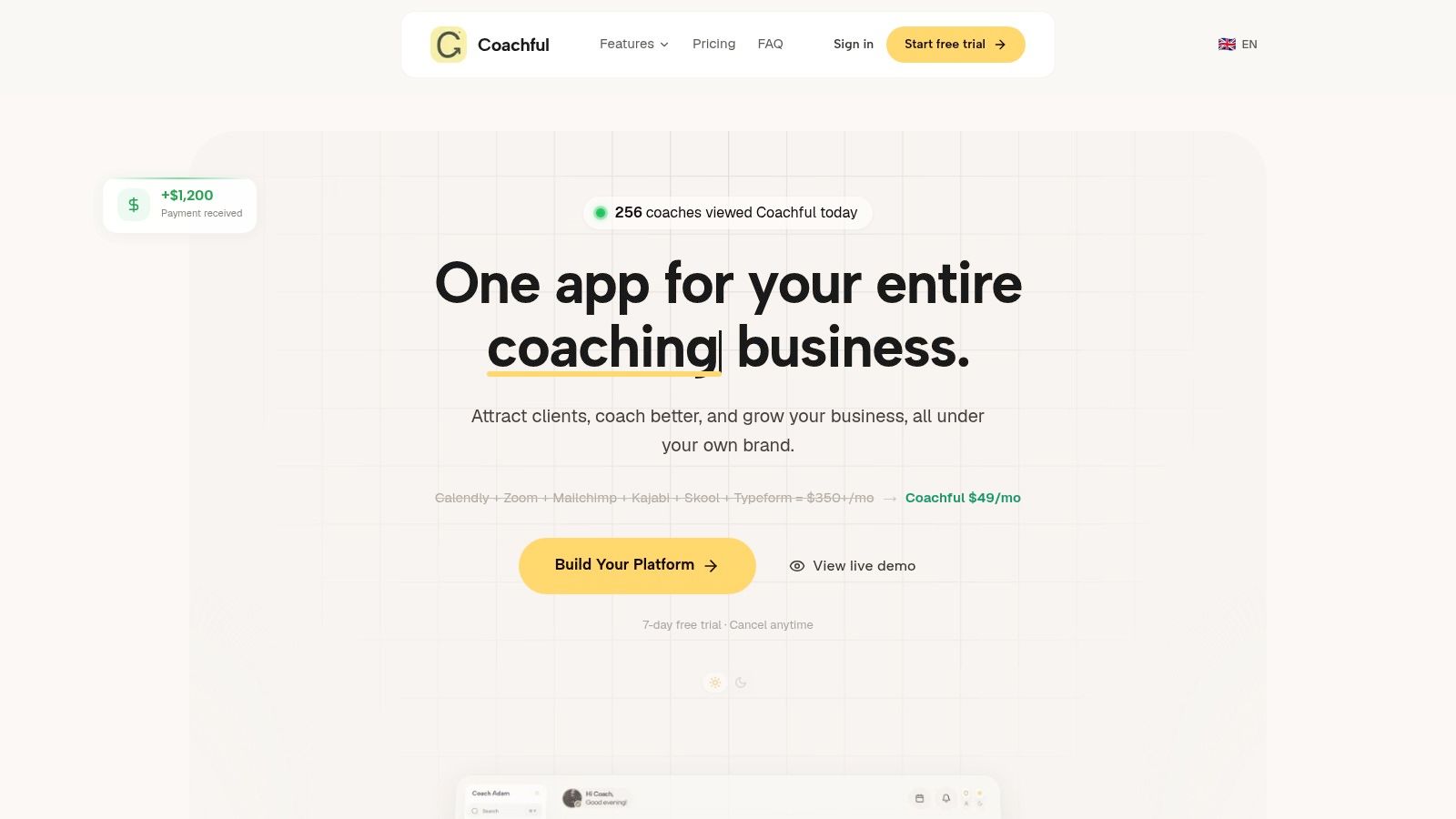
When a client books a session, the calendar slot is only the start of the work. Coachful connects client onboarding, scheduling, secure payments, messaging, programs and progress tracking in one branded workspace. That gives solo coaches and teams a place to manage the client relationship around the meeting, rather than coordinating those tasks across separate tools.
For example, a coach running a 12-week program can schedule sessions, set goals and milestones, share resources, and capture session notes. Progress tracking and dashboards help show where clients are moving forward and where follow-up may be needed. Reminders and renewals can reduce routine admin, while messaging gives clients a way to stay connected between meetings.
Who It Fits and Where It Stops
- Coaching workflow: A fit for coaches who want scheduling alongside onboarding, payments, programs, communication and progress tracking. A focused scheduler may be simpler if you only need clients to book a time.
- Branded experience: Custom branding and configurable templates help present a client-facing workspace that reflects your practice. The trade-off is setup: a platform for more than booking may take more configuration than a standalone calendar link.
- Plan limits: Compare the available plan limits with your client volume and workflow needs before choosing. The section's available information does not establish specific prices, trial terms or client caps.
- After the session: Programs, goals, milestones and session notes support continuity between appointments. Coaches who already manage those records elsewhere may not need this wider set of tools.
Coachful is a practical option when the challenge is keeping client work organized after a booking, not just filling the calendar. Its breadth can reduce tool-switching, but it is more platform than a coach needs if scheduling is the only problem to solve.
2. Calendly
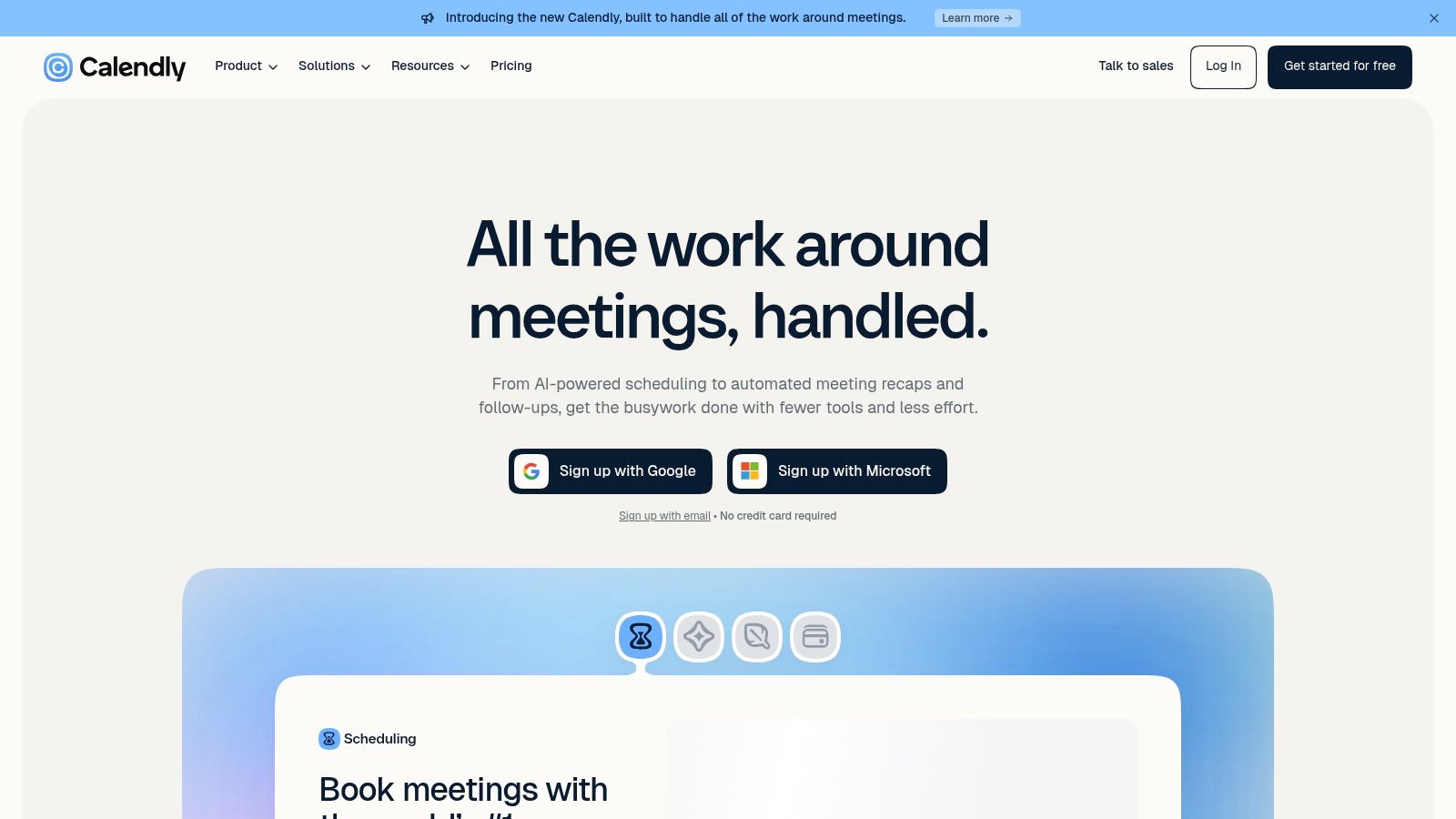
Your inner dialogue here is simple. "Will clients really use this without asking me how?" With Calendly, usually yes. It's the familiar option, and familiarity lowers friction for an executive client booking between meetings.
You get booking pages for different session types and durations, calendar syncing and time zone handling, group and multi-host options, and integrations with video and business tools. A free plan is available, and a paid plan is listed at $10 per seat per month, with features varying by tier. That matters because automations and payment features you assume are standard may sit on a higher tier.
The trade-off is clean. Calendly books well, but it doesn't manage goals, progress or session notes. If you're comparing that gap directly, this guide to Calendly alternatives built for coaches lays out what changes when scheduling joins a coaching platform.
Practical rule: If your stack already handles notes and programs elsewhere, Calendly's simplicity is a strength. If you're stitching those pieces together manually, you're paying for a link and doing the continuity work yourself.
I recommend it for coaches who want a proven booking experience and don't expect the scheduler to carry the client relationship.
3. Cal.com
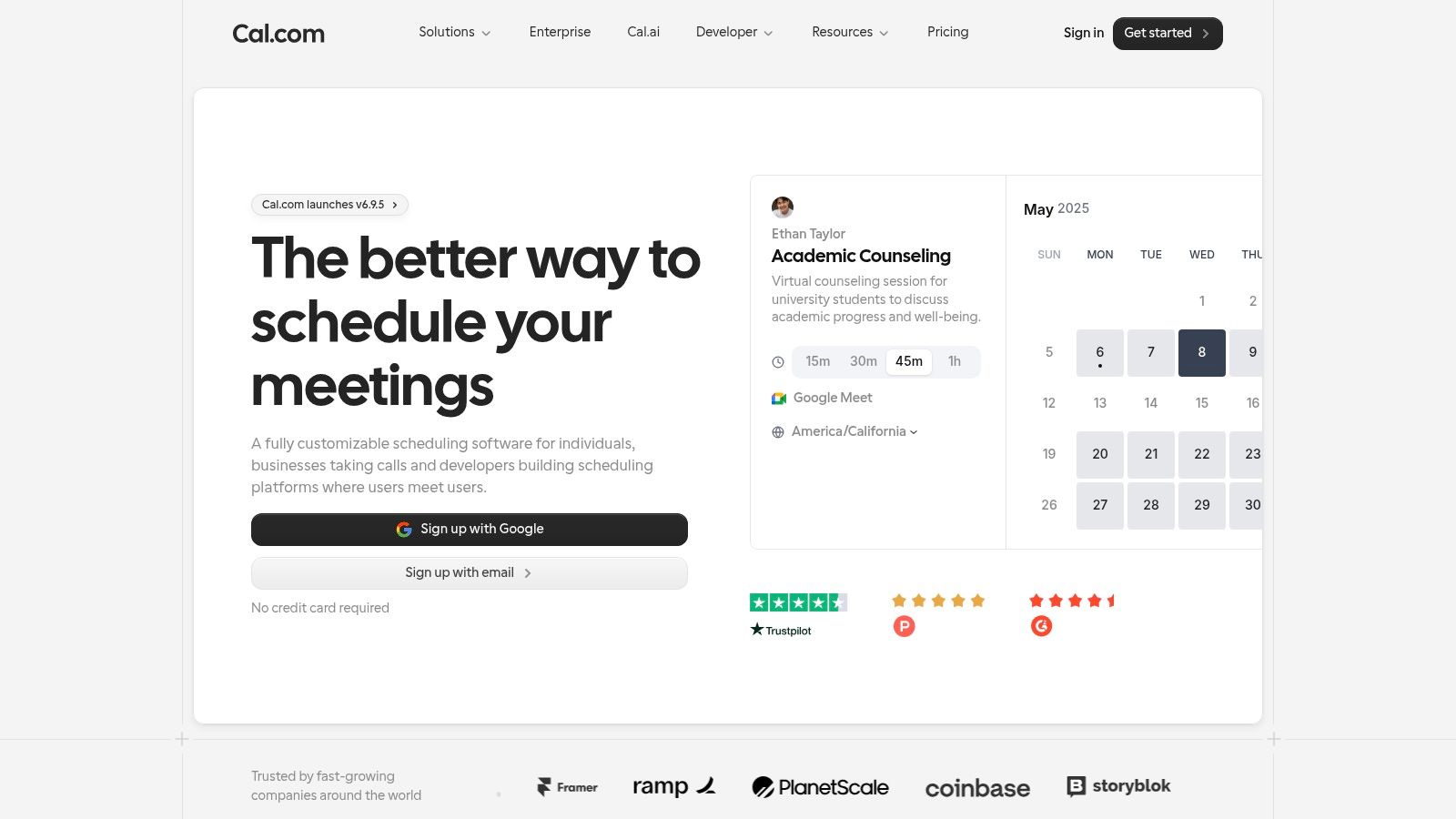
Need a configurable booking setup without paying on day one? Cal.com offers a free individual plan with unlimited event types and calendar connections. A coach can set up separate booking options for a discovery call, a 60-minute session and a shorter check-in, then manage booking limits and availability rules.
Payments can be collected through Stripe and PayPal. Paid Teams and Organizations plans add round robin, collective events and routing forms. Check Cal.com's pricing page for current rates. These team features can help a coaching school direct inquiries to the right coach, rather than funneling them into one shared inbox.
The Setup Question
The flexibility comes with setup work. You'll need to make choices about buffers, booking limits and routing before sharing a link. For a solo coach who wants a simple page ready quickly, that configuration may feel like more work than the scheduling task requires.
Cal.com also doesn't manage client progress or program materials. You can book a session, but worksheets, habit trackers and follow-up notes still need a home elsewhere. Choose it when free, configurable scheduling matters more than keeping the booking and coaching work in one place, and you're prepared to manage that split.
4. Acuity Scheduling
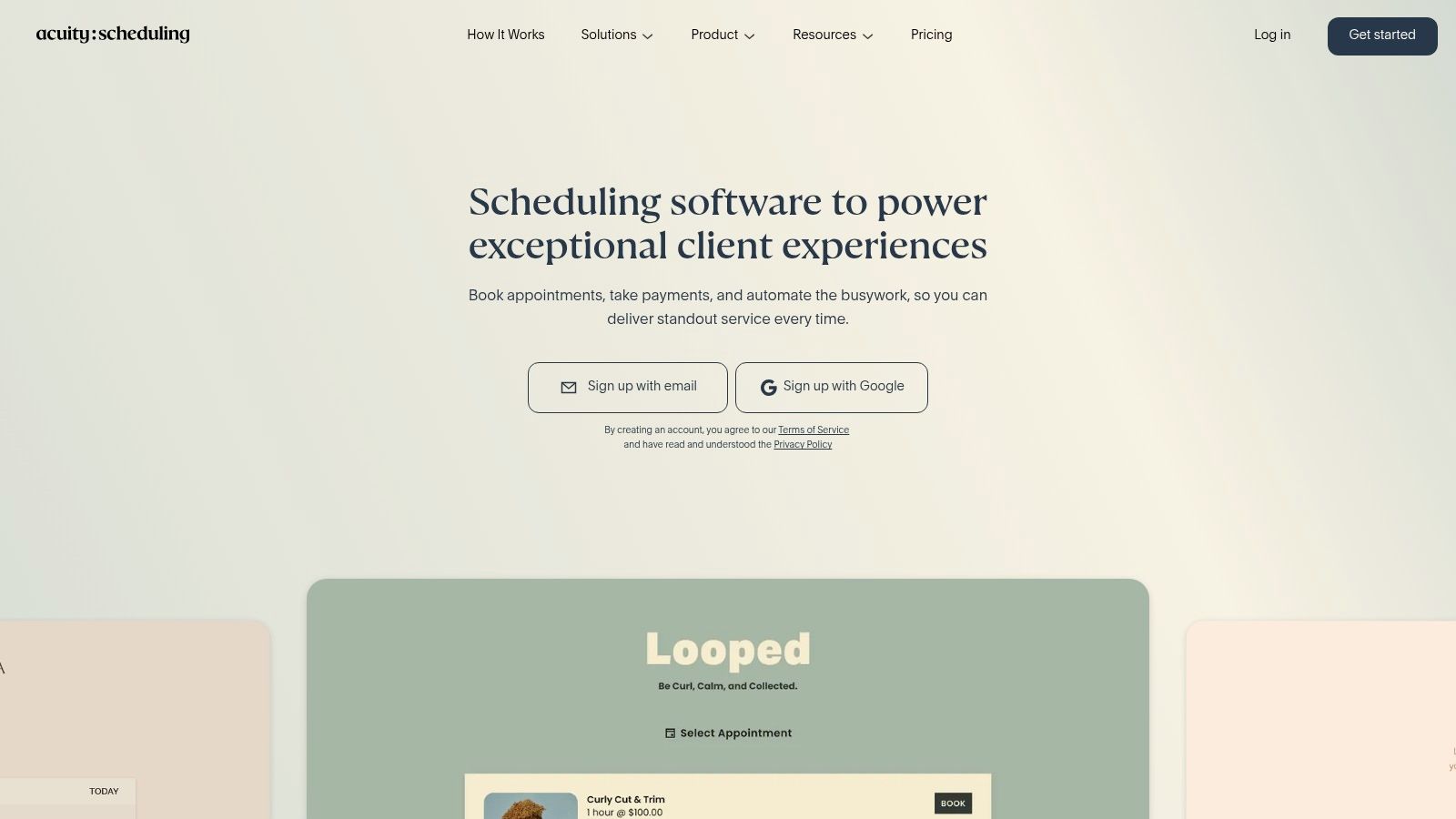
When a client needs to submit intake details and pay before a call, a basic booking link can leave you chasing information by email. Acuity Scheduling is designed for appointment-based services, combining booking with parts of the client intake and payment process.
Clients book through a page with custom intake forms and automatic time zone conversion. Payments can run through Stripe, Square, PayPal or Venmo, and integrations include Zoom, Google Meet and GoToMeeting. Higher plans add calendars, text reminders, waitlists, packages and memberships. For a coach selling a block of sessions, those features can keep payment and booking together. The trade-off is extra setup compared with a simple calendar link, and Acuity does not carry the client into coaching notes or program materials after the appointment.
There's no free plan, but there's a seven-day trial. Acuity's paid tiers are priced monthly, and SMS reminders and packages are not available on every level, so compare the feature list for each tier before you commit.
For simple one-to-one calls, Acuity may be more system than you need. If paid intake and session packages are central to your practice, its appointment-business features may justify the added setup.
5. YouCanBookMe
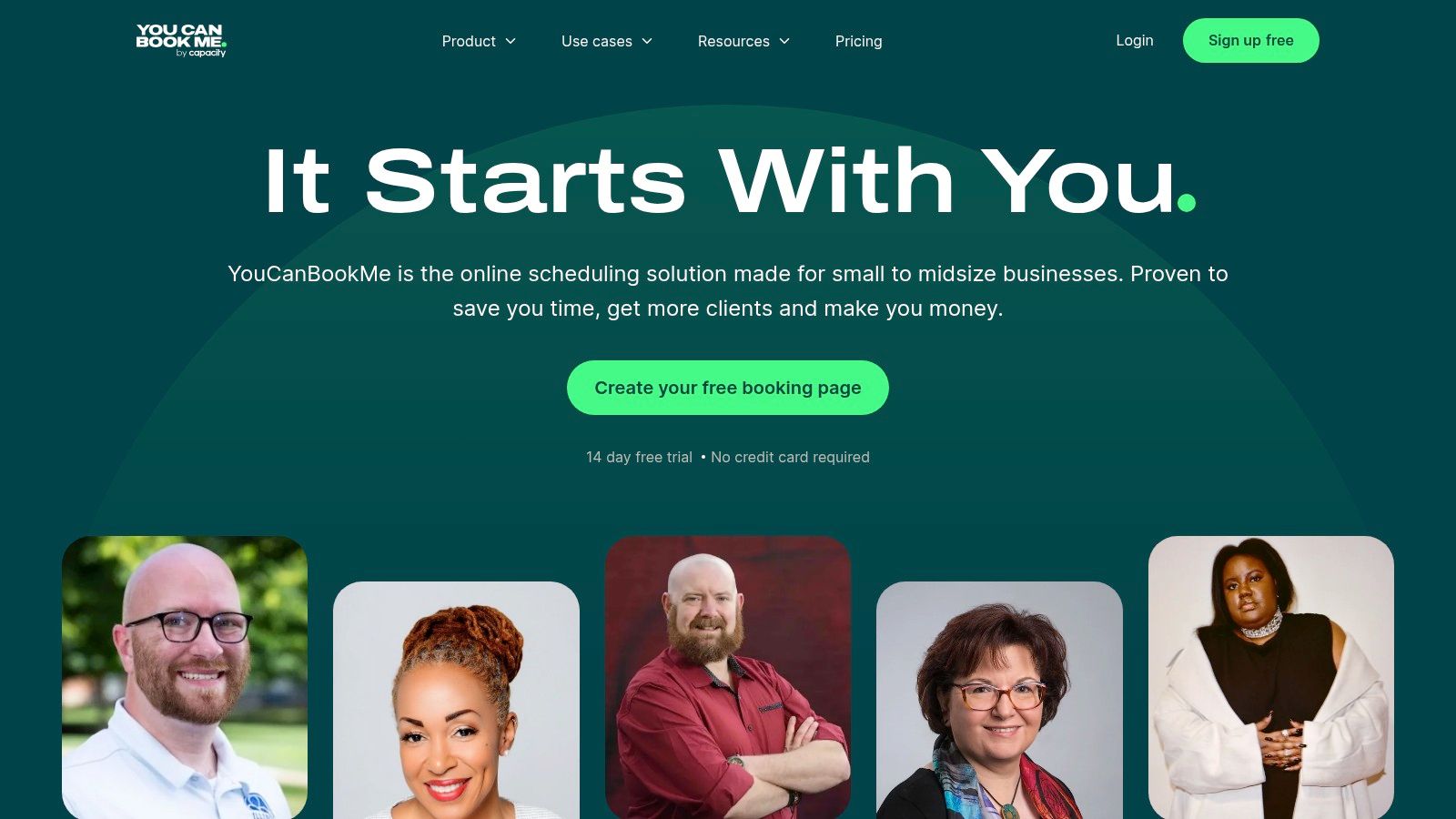
A first-call booking page should sound like your practice, not generic software. YouCanBookMe lets you customize pages, questions and confirmation messages, which can reassure a prospect before they book. It suits coaches who want control over the booking experience without setting up a broader coaching workspace.
A free plan lets you try the workflow. Paid tiers are billed monthly or annually, with annual billing lowering the per-month cost. Upgrades add group sessions, reminders, more booking controls, calendar and video integrations, and Stripe payments. For example, you can offer a group coaching taster alongside private sessions instead of coordinating both by email.
The trade-off is continuity after booking. The free tier limits calendars and booking pages, while advanced customization requires a paid plan. If you need separate pages for discovery calls, existing clients and groups, check whether the free limits fit before committing to an upgrade. YouCanBookMe manages scheduling, but it does not carry client notes, programs and follow-up in the same workspace.
If you are deciding whether a standalone booking page fits your workflow, this guide to managing client scheduling without YouCanBookMe outlines another approach.
6. SavvyCal
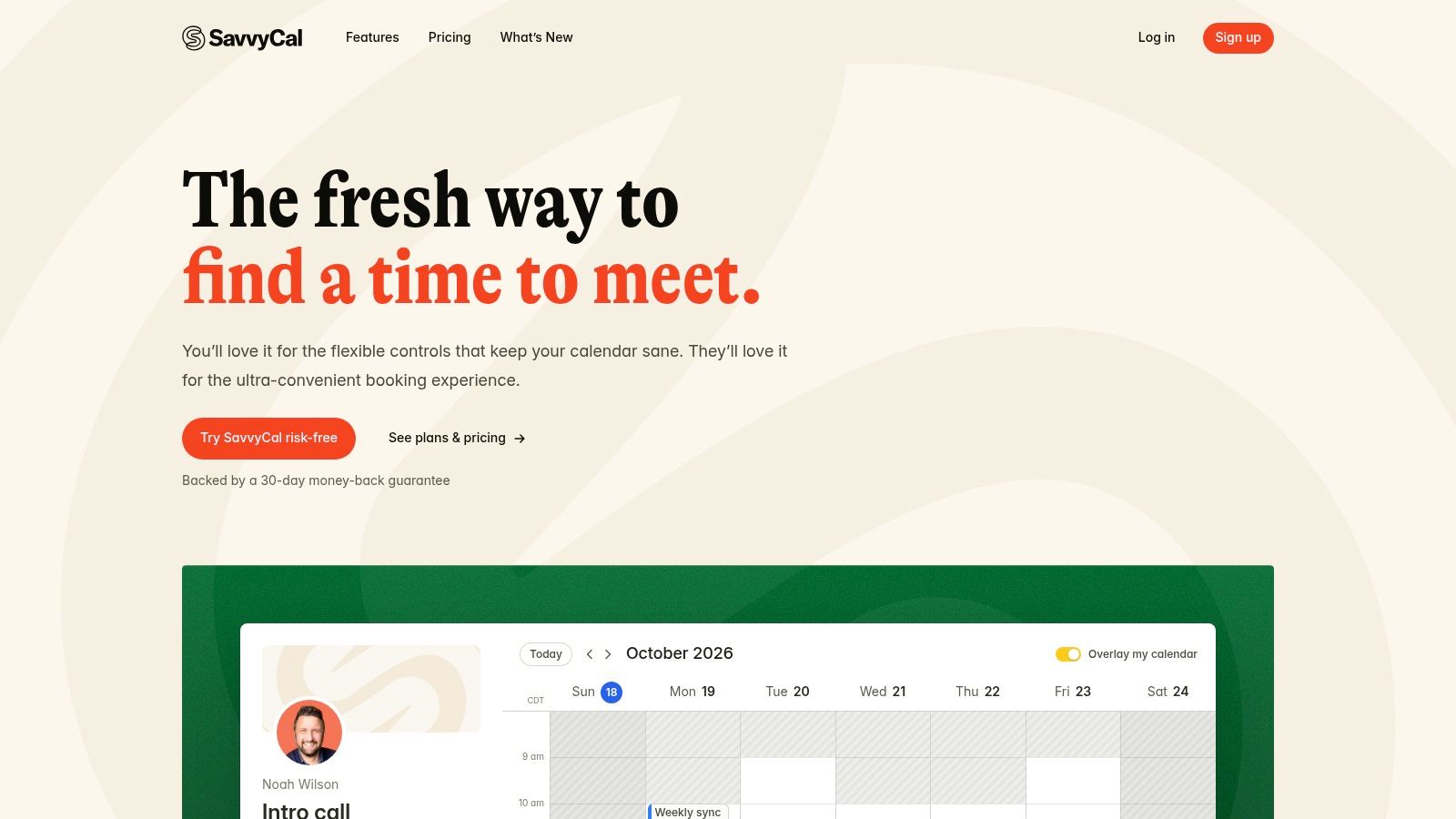
Executive coaches may want to offer a few suitable times without showing a busy client their entire week. SavvyCal handles that with scheduling links and meeting polls, which let clients choose from a short list of proposed times. The poll helps arrange the meeting, while the coach still needs a separate way to carry notes, programs, and follow-up beyond the booking.
Account setup and polls are free, but booking links require a paid plan. Confirm current per-user pricing on SavvyCal's pricing page before committing. Free polls let you try the choice-of-times workflow, but they do not provide a working booking link for regular client sessions.
- Calendar coverage: Google, Microsoft 365, iCloud, and Fastmail connections cover many client setups.
- Team options: Paid plans add team scheduling and workflow features.
- Higher-tier features: Custom domains, SavvyCal branding removal, delegated access, and Stripe payments are available on upper tiers.
Paid seats are required for meeting hosts, so costs can rise as a coaching team grows. For a solo executive coach who wants to offer clients a discreet, curated choice of times, that trade-off may make sense. If you mainly need an always-open booking page, SavvyCal's poll-focused workflow may add more setup than you need, and the tool does not by itself extend the coaching relationship into notes, programs, or follow-up.
7. Zoho Bookings
Already using Zoho? Zoho Bookings may be the practical choice if you want scheduling inside the tools your practice already uses, rather than another separate system.
The free plan covers one user, online meetings and calendar syncing, with a limit of one event type. Annual pricing is $6 per user per month for Basic and $9 per user per month for Premium. Paid tiers add event types, calendar connections, and collective and round robin booking. Premium also supports recurring one-to-one and group bookings, which can save long-term clients from repeating the same booking steps each week, or help organize a recurring workshop.
That convenience has a trade-off. Zoho Bookings handles the appointment, but the section's listed features don't cover coaching notes, programs or follow-up. Coaches who need those parts of client continuity will need to manage them elsewhere.
Extra workspaces or resources may add cost, and practices outside the Zoho ecosystem may face extra integration work to connect records and follow-up. Zoho Bookings is a sensible fit for budget-conscious solo coaches and small teams already committed to Zoho. If you want a standalone coaching system, this may require more setup around the booking calendar.
8. Setmore
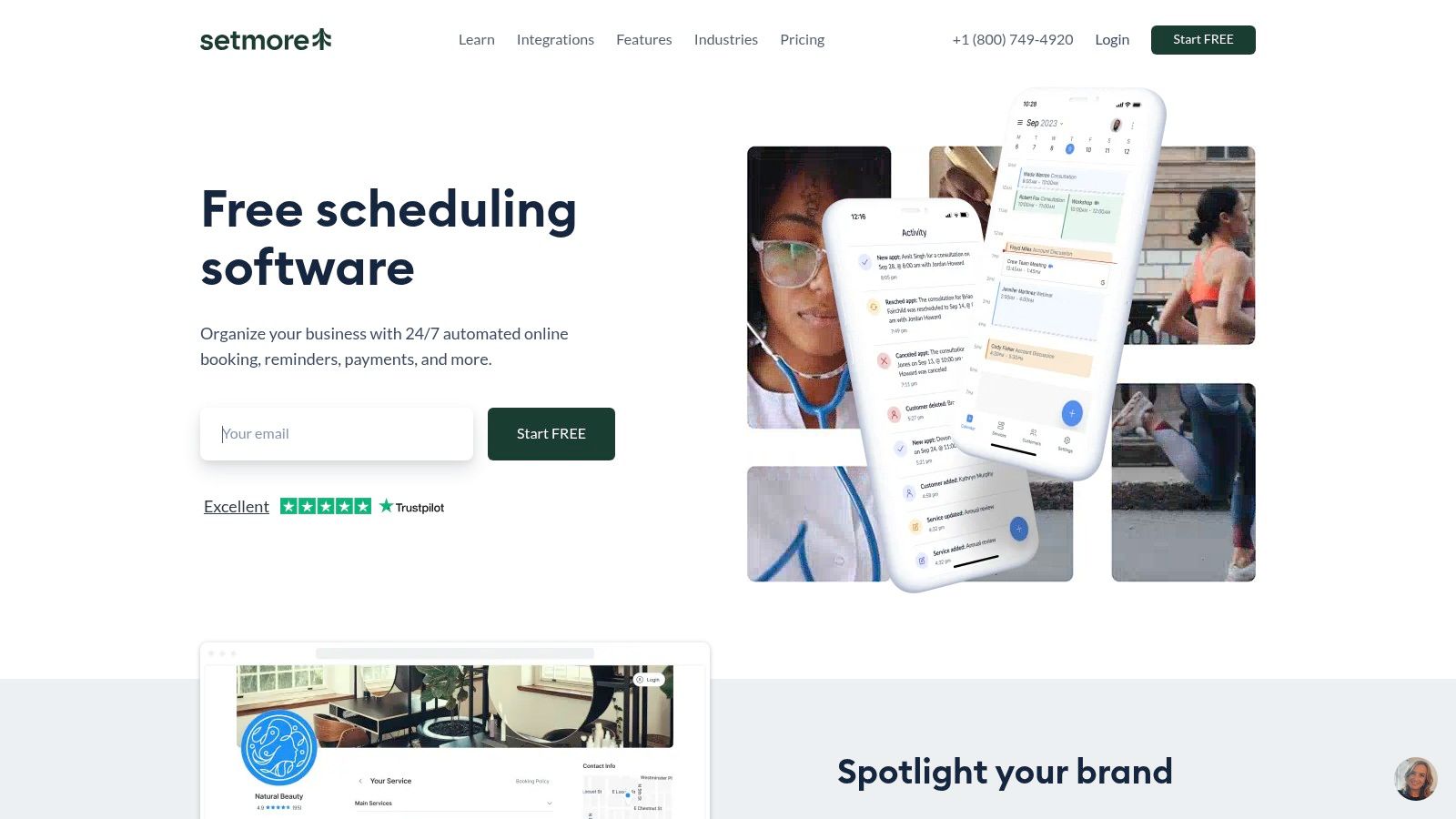
Your thought might be, "I just need a public page clients can book from today." Setmore is designed for that client-facing appointment model, with a public booking page and appointment calendar at its center.
Its free plan supports up to four staff profiles, generous for a small practice testing demand. Pro is listed at $5 per user per month billed annually or $12 per user per month billed monthly, and adds recurring appointments, two-way calendar sync and text reminders. Payment and video integrations are available, though plan requirements need checking before you rely on them.
For current tier details, see this overview of Setmore pricing and plan limits. Verify staff and appointment limits for your chosen plan, because a free tier that fits today can tighten once associates or group sessions are added.
A booking page removes the email chain. It doesn't write your session notes, track a client's habits or prompt the follow-up that keeps momentum alive.
Setmore doesn't provide coaching-specific progress tracking. It fits a practice that needs clean appointment booking now and accepts that client continuity lives elsewhere.
9. OnceHub
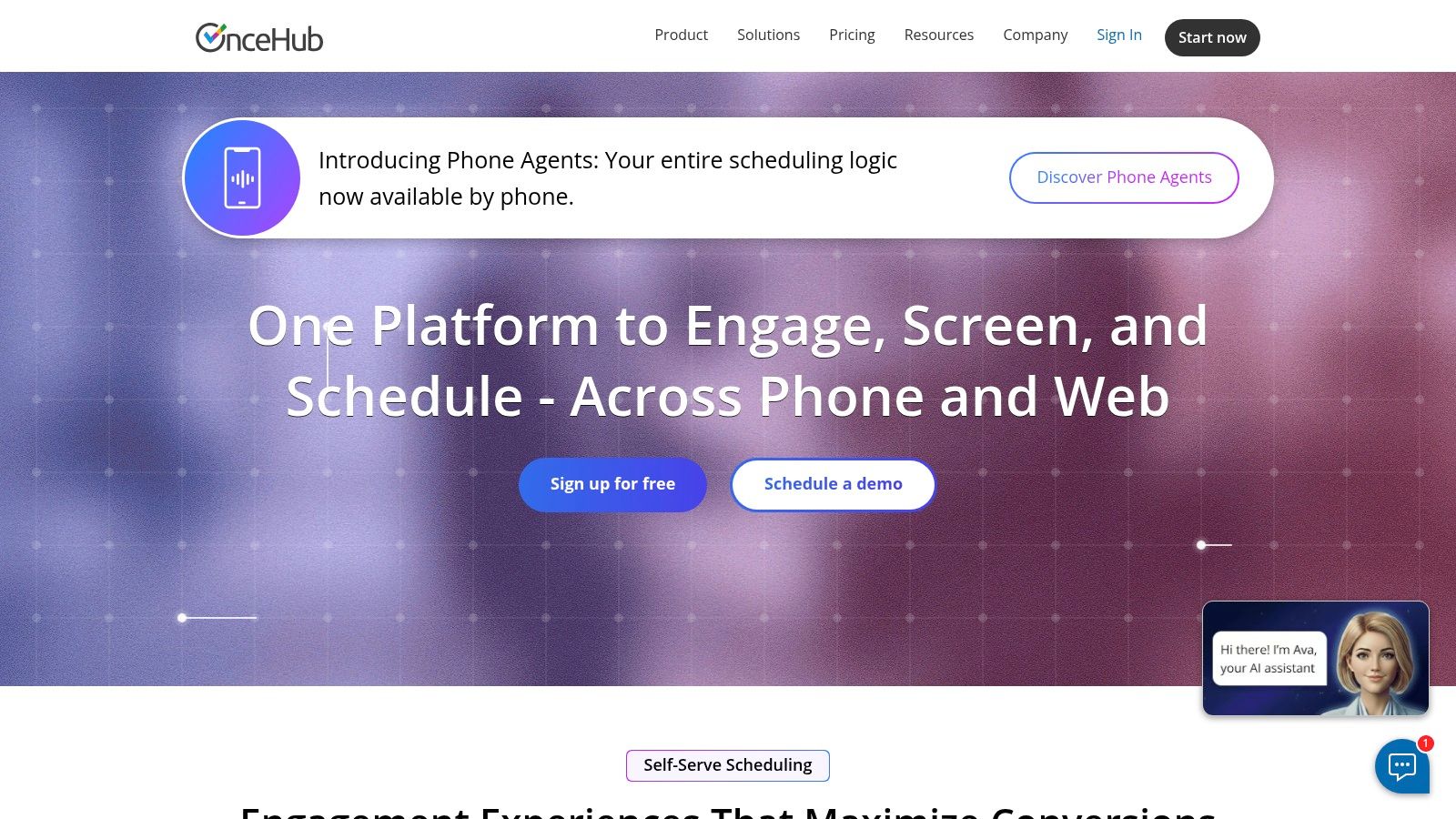
A coaching school faces a problem a solo coach doesn't. A prospect shouldn't just book a time, she should reach the right coach for her goal, language or program. OnceHub is built for that qualification and routing job.
The free Basic plan includes one user, one calendar and one booking link. Paid plans are listed at $12 per seat per month for Schedule and $23 per seat per month for Route. The Route plan adds routing forms, round robin distribution and booking assignment rules, while paid tiers support group sessions and multi-host meetings. Integrations include calendars, video tools, CRM systems and Stripe on paid plans, plus multilingual booking journeys.
When Routing Earns Its Complexity
Say three coaches share discovery calls and one specializes in career transitions. Routing questions can send that prospect to the right calendar automatically instead of relying on an admin to reassign bookings. That's real value at organizational scale.
For a solo coach, the same feature set can mean hours of configuration for a problem you don't have. Payments and advanced routing aren't all in the free plan, and some security and compliance capabilities require an add-on or higher tier. Choose it for distribution, not simplicity.
10. Zoom Scheduler
If your sessions, recordings and client habits already center on Zoom, Zoom Scheduler keeps booking within the same ecosystem. That reduces the handoff between choosing a time and joining a session.
Basic access includes one personal booking page and one connected calendar. The paid Scheduler plan is listed at $5.99 per user per month monthly or $4.99 per user per month billed annually. It adds unlimited booking pages, up to six connected calendars, group and round robin scheduling, email and SMS reminders, Stripe payments and routing forms.
Reminders can support better attendance. Research summarized in MarketSplash appointment scheduling statistics suggests text reminders generally outperform email. For a coach, that makes Scheduler's SMS option useful when clients might miss a message in a crowded inbox.
The trade-off is coaching continuity. Zoom Scheduler handles booking and reminders, but it is not a coaching CRM or program platform, so notes, plans and follow-up need another home. One page and one calendar can also feel restrictive if you separate discovery calls from client sessions. Choose it when Zoom is already central to your practice; coaches who use another video tool may prefer a scheduler that does not assume Zoom is home.
Starting prices, free options, and best-fit use cases for coaches comparing meeting scheduling software
| Item | Starting Price | Free Option | Best For |
|---|---|---|---|
| Coachful (Recommended) | $29/month | 7-day free trial | Coaches seeking an all-in-one branded business platform |
| Calendly | $10/seat/month | Free plan available | Familiar, straightforward appointment scheduling |
| Cal.com | $12/user/month for Teams; free individual plan | Free individual plan | Flexible individual scheduling and booking rules |
| Acuity Scheduling | $20/month | No free plan; 7-day trial | Booking with client intake and payment collection |
| YouCanBookMe | $7.20/month, billed annually | Free plan available | Independent coaches wanting customizable booking pages |
| SavvyCal | $10/user/month, billed annually | Free account setup and polls; no free booking links | Coordinating meeting times with polls |
| Zoho Bookings | $6/user/month, billed annually | Free plan for one user | Solo coaches and practices using Zoho tools |
| Setmore | $5/user/month, billed annually | Free plan for up to four staff profiles | Small practices needing a public booking page |
| OnceHub | $12/seat/month | Free Basic plan | Coaching organizations needing booking and client routing |
| Zoom Scheduler | $4.99/user/month, billed annually | Basic access with one booking page and calendar | Coaches who already use Zoom |
Match the Tool to the Work After the Booking
Go back to that coach who lost a discovery call after three weeks of email. A booking link would have saved the thread, but it wouldn't answer the deeper question. Does this practice need a calendar that books sessions, or a system that keeps clients moving between them?
Your clients have already answered part of it. A survey summary in SimplyBook.me online booking statistics reports that 67% of consumers preferred online booking in 2024, compared with 56% in 2021. The same summary notes roughly 40% of online bookings reportedly occur during evenings, weekends or holidays. Self-service isn't a perk anymore. It's how a client in another time zone books while you're coaching someone else.
Time is the other pressure. A scheduling analysis in uCals time wasted scheduling statistics puts calendar administration at 7% to 15% of a professional's productive workweek. For a coach working 40 hours, that's about 2.8 to 6 hours arranging and reconciling meetings. You're asking, "Is setup worth it for a few clients?" Even reclaiming the low end creates room for another client block.
Don't assume automation fixes attendance on its own, though. A 2025 study in Frontiers in Digital Health found online-booked appointments at a medical practice had a median no-show rate of 1.8%, versus 5.9% for offline bookings, while a hospital showed the opposite pattern. Workflow design, reminder timing and client segment matter. Track no-shows by cohort, not just total bookings.
Protect fairness and focus as you grow, too. Microsoft's 2025 research in the 2025 Work Trend Index found 30% of meetings span multiple time zones, up 8 percentage points since 2021. Rotate early and late slots, set buffers for notes and recovery, and don't let the same client or coach absorb every inconvenient hour. Good meeting scheduling software should expose only genuinely acceptable windows, confirm the time zone in writing and recheck availability at confirmation so two clients don't claim one slot.
Privacy belongs in the same decision. A booking form should collect only what's needed to arrange a session, and you should be able to explain who accesses that data, how long it's kept and what happens if you switch platforms. That care extends to inbox work too, especially if you're trying to manage customer emails more efficiently instead of letting scheduling threads bury client messages.
Take one clear next step. List the three workflows that break most often, usually booking, payment and follow-up. Then test two shortlisted tools against those three workflows during a free trial, using a real client scenario from booking to next-session prompt. The cheapest plan is rarely the right long-term choice if it caps your client count before your practice grows, so price the plan you'll need in six months, not the one that fits this week.
If your test shows the break happens after booking, in notes, programs and follow-up rather than in finding a time, Coachful brings scheduling together with client management, payments, programs, messaging and progress tracking in one branded workspace. Start the 7-day free trial, run one real client journey from booking link to follow-up, and decide from that evidence instead of a feature list.


