
10 n8n Workflow Templates for Your Coaching Business

Coachful
Stop Juggling Tools, Start Coaching More
It's Sunday night. Your calendar is full for the week, which should feel reassuring, but your laptop is still open because the admin work hasn't stopped. You still need to send welcome emails to new clients, check who paid, remind two people to book their next session, and find the worksheet you promised after Thursday's call.
That's the moment many coaches start thinking the same thing. There has to be a better way. You became a coach to help people move forward, not to spend your evenings copying links between forms, inboxes, spreadsheets, and booking tools.
That's where n8n workflow templates become useful. Not because templates are glamorous, but because they remove the repeatable work that keeps stealing your attention. A good template gives you a starting structure. You don't have to build the logic from scratch, and you don't have to become a full-time automation engineer just to send a reminder email at the right time.
The n8n ecosystem is big enough now that templates are a practical starting point, not just a hobbyist shortcut. A recent n8n templates roundup from Goodspeed notes 3,019 marketing automation templates in n8n's official workflow library and cites 9,000+ community-contributed workflows across use cases like CRM syncing, lead enrichment, AI pipelines, finance automation, and operations.
That matters if you're a coach. It means you can usually start with a working pattern for onboarding, reminders, follow-up, renewals, or lead capture, then adapt it to your own practice.
1. n8n Official Templates Library
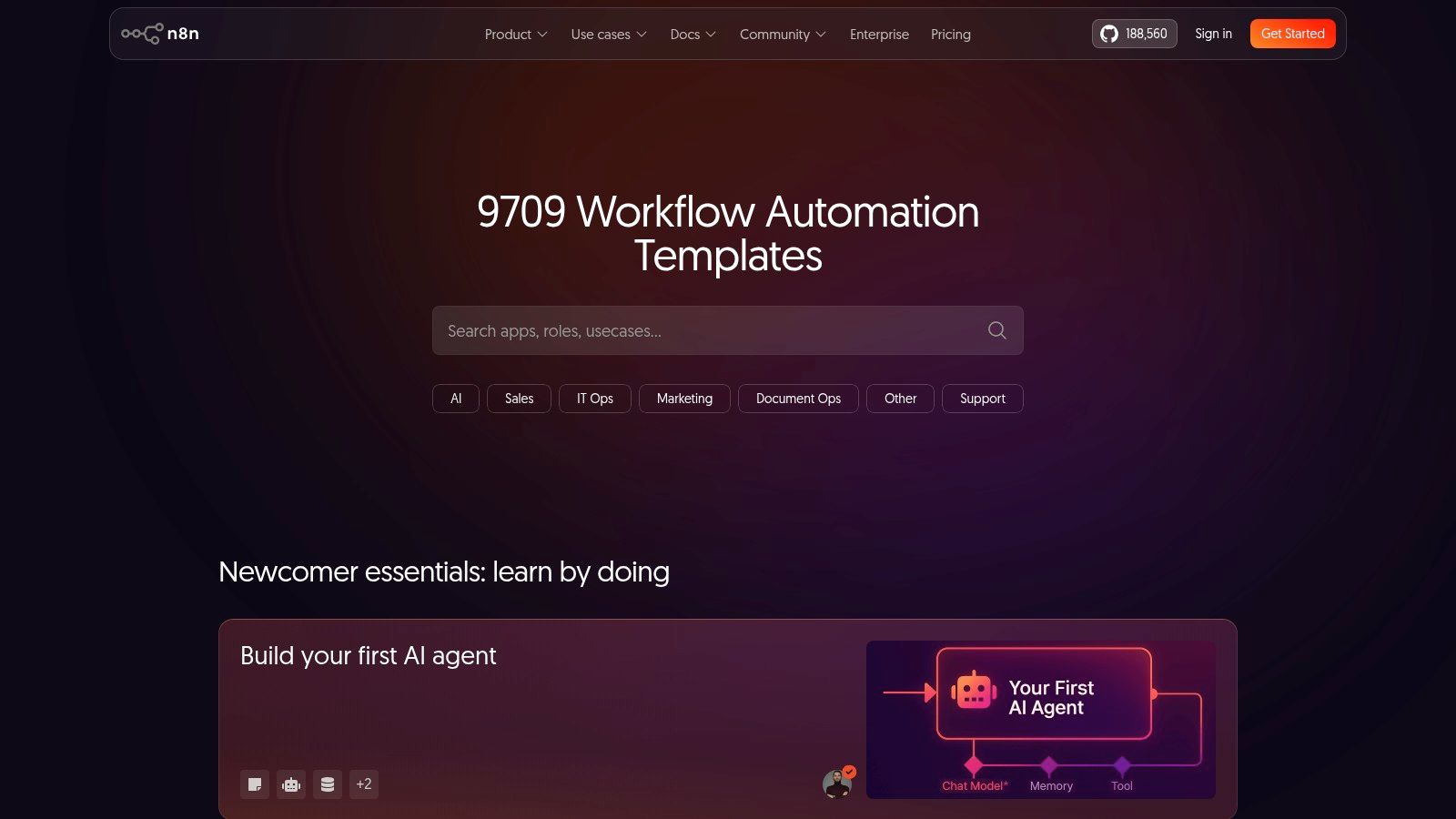
Start with the n8n Official Templates Library. It's the cleanest entry point if you want n8n workflow templates that match how the product behaves today.
For a coaching business, one of the easiest wins is automated client onboarding. Say a prospect fills out your Typeform intake. The workflow can add their information to a Google Sheet called “Client Roster,” then send a welcome email through Gmail with next steps, your scheduling link, and any prep instructions before the first session.
How I'd adapt it for coaching
Coaches usually hesitate. “I don't want a robotic client experience.” Fair concern. The fix is simple. Use the template for timing and structure, then make the message sound like you.
If your intake process still feels loose, pair this with coaching intake form templates so the form fields match the data your workflow needs. Clean inputs make automations feel thoughtful instead of clunky.
- Best first edit: Replace generic field names with your own language, such as coaching focus, preferred session time, and biggest current challenge.
- Smart second step: Add a branch that sends one welcome path to private clients and another to group program clients.
- Common mistake: Sending too much in the first automated email. Keep it to what they need now.
Practical rule: Your onboarding automation should answer three questions immediately. What happens next, where do I book, and how do I prepare?
The official library is the source I'd trust first. The trade-off is that some templates are polished production starters, while others are more like examples you'll need to strengthen before relying on them with paying clients.
2. Awesome n8n Templates GitHub
The Awesome n8n Templates repository on GitHub is for coaches who don't mind opening the hood a little. You'll see raw JSON files, version history, and community edits, which is useful when you want transparency more than polish.
A practical coaching use case here is session reminders. You can adapt a workflow that checks Google Calendar each morning, looks for upcoming calls, and sends a reminder email or SMS through Twilio. If no-shows or late arrivals drain your energy, this is one of the first automations worth setting up.
Where this source shines
GitHub is helpful when you want to understand what changed and why. That matters more than most coaches expect. A reminder workflow can seem simple until you realize different clients need different timing, channels, and wording.
For example, you might want:
- Email for executive clients: A clean reminder with agenda prompts and the session link.
- SMS for busy founders: A short note sent close to the session start.
- Conditional messaging: No reminder if the meeting was just booked a few hours ago.
The downside is obvious. You have to vet everything yourself. Documentation can be thin, naming can be messy, and some templates assume you already know how to manage credentials, triggers, and error handling.
If you're nervous about “breaking something,” duplicate the imported workflow first and test with your own email address before involving clients.
I like GitHub libraries when I need flexibility and don't mind some manual cleanup. I wouldn't send a brand-new import straight into live client operations without testing every branch.
3. n8n Library
If you want fast browsing without digging through a repo, n8n Library is easier on the brain. It feels more like a simple template directory, which is appealing when you already have enough decisions to make in your practice.
A coaching-friendly example is post-session follow-up. You can adapt a webhook-based template so that after a session, you trigger the workflow manually, paste in the key takeaway points, and let it send a recap email with a PDF resource and a feedback form.
A strong use case for busy coaches
This kind of workflow is ideal when you want consistency but not full automation. Not every coaching follow-up should be hands-off. Sometimes the right move is a “human-triggered automation,” where you decide when to send it, but the repetitive formatting and delivery happen automatically.
That looks like this in practice:
- After the call: You enter the client's name, summary notes, and one next action.
- The workflow handles: Email formatting, attachment delivery, and feedback link insertion.
- The client receives: A clean follow-up that feels organized and professional.
This approach works well because it preserves your judgment. You're not outsourcing the coaching itself. You're outsourcing the repetitive packaging of what you already do.
The trade-off with third-party directories is maintenance. Some templates are useful but lightly documented. If a node fails because an app changed its authentication flow, you may need to troubleshoot more than you expected. Still, for straightforward business tasks, this directory is a practical source of reusable n8n workflow templates.
4. n8n Resources Templates Directory
The n8n Resources template directory is especially interesting if your coaching business includes content, newsletters, community updates, or AI-assisted research. It leans into modern business workflows rather than basic one-step automations.
A strong coaching use case is AI-powered content summarization. You can watch an RSS feed for articles in your niche, send those articles through an AI node for summarization, and draft a short post or client resource email from the output. That's useful if you want to stay visible without spending your whole week turning raw information into something shareable.
When this is worth using
This source makes sense when content supports your client experience. Maybe you coach leaders and want to share a weekly takeaway on communication, burnout, or decision-making. Maybe you run a group program and want curated reading notes for members.
What doesn't work is automating thought leadership so aggressively that your voice disappears. Coaches get in trouble when they let AI summarize ideas they haven't reviewed.
Use AI to compress information, not to fake conviction.
I'd use a workflow like this to create a draft, then add your own framing. Why this article matters. Which client it applies to. What action someone should take this week. That final layer is where your authority lives.
The trade-off here is convenience versus control. Enhanced discovery is helpful, but if import shortcuts sit behind a paywall, you need to decide whether the easier search experience saves enough time to justify it. For coaches who are exploring a lot of AI-assisted workflows, it often does.
5. n8nflow.net
n8nflow.net is useful for coaches who learn better when they can see someone walk through a workflow. That matters because many automation problems aren't about logic. They're about confidence. You know what you want the system to do, but the visual builder still feels unfamiliar.
A solid use case here is automated invoicing follow-up. For example, when a Stripe invoice is marked paid, the workflow can find that client in a Google Sheet and update their payment status. That saves you from checking multiple tools before every session block.
Why tutorials matter more than features
For non-technical coaches, video-backed templates shorten the gap between “I get the idea” and “I can use this.” A tutorial can show where credentials go, how field mapping works, and what to do when the incoming data isn't formatted the way you expected.
That's especially helpful for money workflows, where mistakes create stress fast.
- Good fit: Marking invoices paid, notifying you of successful payment, or updating a client record.
- Less ideal fit: Complex billing logic with subscriptions, partial payments, and exception handling unless you're comfortable testing carefully.
- Important boundary: Never assume a payment workflow is correct just because it runs once successfully.
This source can feel a bit commercial because free and premium content sit side by side. Some coaches will find that annoying. Others will appreciate the option to buy a more guided asset instead of piecing things together alone.
If you need hand-holding to get moving, that's not a weakness. It's often the fastest path to an automation you'll keep.
6. N8N Workflows Community Hub
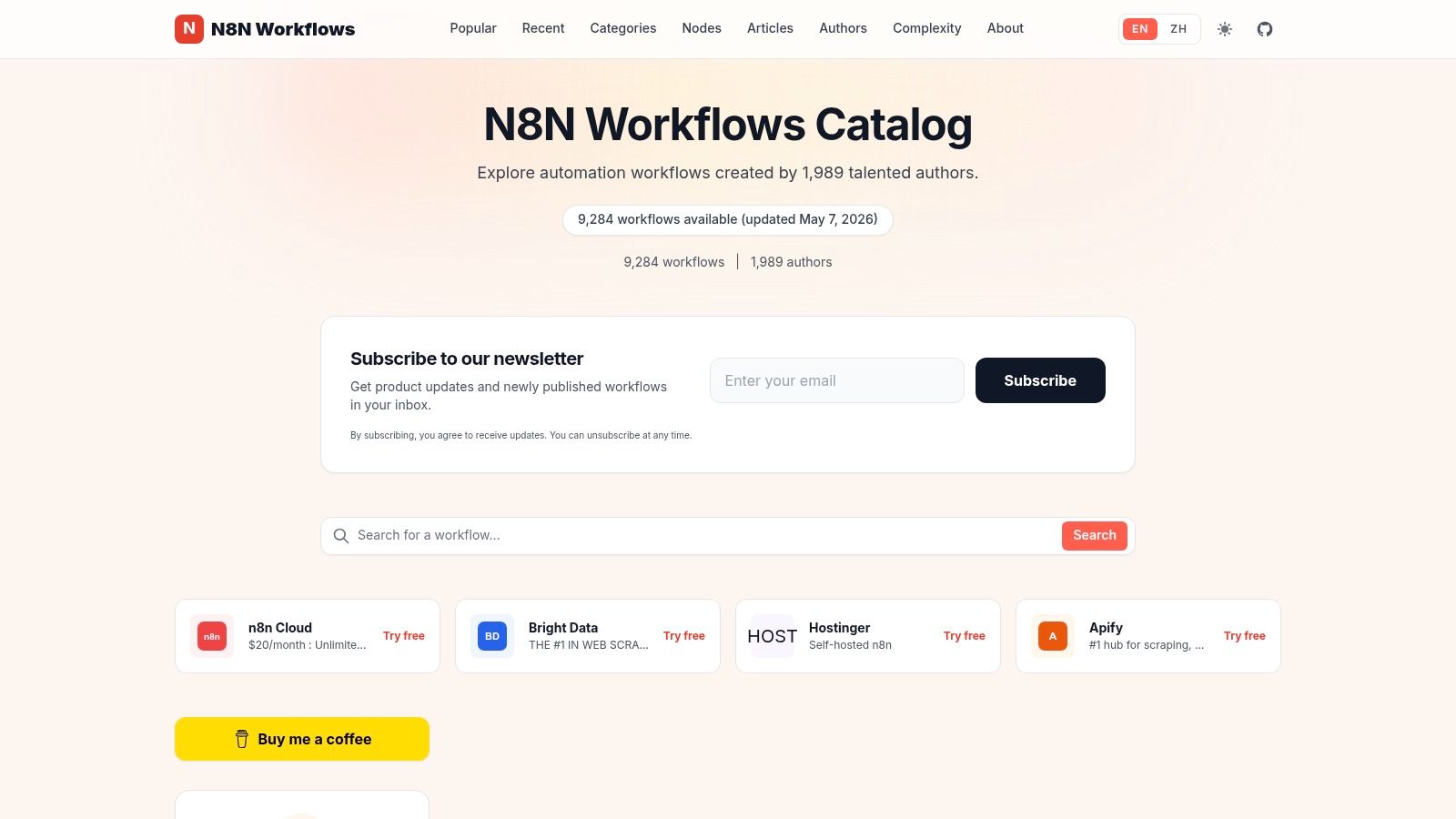
The N8N Workflows Community Hub feels more conversational than industrial. You're often getting a workflow plus a creator's explanation of how they meant it to be used, which can make adaptation easier.
For coaches, I like it for milestone tracking. Suppose you keep a Google Sheet called “Client Wins.” Each time you add a new row, such as “launched website,” “completed first keynote,” or “had first alcohol-free month,” the workflow can send a congratulatory email to the client and post a message to Slack for your team.
A better way to reinforce progress
Coaching clients often forget how far they've come. Automation can help you reflect progress back to them at the moment it happens.
That kind of system is small, but it changes the emotional texture of your practice. Clients feel seen. Team members stay informed. Wins don't disappear into session notes.
If you're building a broader operating system for your practice, this connects well with a roadmap to automate workflows and grow. Milestones, reminders, renewals, and follow-ups work better when they support one another instead of living in separate tools.
The best automation doesn't just save admin time. It reinforces client momentum.
The trade-off is scale. Community hubs can be less systematic than official libraries. You may find a great idea with a great explanation, but not the same depth of long-term maintenance. Still, for coaches who want inspiration plus context, this is one of the more human sources of n8n workflow templates.
7. FlowKit
FlowKit is narrower than the giant libraries, and that's exactly why some coaches will prefer it. Instead of trying to cover everything, it focuses more heavily on marketing and lead generation workflows.
That makes it a smart place to look for lead magnet delivery. If someone signs up on your landing page for a free PDF, mini training, or challenge, a webhook-triggered workflow can email the asset immediately and add the person to MailerLite or ConvertKit.
Where coaches usually overcomplicate this
Lead delivery should be boring. Fast, reliable, clean. A lot of coaches build an elaborate funnel before they've built a dependable first touch.
A simple setup often works best:
- Trigger: Website form submission.
- Action one: Send the promised resource right away.
- Action two: Add the lead to your email platform with the correct tag.
- Action three: Notify you or your assistant if the form captured a high-intent lead.
This type of workflow matters because the first few minutes after signup are when attention is highest. If delivery is delayed, people lose context, forget why they opted in, or assume your systems are messy.
FlowKit is useful when your immediate problem is growth ops, not backend operations. The limitation is breadth. If you later want intricate client fulfillment workflows, you'll probably outgrow the library and move into broader sources.
Still, for coaches selling a program, building a waitlist, or growing an audience, focused templates often beat giant directories full of unrelated ideas.
8. n8n-template.com Community Templates
n8n-template.com Community Templates is the kind of source I'd recommend to a coach who wants to understand a workflow, not just import it. The write-ups tend to do more teaching, which helps when you're adapting an automation to a nuanced client experience.
A strong use case is session prep questions. You could take an AI-oriented workflow and trigger it a couple of days before a Calendly event. It pulls context from your notes or a client record, then generates a short set of reflection questions that gets emailed before the call.
Why this can improve sessions
Some clients arrive ready. Others need a prompt to reconnect with what happened last time. Automated prep questions can improve the quality of the conversation before the meeting even starts.
The key is restraint. Don't let the AI write like a generic self-help bot. Feed it enough context to sound aligned with your method.
For example, your prompt might include:
- The client's current focus: Career transition, confidence, leadership conflict, health habits.
- A recap of the prior session: One challenge, one commitment, one unresolved question.
- Your tone: Direct, warm, reflective, action-oriented.
This source is especially good for educational adaptation. You can see screenshots, node flow, and reasoning. The trade-off is that the collection is smaller, so you won't browse it for hours the way you might with larger n8n workflow templates directories.
If you care more about quality of explanation than raw volume, that's a fair trade.
9. n8n Workflow Library n8nworkflow.app
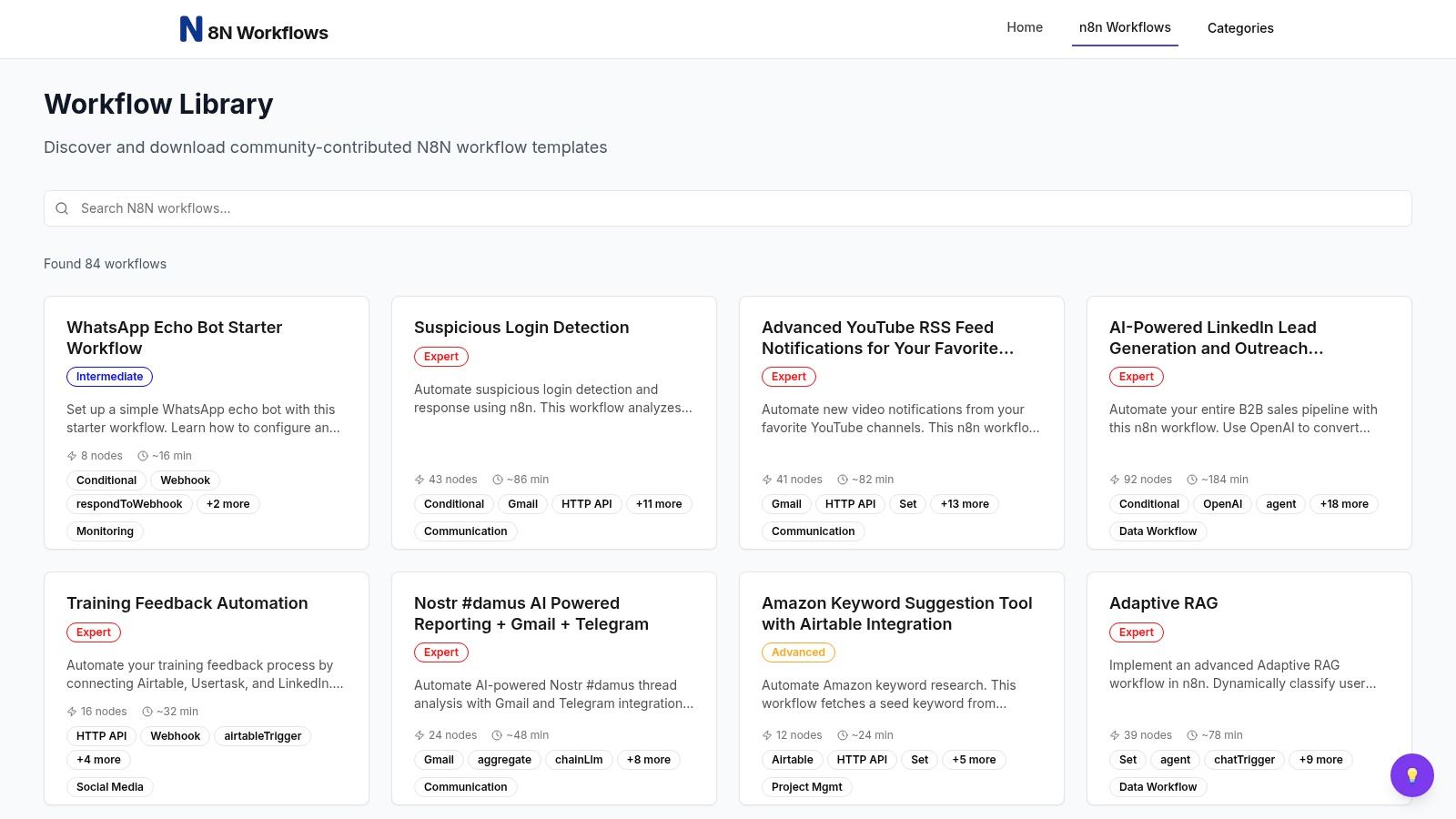
The n8n Workflow Library at n8nworkflow.app is smaller and tidier. That can be an advantage if large directories make you freeze instead of move.
A useful coaching application is social listening. Set up a workflow that searches for niche keywords on a platform you use for audience research, then sends matching posts into Slack or Discord for review. If you coach around burnout, career change, imposter syndrome, or sales confidence, that gives you a simple stream of language your audience is already using.
Small library, practical patterns
Beginners often benefit from limited options. You don't need hundreds of AI agents when what you really need is one dependable signal that tells you what clients are worried about this week.
This is also a good place to learn common building blocks. Scheduled triggers, search actions, filters, notifications. Those patterns show up again and again in stronger automations.
One reason templates matter is that they can encode real workflow architecture, not just shortcuts. In n8n's official price-tracking workflow example, the pattern combines Cron scheduling, HTTP Request retrieval, HTML extraction, IF-based routing, and JSON or binary conversion for persistence. That's useful for coaches because the same pattern can be adapted for cohort check-ins, renewal-risk monitoring, or engagement nudges that need scheduling, transformation, branching, and state handling.
When a template has scheduling, filtering, branching, and storage, you're not looking at a toy. You're looking at a reusable operating pattern.
The downside here is limited inventory and lighter documentation. But if you want a manageable place to learn how workflows are assembled, it's a solid stop.
10. Free n8n Workflow Community Directory
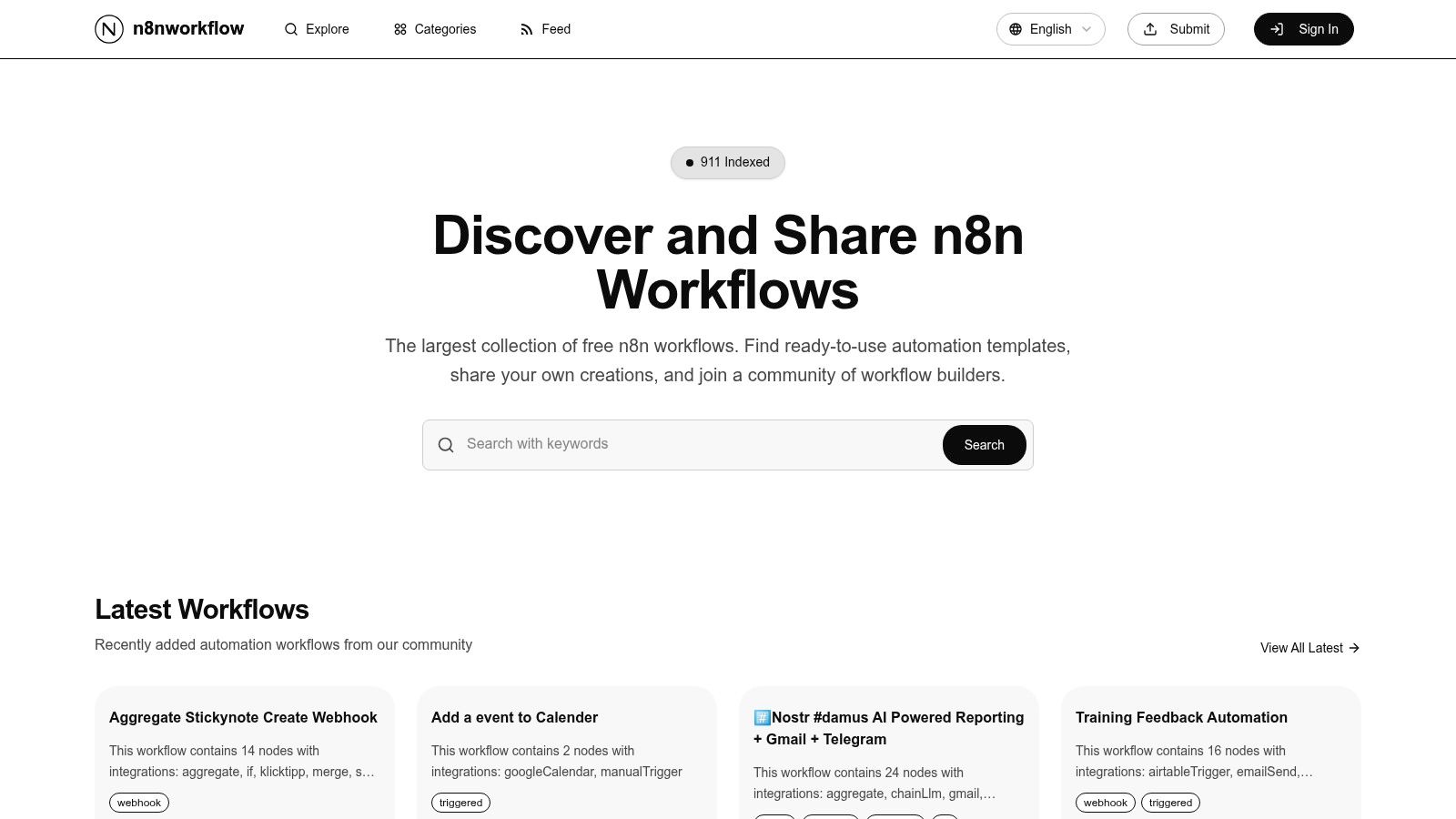
The Free n8n Workflow Community Directory is the kind of site you browse when you want ideas without spending money first. Quality varies, but it's still useful for finding practical building blocks you can shape into something better.
One coaching use case I like is testimonial management. Suppose a client submits a testimonial through Google Forms. A workflow can capture the response, add it to a spreadsheet, and email you so you can review it and ask permission before publishing.
A simple automation with real business value
Testimonials often get lost because they arrive at awkward times. You're between calls, you read the kind words, you mean to organize them later, and then they disappear into your inbox.
A basic workflow fixes that. It doesn't need to be clever. It just needs to be dependable.
- Capture the text: Store the response in one place.
- Trigger an alert: So you can follow up while the client's enthusiasm is fresh.
- Prepare the next step: Tag whether permission was requested, granted, or still pending.
If you're tightening the full first-client experience, this pairs naturally with Coachful's client onboarding solutions. Strong onboarding and strong proof work together. One earns trust at the start, the other helps new prospects believe the transformation is real.
The caution here is maintenance. Some community entries age badly. Test each workflow, simplify where possible, and don't depend on a template just because it exists.
Top 10 n8n Workflow Templates Comparison
| Template Library | Core features | Quality / UX | Unique selling points | Target audience | Price / Value |
|---|---|---|---|---|---|
| n8n Official Templates Library | 9,000+ verified templates, in‑app import, setup guidance | ★★★★☆ Smooth import; trusted source | 🏆 Official catalog; ✨ up‑to‑date with n8n releases | 👥 Coaches wanting reliable, production‑aligned starters | 💰 Free |
| Awesome n8n Templates (GitHub) | 8,600+ JSON templates, Git history, categories | ★★★☆☆ Massive coverage; requires vetting | ✨ Full Git transparency & forkability | 👥 Technical coaches / dev‑savvy users | 💰 Free (community) |
| n8n Library (n8n-library.com) | 2,000+ free templates, category pages, one‑click JSON | ★★★★☆ Quick discovery; easy downloads | ✨ One‑click JSON downloads; good biz vs tech grouping | 👥 Coaches who want fast manual imports | 💰 Free |
| n8n Resources, Templates Directory | 5,000+ curated templates, AI search, integrations | ★★★★☆ Curated UX; focused discovery | 🏆 AI‑centric templates; ✨ advanced filters & MCP Bridge | 👥 Coaches leveraging AI workflows | 💰 Freemium (small paywall for import) |
| n8nflow.net | ~7,000 templates, many with video tutorials | ★★★☆☆ Helpful multimedia; variable quality | ✨ Video walkthroughs paired to workflows | 👥 Non‑technical coaches who learn by watching | 💰 Freemium (mix free/premium) |
| N8N Workflows (Community Hub) | Community posts with step‑by‑step templates & profiles | ★★★☆☆ Active hub; explanatory write‑ups | ✨ Creator profiles & recent submissions | 👥 Coaches wanting community examples & narrative | 💰 Free |
| FlowKit | 150+ marketing/lead‑gen templates, JSON import | ★★★★☆ Practical, niche; easy to try | ✨ Focused on lead magnets and growth ops | 👥 Coaches focused on marketing & funnels | 💰 Free |
| n8n‑template.com, Community Templates | Clear narratives, screenshots, AI examples, JSON links | ★★★★☆ Educational detail; quality over qty | 🏆 Deep tutorials & node overviews for adaptation | 👥 Coaches wanting step‑by‑step AI templates | 💰 Free (small, single maintainer) |
| n8n Workflow Library (n8nworkflow.app) | Category browsing, direct downloads, fast navigation | ★★★☆☆ Beginner‑friendly; lightweight site | ✨ Tidy, business‑friendly organization | 👥 Beginners exploring common building blocks | 💰 Free |
| Free n8n Workflow (Community Directory) | Assorted free templates, basic walkthroughs | ★★☆☆☆ Many stale entries; varying robustness | ✨ No‑cost idea exploration | 👥 Coaches experimenting with low risk | 💰 Free |
Your Path to an Automated Coaching Practice
The main benefit of automation isn't just getting a few tasks off your plate. It's building a coaching business that doesn't rely on you remembering every detail at the exact right moment. When onboarding happens consistently, reminders go out on time, invoices get tracked, and follow-ups are systematized, your clients feel the difference. The practice feels steadier, more professional, and less exhausting to run.
That's why n8n workflow templates are so useful. They reduce the blank-page problem. You don't have to invent every workflow from scratch. You can borrow a proven structure, swap in your own tools, and shape it around the way you coach.
For many coaches, that's the sweet spot. You get flexibility, control, and room to customize. If you care about how data moves between your forms, calendar, email, CRM, payment tools, and notes, n8n gives you serious power. It also gives you responsibility. You still need to test workflows, think through edge cases, and decide where automation should stop and human judgment should take over.
That's the part people often miss. More automation isn't always better. Better automation is better. A welcome sequence should feel personal. A reminder should reduce friction, not create noise. A follow-up should support the client's progress, not just prove that your system can send emails automatically.
So the best path depends on your appetite for customization. If you enjoy assembling systems and want granular control, n8n is a strong fit. The ecosystem is mature enough now to make template-first building realistic, especially for common coaching tasks like onboarding, reminders, lead capture, and engagement workflows.
If your reaction is, “This sounds powerful, but I don't want to manage the plumbing,” that's a valid conclusion too. In that case, an all-in-one platform built specifically for coaches may serve you better because the workflows are already designed around coaching operations, not general automation logic.
Either way, the bigger shift is the same. You stop treating admin work as an unavoidable tax on your energy. You start designing a practice that protects your attention for the work that matters. More presence in sessions. Better client care. More capacity to grow without feeling like your business owns your evenings.
If you're tightening the foundations of your practice, it's also worth keeping your operational documents polished. A clear free coaching contract template helps support the same professional experience your automations are meant to deliver.
If you want the benefits of automation without stitching together forms, calendars, payments, notes, and reminders yourself, Coachful is the simpler path. It brings the core workflows of a coaching practice into one place, so you can spend less time managing systems and more time helping clients make real progress.