Paperbell Pricing in 2026: The One Plan, Explained
Paperbell pricing comes down to one paid plan: $97 a month, or $970 a year, as listed on Paperbell's pricing page in October 2026. Both include unlimited clients, sessions, packages, files and traffic, and Paperbell adds no transaction fee on what you sell. Before you pay anything there is a free account with no credit card, and your public coaching site stays live for its first 7 days.
That is the entire price list, which is refreshing in a category full of tiers. The harder question is what you will still pay for around it: an email tool, a course platform, a community app, a second coach's account. This guide covers the plan, the free account, monthly versus annual, the add-ons, and a short way to decide. If you would rather skip the setup altogether, Coachful's team builds your website, offers and forms for you at no extra cost, and we explain how that works near the end.
One thing before the numbers. You will still see $57 a month quoted in older reviews and comparison pages around the web. Everything below comes from Paperbell's own pricing page, FAQ and help center as they read in October 2026, so trust the date on whatever you are reading, including this.
Paperbell pricing at a glance
| Item | As listed in October 2026 |
|---|---|
| Paid plans | One plan, billed monthly or yearly |
| Monthly | $97 a month |
| Annual | $970 a year, shown against $1,164 and described as two months free |
| Clients, sessions, packages, files, traffic | Unlimited on both billing options |
| Coaches per account | One service provider; each extra coach needs their own account, with 15% off extra accounts for the same company |
| Transaction fees | None added by Paperbell; Stripe or PayPal processing fees still apply |
| Free option | A free account with no credit card; the public site is live for the first 7 days |
| Refunds | 30-day money-back guarantee on paid plans |
| Cancelling | Any time, from inside the app |

Paperbell says there are no upsells and no hidden add-ons, and its feature list supports that. There is no "Pro" tier holding back group coaching or payment plans. You either have Paperbell or you don't.
What the free account covers, and where it stops
Paperbell's help center describes the free account as a 7-day free trial. You get your coaching site and as many packages as you want to create, and the core features work: scheduling, payments, contracts and client management. Paperbell collects no payment details during the trial, so nothing charges you automatically at the end.
Three limits are worth knowing before you plan around it:
- The site goes offline after 7 days. You keep full access to your account and can keep building, but the public page that clients book from is not live until you choose monthly or annual.
- Client messages and SMS are switched off. Sending messages to clients and SMS notifications are not included in the trial week, so you cannot test the full reminder flow on a real client.
- Direct emails and surveys are limited without a paid subscription, according to the help article on messaging clients.
Older write-ups describe the free account as free until your second client. Paperbell's current help pages describe the 7-day trial instead and do not mention a client limit, so if you are choosing Paperbell for its free trial, check what your own account says on the first day.
What to check during those 7 days
A week is enough to find out whether the $97 is the whole bill or the first of several. Use it on the parts that decide cost, not on fonts:
| Check this | Why it changes what you pay |
|---|---|
| Build your best-selling package with its real price, payment plan, contract and intake survey | If the checkout does everything your current tools do, those tools can go |
| Write the three emails a new client gets from you today | If they are reminders and welcome notes, Paperbell's workflows cover them; if they are a newsletter or a launch sequence, you still need an email tool |
| List what clients do between your calls | Daily habits, check-ins or course lessons with progress need another product |
| Count everyone who coaches in your business | Each coach is a separate account |
| Open the client view on your phone | If clients will want an app from the store, that is outside Paperbell |
Monthly or annual: the arithmetic
Twelve months at $97 is $1,164. The annual plan is $970, so paying yearly saves $194, which is exactly two months. Spread across the year, annual works out to about $80.83 a month, the figure Paperbell itself uses.
The break-even is simple: $970 divided by $97 is 10. If you would keep Paperbell for more than ten months, annual is cheaper. If there is a real chance you will move within the year, because you are adding a group program, hiring a coach or launching a course, monthly costs more per month and less in total.
The 30-day money-back guarantee helps on either option. Paperbell's pricing page says to email within the first 30 days for a full refund. After that, the annual plan is prepaid, so the decision is made for the rest of the year.
A sensible sequence for most coaches: start monthly, run a full month of real clients through it, then switch to annual if nothing on the list below has come up. The plan is priced in US dollars, and Paperbell supports multiple currencies for what you charge clients.
What the one Paperbell plan includes
The pricing page lists everything in a single block, and it is a solid list for one-to-one coaching:
- A website built from your packages, with custom branding, your logo and your own domain.
- Scheduling with time-zone detection, gaps between appointments, reminders including SMS, and Google, Apple and Outlook calendar sync.
- Payments and packages through Stripe or PayPal: subscriptions, payment plans, pay-in-full discounts, pay-what-you-can, coupons and setup fees. Paperbell does not hold your money; it goes to your own account.
- Contract signing through Dropbox Sign, with no separate Dropbox Sign account and unlimited contracts.
- A client portal where clients book, pay, fill in surveys and find what you shared.
- Email workflows, forms and surveys, including intake and exit surveys.
- Group coaching, digital downloads and online classes, sold as packages.
- Video call details on every calendar invite, with Zoom and Google Meet integrations or any video link you paste in.
- Secure client notes, Zapier and support.
Paperbell makes its own case for the price on the same page. It lists eight jobs coaches often buy separately (a website builder, contract signing, scheduling, a client portal, SMS notifications, a form builder, content delivery and payment plans) and adds them up to $238 a month. You can argue with individual line items, but for a coach whose work is sessions and packages, the point holds: one bill and one login replace several of each.
What you would still pay for on top
Paperbell is complete for selling one-to-one packages. The bill grows when the coaching itself grows, and it grows in predictable places. This table uses Paperbell's own feature list and help center; we have left out other vendors' prices because they change often and depend on your list size.
| If you need | What Paperbell includes | What coaches usually add |
|---|---|---|
| A newsletter or launch emails | Reminders, post-session emails and package workflows | An email marketing tool |
| Lead magnets and funnels | Package landing pages and an email signup block | A landing page or funnel builder |
| Courses with progress tracking | Video content and online classes inside packages | A course platform |
| A member community | None built in; its group coaching page suggests adding a private Facebook group or similar | A community app |
| Habits, goals and check-ins | None | An accountability app or a shared spreadsheet |
| A client app from the App Store or Google Play | Mobile browser and a home-screen shortcut | A platform that has one |
| A second coach | A separate account, 15% off for the same company | Another subscription |
| Card processing | No Paperbell fee | Stripe or PayPal fees, as on any platform |
Each row is a choice Paperbell made on purpose, in favour of staying simple. Each one is also a separate bill with its own login, its own client invitation and its own place where something can go wrong. For more on how those layers add up, see how much coaching software really costs.

How to decide whether Paperbell's price fits you
Work through these five steps with a pen. It takes ten minutes and saves a migration later.
- Count your coaches. One coach means one plan. Two coaches means two accounts: on monthly billing that is $97 plus about $82.45 for the second, if the 15% discount applies to your billing, so roughly $179 a month.
- Write down what clients do between sessions. If the answer is "they come back for the next call", Paperbell covers you. If it is daily tasks, habit check-ins or lessons, add the tool you would need.
- List your marketing. Newsletter, lead magnet, webinar, sales page. Each one that is not a package page is another product.
- Add up twelve months. Paperbell's $970 or $1,164, plus everything from steps 2 and 3, plus processing.
- Price your setup time. Every extra tool needs connecting and maintaining. An evening a month is a real cost for a coach who sells hours.

Three quick examples
A solo career coach who sells a six-session package and a single CV review, and writes a monthly newsletter elsewhere. Paperbell is close to the whole bill: $970 a year on annual, the newsletter tool she already has, and processing. This is the coach Paperbell was built for.
A health coach running an eight-week group program with daily habits and a members' chat. Paperbell handles the sale, the calendar invites and the group calls. The habit tracking and the chat live somewhere else, and so does the evidence of who is actually doing the work.

A two-coach practice sharing one calendar of clients. Two Paperbell accounts at roughly $179 a month on monthly billing, with no shared calendar or team permissions between them. Our guide to coaching software for small teams looks at that setup in more detail.
Where Coachful fits in the comparison
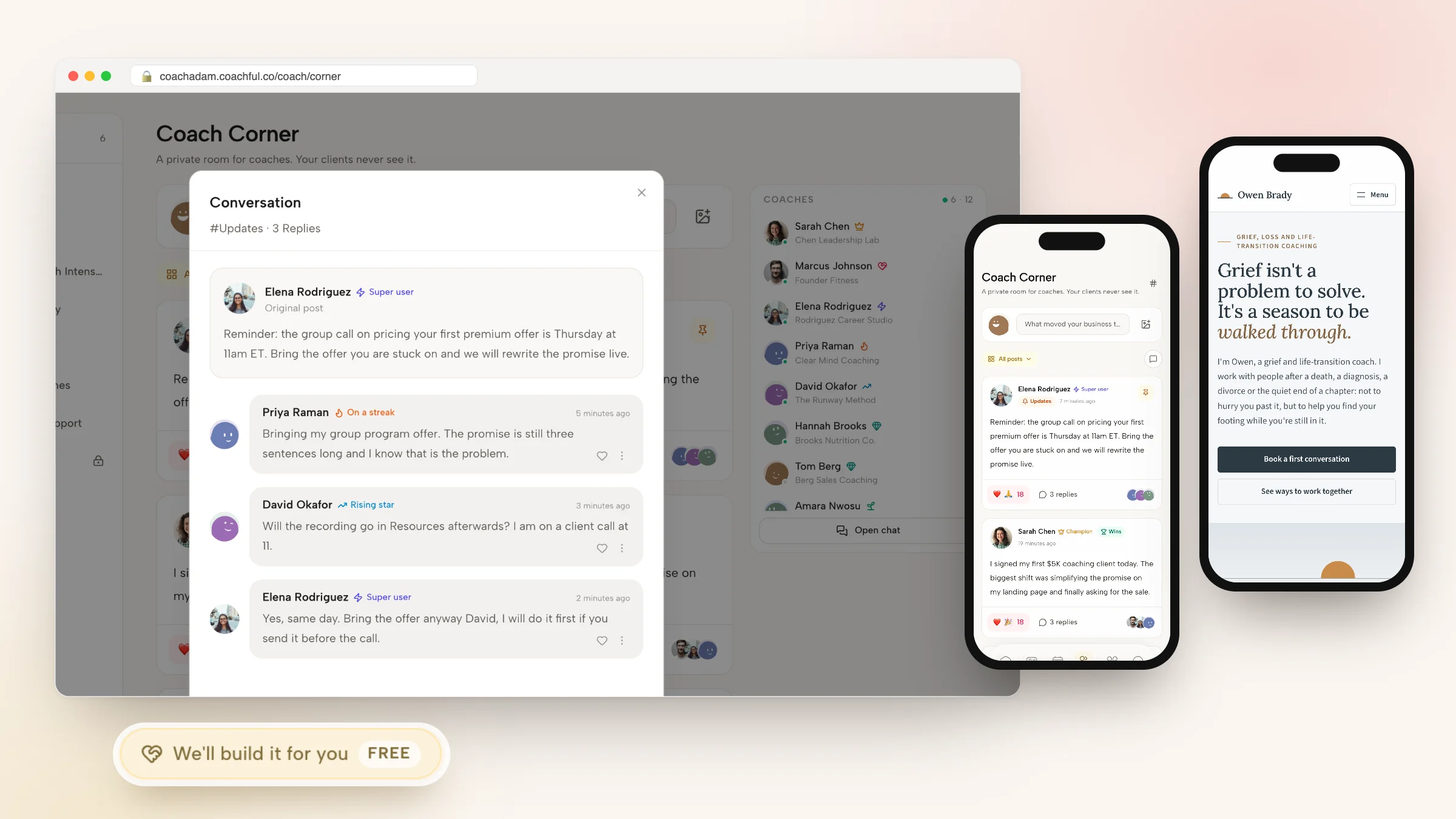
Coachful starts from the same sale and keeps going after it. A client buys an offer with a one-time price, a subscription or a payment plan, signs the agreement and books the first call. Then they land in a client home with their program, this week's tasks, their habits, your messages and the next session, on the web or in the iPhone and Android app.

The parts from the table above are included in your Coachful membership rather than bought separately: email sequences and broadcasts, funnels, courses, a community feed with group chat, habits and check-ins, a client app, and team plans with three or six coach seats. Michelle, the built-in AI assistant, answers questions and plans with you as part of the membership, and uses AI credits only for confirmed builds and changes. Payments go to your own Stripe or Razorpay account with a 0% platform fee.

To be fair about the differences: Paperbell's one plan has unlimited clients, while Coachful's plans come with a client allowance, so check the price and allowance shown to you on Coachful's plans page against your roster. Paperbell takes PayPal and Coachful does not. Neither is HIPAA compliant. If you only ever sell one-to-one packages and send people a calendar link, Paperbell's simplicity is a fair reason to stay.

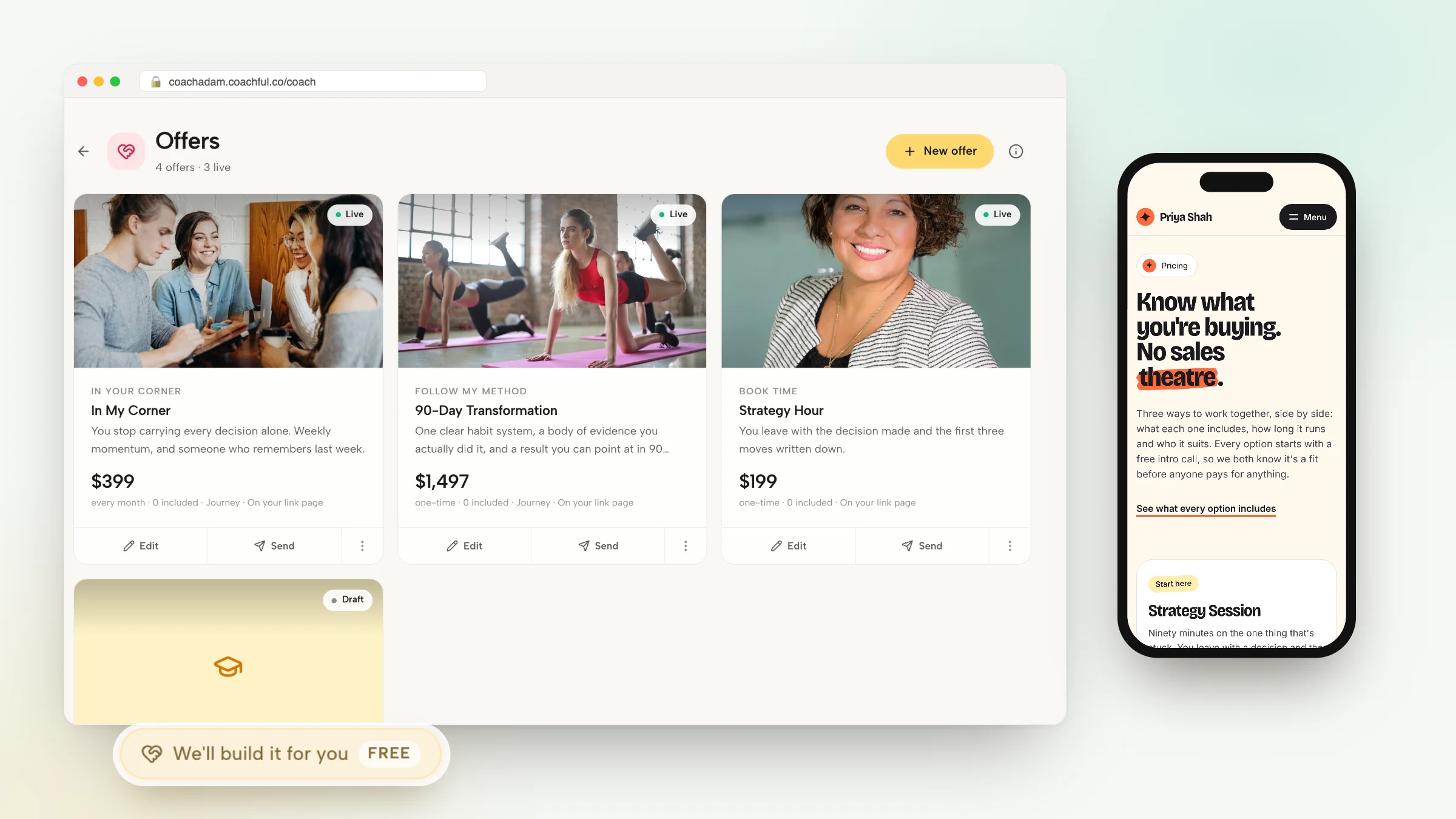
Why Coachful stands out: a free white-glove service. Every Coachful plan includes a build service at no extra cost. Choose Create > We'll build it for you · FREE, paste your Paperbell site and package pages as reference links, attach your logo and copy, and the Coachful team builds your website, offers and forms inside your account, usually within about 24 hours. They work from what you send and invent nothing; anything missing is left for you to fill in. Read what the white-glove service builds, or the step-by-step guide to switching from Paperbell.

For a feature-by-feature view, see Coachful vs Paperbell. For an honest look at the product beyond its price, read our Paperbell review, and if you have already decided to move, our ranked Paperbell alternatives cover the field.
Frequently asked questions
How much does Paperbell cost per month?
As listed on Paperbell's pricing page in October 2026, the one paid plan costs $97 a month, or $970 a year, which works out to about $80.83 a month. Both options include unlimited clients, sessions and packages, and Paperbell adds no transaction fee. Stripe or PayPal still charge their normal processing fees.
Is Paperbell free?
Paperbell has a free trial with no credit card. Its help center describes it as a 7-day free trial: your site and packages work, but the public site goes offline after 7 days until you choose a paid plan, and client messages and SMS are not included during the trial. Older reviews describe it as free until your second client.
Does Paperbell charge transaction fees?
No. Paperbell says it adds no extra transaction fees and never holds your earnings. Payments go to your own Stripe or PayPal account, and those processors charge their standard fees. Coachful also charges a 0% platform fee, with payments through Stripe or Razorpay.
Is Paperbell's annual plan worth it?
Only if you expect to stay more than ten months. The annual plan is $970 against $1,164 for twelve monthly payments, a saving of $194. A 30-day money-back guarantee covers the first month, but after that the year is prepaid, so run a month of real clients on monthly billing before you switch.
Can two coaches share one Paperbell account?
No. Paperbell is designed for one service provider per account, and each extra coach needs a separate account. Its FAQ says extra accounts for the same company get a 15% discount. Coachful has team plans with three or six coach seats, each with their own availability and permissions in one shared account.
What is the cheapest way to get a coaching website, booking and payments in one place?
Count the whole stack, not the headline price. A single tool such as Paperbell covers website, booking and payments for one coach. If you also need email marketing, courses, a community or a client app, a platform that includes them can work out cheaper than adding three more tools, so total the year before you decide. Coachful includes all of those and shows your price on its plans page.
Will Coachful rebuild my Paperbell site if I switch?
Yes, at no extra cost on every Coachful plan. Open Create > We'll build it for you, describe what you want, and paste your Paperbell pages as reference links. The team builds your pages, offers and forms in your account, usually within about 24 hours, and you edit everything afterwards. They do not record videos or design logos.