Best Zoom Alternatives for Coaches in 2026: 8 Compared
The best Zoom alternatives for coaches solve the problem Zoom does not: the call is fine, but everything around it lives somewhere else. The link sits in a calendar invite, the recording in a cloud folder, the summary in an email and the notes in a document, and none of it is attached to the client. So the useful question is less "which video app is better than Zoom?" and more "where should the call happen so the rest of the session takes care of itself?"
We compared eight options on that question. Coachful's built-in video ranks first because the call, the recording, the AI summary and your notes all land on the client's record, and you can still create Zoom links from it when a client insists. The Coachful team will also set up your session types and booking pages for you at no extra cost. Google Meet, Whereby and Microsoft Teams are the strongest general-purpose replacements, and four coaching and course platforms include video of their own.
Why coaches look for Zoom alternatives
Zoom is reliable and familiar, and according to its website in October 2026 it now offers AI Companion summaries with next steps and its own scheduler. Coaches still move away for practical reasons:
- The session leaves no trace on the client. Recordings and summaries sit in Zoom, not beside the client's goals, agreement and history.
- Links get lost. A client who books through one tool and joins through another is one forwarded email away from a missed call.
- Another subscription. If your coaching platform already includes video, a separate Zoom plan is a cost with no new capability.
- Downloads and accounts. Some clients, especially on locked-down work laptops, struggle to install or update an app before a call.

None of this makes Zoom a bad choice. If you run big workshops with breakout rooms or your corporate clients only allow Zoom, keep it. The options below are for everyone else.
Zoom alternatives for coaches at a glance
How we ranked them: a link clients open without installing anything, recording with consent, notes and a summary that land where you will find them, group formats, and whether it replaces a subscription or adds one.
| Tool | Type | Recording and summary | Lands on the client record? | Best for |
|---|---|---|---|---|
| 1. Coachful | Coaching platform with built-in video | Coach-controlled recording; AI summaries using AI credits | Yes | Coaches who want the call and the coaching in one place |
| 2. Google Meet | Video app | Depends on your Google Workspace plan | No | Coaches already on Google |
| 3. Whereby | Browser video rooms | Depends on plan | No | A permanent room with your own link |
| 4. Microsoft Teams | Video and chat | Depends on Microsoft 365 plan | No | Corporate and executive clients |
| 5. Simply.Coach | Coaching platform | Embedded video plus Zoom, Teams, Meet | Session notes in the platform | Leadership coaching with sponsors |
| 6. Practice Better | Wellness practice software | Built-in telehealth; notes sync to the chart | Yes, to the client chart | Dietitians and wellness practitioners |
| 7. Kajabi | Course platform | Built-in live video up to 200 people | Coaching notes and milestones | Course businesses with live coaching |
| 8. Circle | Community platform | Live Rooms and Live Streams | No coaching record | Group calls inside a community |
Features as published by each vendor in October 2026. We do not quote prices for video apps that are not in our pricing records.
How we chose these Zoom alternatives
Coaching calls are not meetings. They are short, private, often emotional, frequently recorded for the coach's own development, and followed by work the client has to remember. We judged each tool on what happens in the five minutes before a session, the hour of it and the day after, from the vendor's own pages and review sites. We make Coachful, so we explain its limits as plainly as the others'.
1. Coachful: best Zoom alternative for coaches
Coachful's video is part of a coaching platform rather than a meeting app. The session type decides where the call happens: built-in video, or a Zoom meeting, Google Meet link or Teams link that Coachful creates for you when the matching account is connected. Phone and in-person sessions are logged too.

Before the call
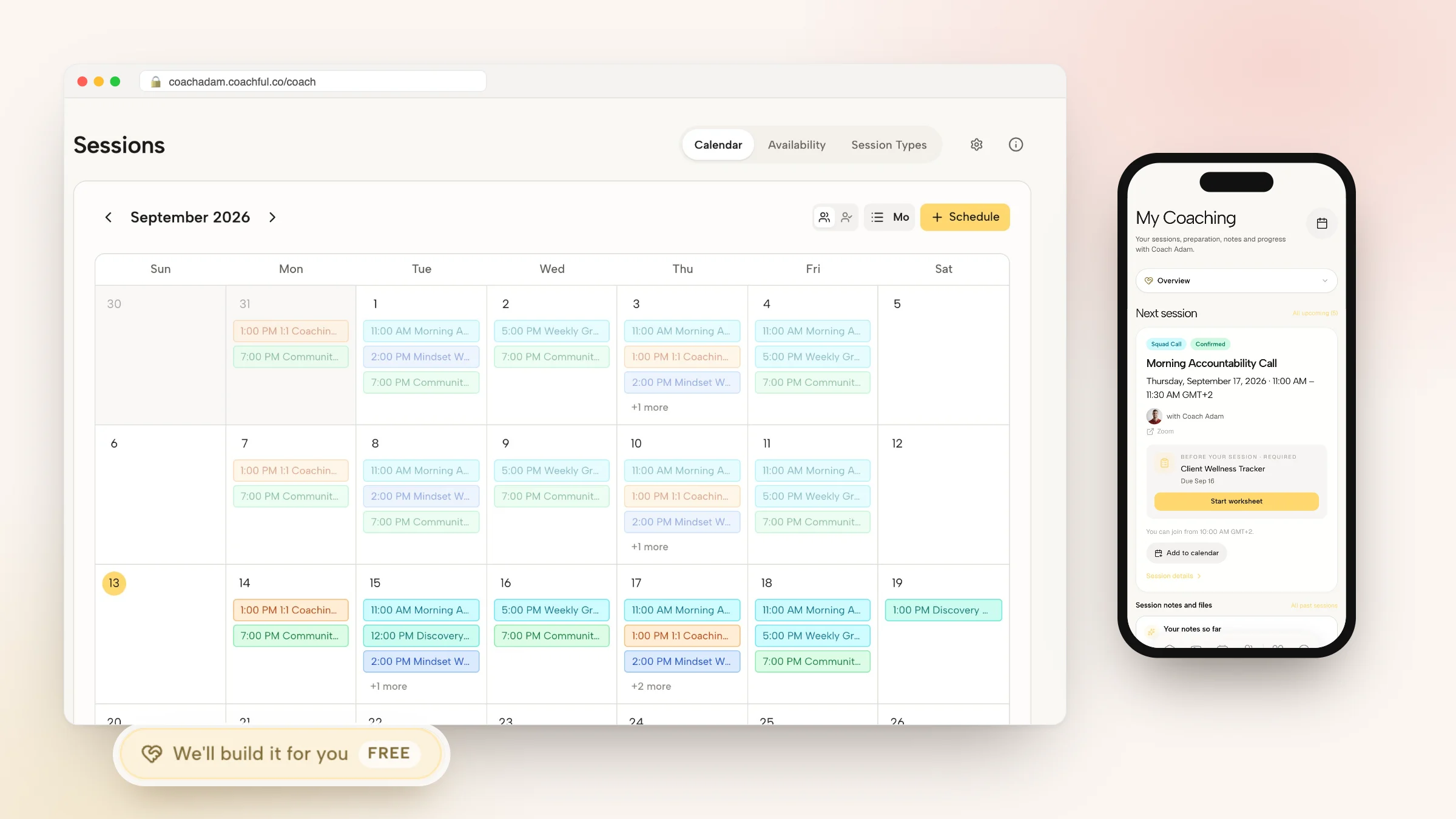
The client books from your availability in their own time zone and gets reminders by email, plus SMS at 24 hours and WhatsApp at 1 hour once messaging is enabled. Their next session, the join time and any required worksheet sit at the top of their My Coaching page in the app or browser, so there is no invite to dig for. Rooms are created on the server and scoped to your organization, so nobody lands in another coach's room.
During the call
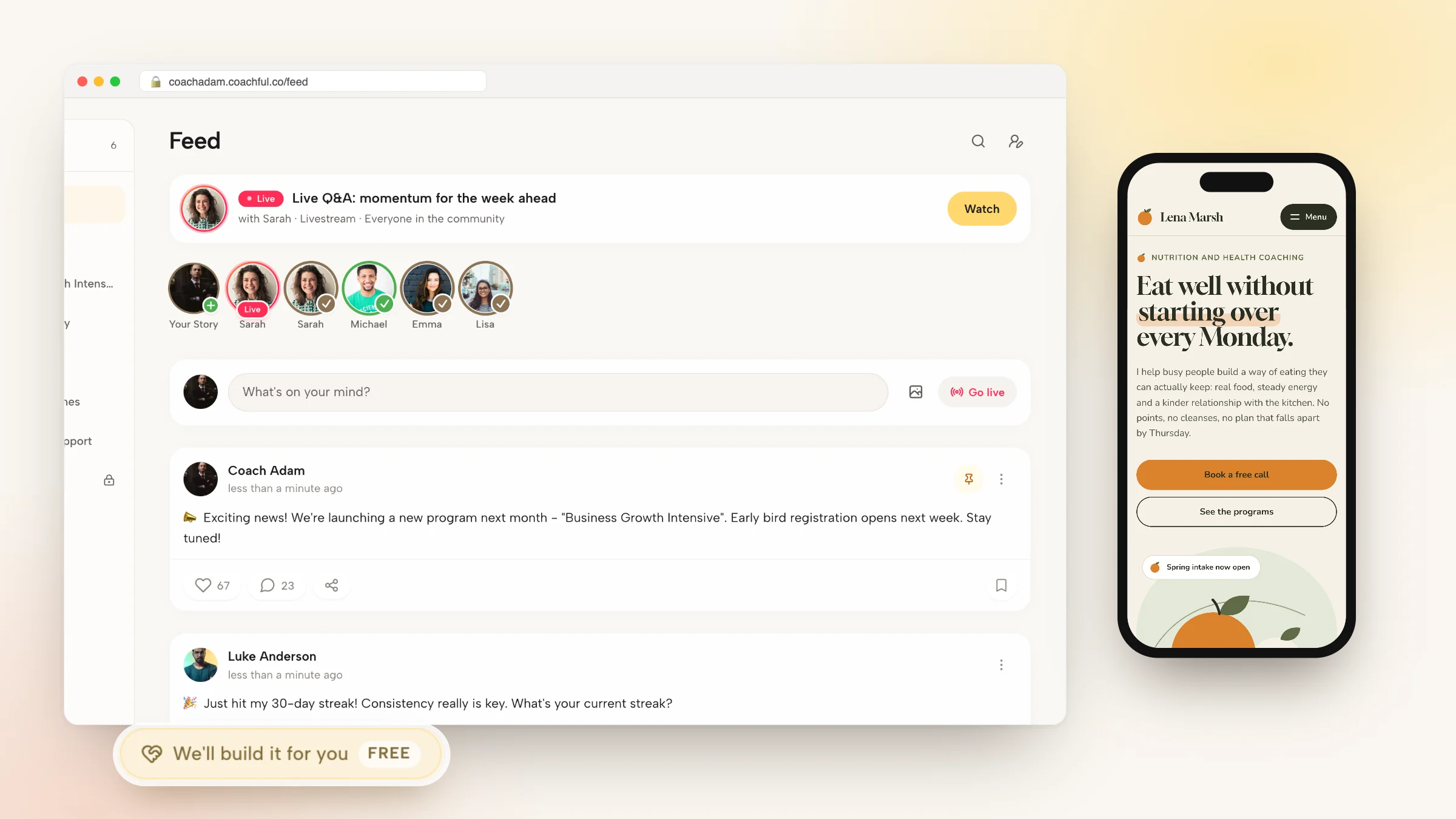
Built-in video works for coach and client with no extra account, on the web and in the iPhone and Android app. You start, pause and resume recording from the call controls. Group sessions run as calls, livestreams or focus rooms with attendance per member, and webinars add a countdown, a call to action, chat and popup funnels that take payment without leaving the room.
After the call
Notes attach to the session, with private notes separate from what the client sees. Recorded sessions can be summarized by AI, with a client-facing version drafted for you; summaries use AI credits. Attendance, no-shows and cancellations are tracked, and completed sessions count toward ICF credential hours. If you record elsewhere, Coachful's Meeting intelligence connections (in beta) bring Fathom or Fireflies.ai transcripts, summaries and action items into the matching Coachful session.

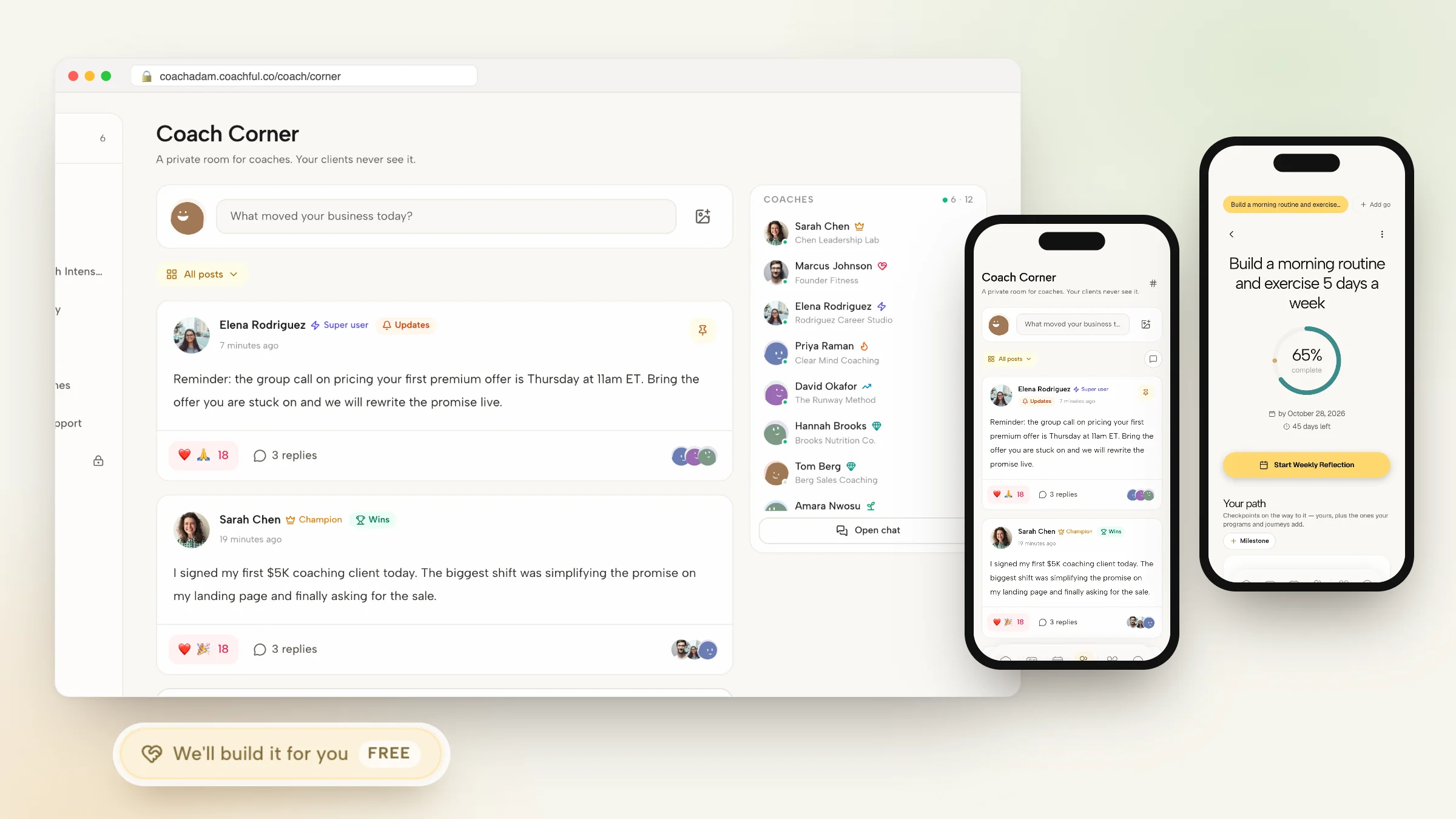
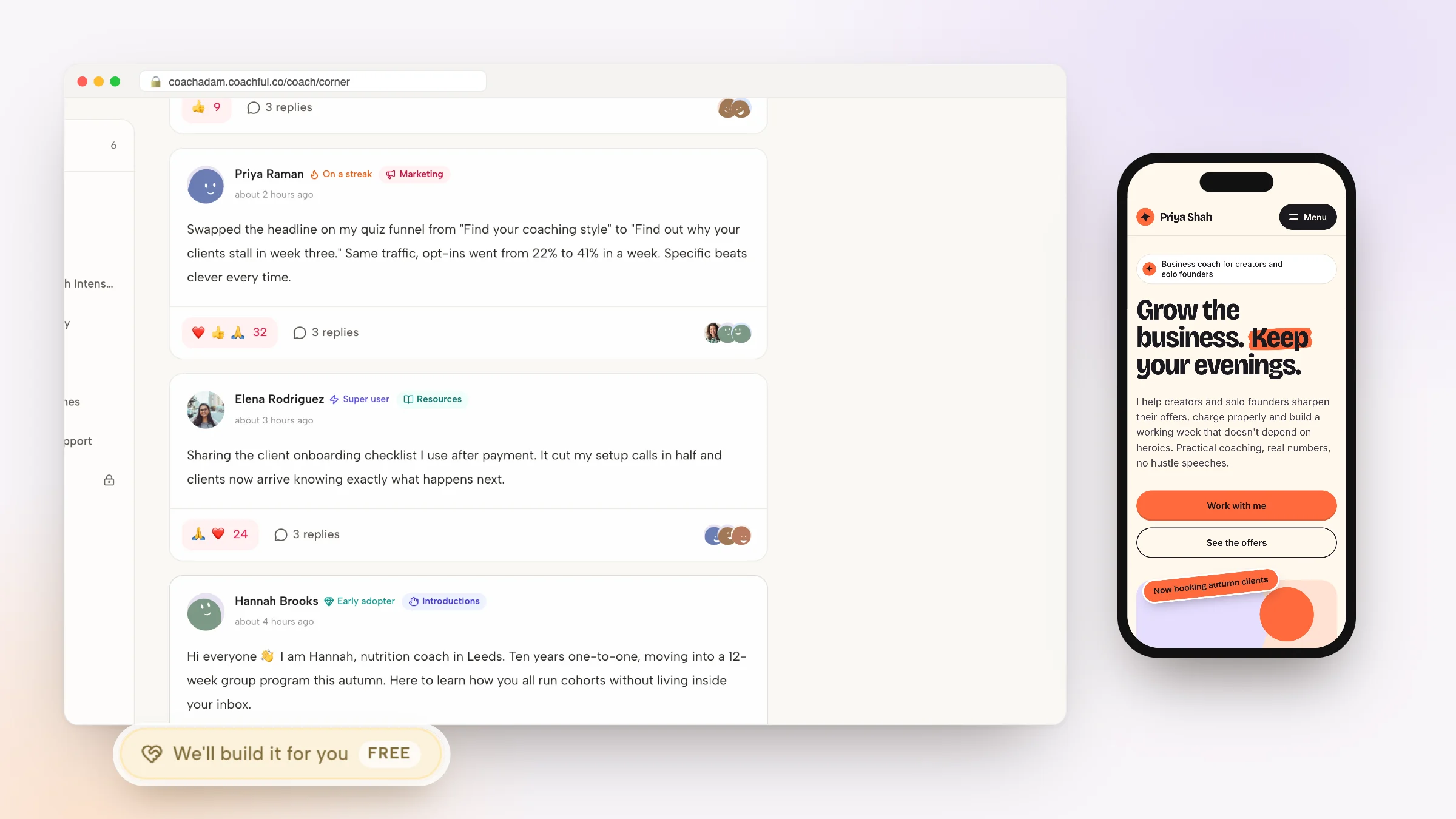
Why Coachful stands out: a free white-glove service. Every Coachful plan includes a build service at no extra cost. From Create > We'll build it for you, describe your sessions and packages, and the team sets up the offers, booking funnel and pages in your account, usually within about 24 hours. Built-in video itself is included in your Coachful membership. More in the white-glove service guide.
Limitations: no dial-in conference bridge, so phone sessions are logged rather than hosted. It is not a general company meetings product, and Zoom, Meet and Teams features depend on your own connected accounts. It is not HIPAA certified. See Coachful video calls for the full feature list and Coachful vs Calendly for the booking side.
2. Google Meet: best for coaches already on Google

Meet runs in the browser with nothing to install, so a client clicks the link and arrives. It is part of Google Workspace, sits naturally in Google Calendar invites and is familiar to most clients. Recording and transcripts depend on your Workspace plan.
Falls short: the call is a standalone meeting with no booking, payment or coaching record attached. Pick it if your calendar, email and documents already live in Google. Coachful creates Meet links automatically when Google Calendar is connected.
3. Whereby: best for a permanent room with your own link

Whereby gives you browser-based rooms with a fixed address you can share like an office door, which suits coaches who like clients to know exactly where to go every week. Nothing to download for the client.
Falls short: like any standalone video tool, recordings and notes live apart from the client. Pick it for a simple, consistent room when your admin is elsewhere.
4. Microsoft Teams: best for corporate and executive clients
For executive coaches working inside large companies, Teams is often the only video tool the client's IT department allows, and it comes with the client's Microsoft 365 account. Recording, transcripts and Copilot features depend on the client's or your licence.
Falls short: scheduling across organizations can be awkward, and the session belongs to the company's tenant rather than your records. Pick it when the client's employer requires it. Coachful creates Teams links when Outlook is connected. Our guide to meeting notes in Teams covers the notes side.
5. Simply.Coach: best for leadership coaching with sponsors

Simply.Coach embeds video conferencing in its coaching platform and also connects Zoom, Teams and Google Meet, with recurring sessions on its Growth plan and stakeholder reports for corporate sponsors. As listed in October 2026, Starter is $9 a month for 3 clients and Growth $49 for 30. It claims SOC2, HIPAA and GDPR compliance.
Falls short: client caps on every solo tier below Leap ($69), and reviewers describe a learning curve. Pick it if employers pay and want reports.
6. Practice Better: best for wellness practitioners

According to its website in October 2026, Practice Better's telehealth lets clients join video sessions from their client portal, and practitioners capture notes during the call that sync to the client chart. It carries HIPAA, PIPEDA and GDPR badges. We could not verify its prices for this guide.
Falls short: it is clinical practice software, so coaches who do not chart or bill insurance pay for depth they will not use. Pick it if you need compliant telehealth. Coaches comparing options can read our Practice Better alternatives.
7. Kajabi: best for course businesses with live coaching

Kajabi's coaching product includes built-in live video for up to 200 participants with 20 breakout rooms, plus its own scheduler, session outlines and milestones, alongside courses, email and a community. Basic is $179 a month.
Falls short: no habits, check-ins or contracts for the work between sessions. Pick it if courses drive the business and live sessions support them.
8. Circle: best for group calls inside a community

Circle's Live Rooms and Live Streams run interactive sessions and broadcasts inside the community, so members never leave for a separate link. Professional is $129 a month with a 2% fee on sales, as listed in October 2026.
Falls short: no one-to-one booking or session records. Pick it for group coaching that lives in a membership.
Or keep Zoom and fix what happens after the call
If your clients love Zoom, you do not have to switch video at all. Two cheaper fixes:
- Let your coaching platform create the Zoom link. Coachful creates the meeting when a session is booked, so the link appears in the client's app and reminders rather than in a forwarded email.
- Add an AI notetaker and bring its output home. Fathom and Otter record and summarize Zoom calls. With Coachful's Meeting intelligence connection in beta, Fathom transcripts, summaries and action items match to the Coachful session automatically.
Either way, ask for consent before you record and put it in your agreement. Our post on AI session notes and client consent has wording, and video call integration explains how the links are created.
Frequently asked questions
What is the best Zoom alternative for coaches?
For coaches who want the call and the coaching record together, Coachful's built-in video is our top pick: recording, AI summaries, notes and attendance land on the client's record. For a general video app, Google Meet suits coaches on Google Workspace, Whereby suits a permanent room, and Teams suits corporate clients.
Is there a Zoom alternative built for life coaches?
Yes. Coaching platforms such as Coachful include video designed around sessions: clients join from their coaching app, the session ties to their goals and notes, and reminders carry the link. Simply.Coach also embeds video, and Paperbell attaches Zoom links rather than hosting calls.
Can I record coaching sessions without Zoom?
Yes. In Coachful the coach starts, pauses and resumes recording from the call controls, and recorded sessions can be summarized by AI using AI credits. Google Meet and Teams record on supported plans. Always get the client's consent first.
Do clients need to download anything to join?
Not with browser-based options. Coachful calls open in the browser or in the Coachful app on iPhone and Android, Google Meet and Whereby run in the browser, and Teams works in a browser for guests. Zoom offers a browser option but pushes its app.
Can Coachful still use Zoom if my client prefers it?
Yes. Set the session type to Zoom and Coachful creates the Zoom meeting for each booking once your account is connected, with the link in the client's reminders and app. Google Meet and Teams links work the same way with Google Calendar or Outlook connected.
Is built-in video included in Coachful?
Yes. Built-in video calls are included in your Coachful membership on every plan, with no extra account needed for you or your clients. AI summaries of recorded sessions use AI credits.
Will Coachful set up my session types and booking pages for me?
Yes. Coachful's white-glove build service is free on every plan. Choose Create > We'll build it for you, describe your sessions, packages and prices, and the Coachful team builds the offers, booking funnel and pages in your account, usually within about 24 hours. You can edit everything afterwards.
Related: remote coaching tools, virtual coaching platforms and coaching session notes software.