Best Coaching Session Notes Software in 2026: 8 Compared
Coaching session notes software has two readers, and most tools are built for only one of them. You need private notes: what you noticed, what you suspect, what to come back to. Your client needs a short, shared record of what you agreed and what they are doing next. The best tools keep those apart by design, attach both to the right client and session, and let you find last March's breakthrough in seconds.
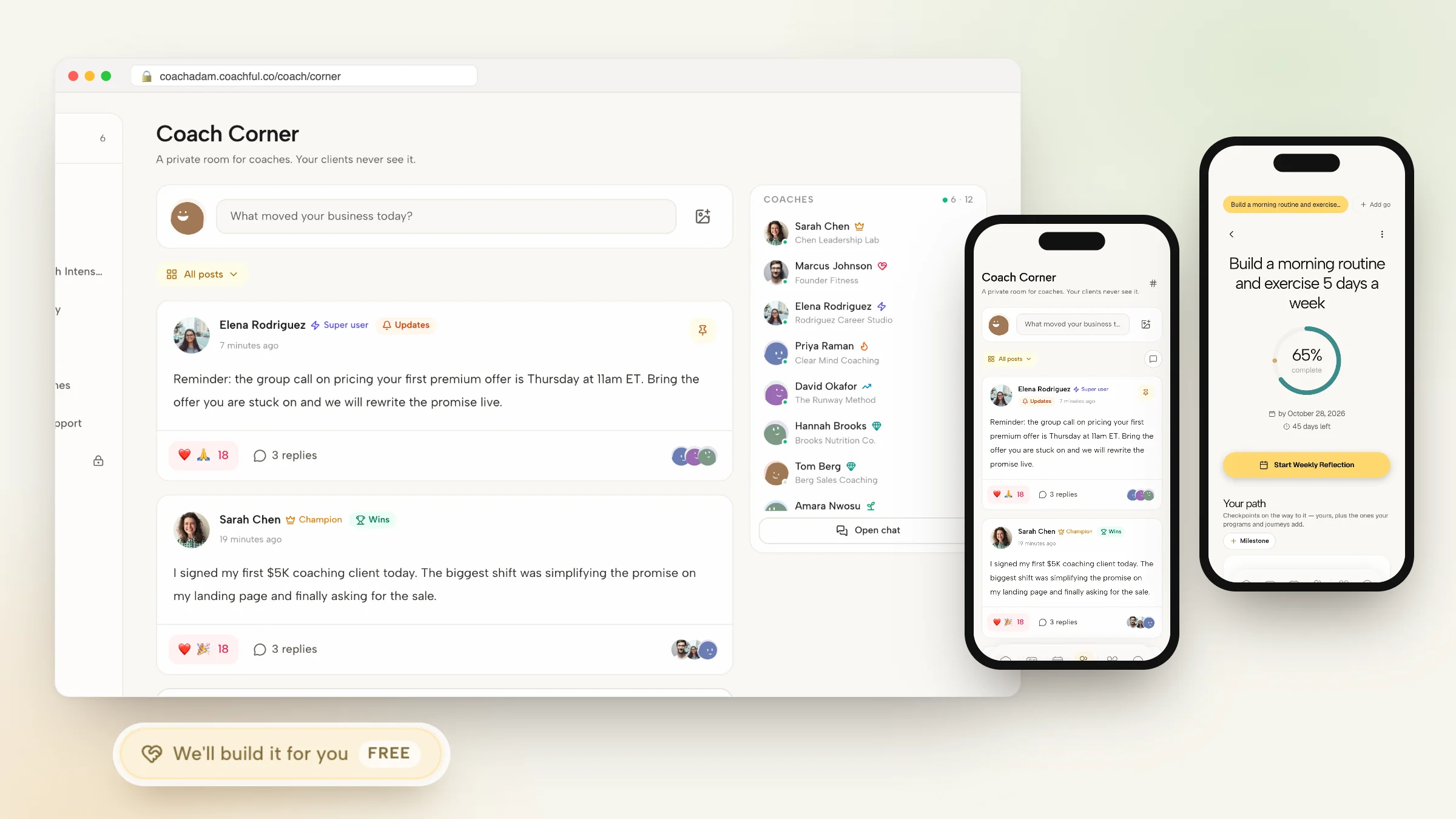
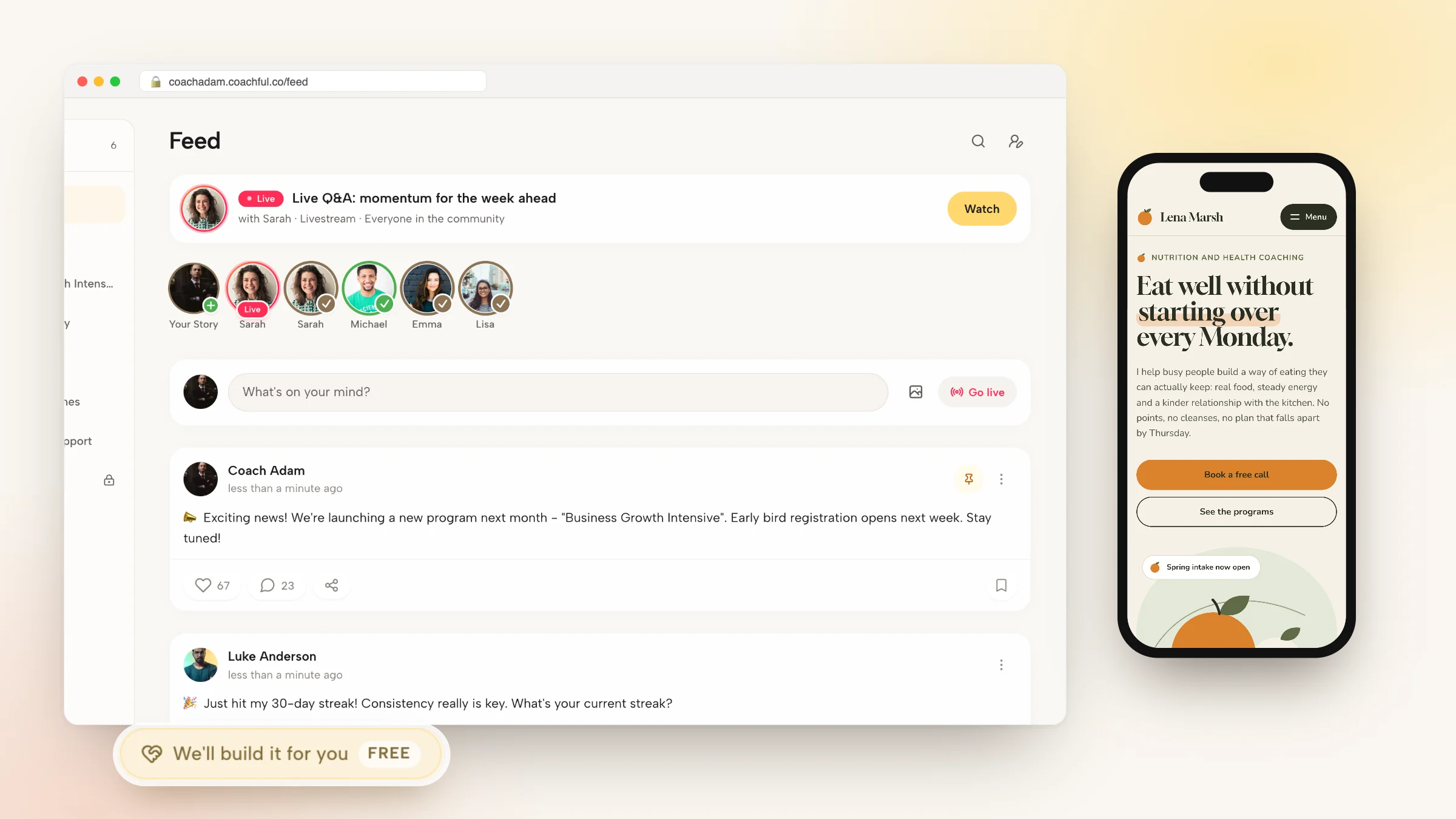
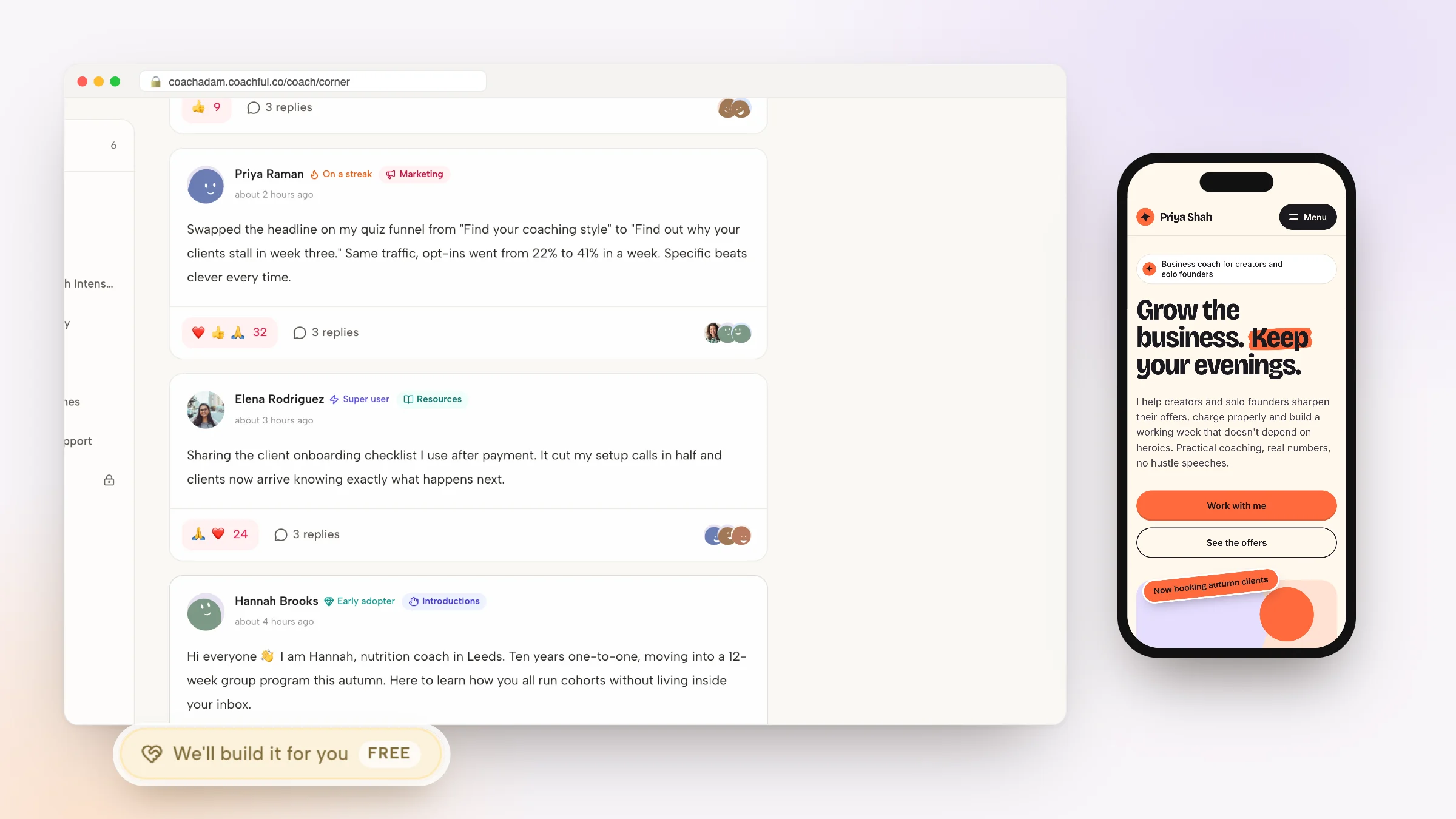
We compared eight options, from AI notetakers to coaching platforms to a plain document. Coachful comes first because private notes, shared notes, recordings and AI summaries all sit on the client's record, and clients read their shared notes in their own app. The Coachful team will also build your session templates and intake worksheets for you at no extra cost. Fathom and Otter are excellent if you keep Zoom, and Notion suits coaches who like to design their own system.
What good coaching session notes software does
General meeting-note tools, which we cover in our guide to meeting notes software, are built for teams sharing minutes. Coaching notes have stricter needs:
| Need | Why it matters in coaching |
|---|---|
| Private and shared notes, separately | Your hypotheses are not for the client, and their action list is not a diary |
| Notes attached to a client and a session | So the history reads as one relationship, not a pile of files |
| Recording and summary with consent | Saves typing during the call; consent belongs in your agreement |
| A client-facing recap | Clients remember what they reread |
| Search across a client's history | "When did she first mention the move?" should take seconds |
| Export and deletion | You must be able to hand records over or delete them on request |
| Hours counted for credentials | ICF-track coaches need the session log anyway |
If you are still deciding what to write down, start with our session notes template; this page is about where those notes live.
Coaching session notes software at a glance
How we ranked them: whether private and shared notes are separate, whether notes land on the right client and session without copying, and whether the client can read their part somewhere they already look.
| Tool | Type | Private vs shared | AI summary | Client reads notes in |
|---|---|---|---|---|
| 1. Coachful | Coaching platform | Separate fields | Yes, from recorded sessions, using AI credits | Their My Coaching hub and app |
| 2. Fathom | AI notetaker | You decide what to share | Yes | An email or link you send |
| 3. Otter | Transcription and meeting AI | You decide what to share | Yes | A shared transcript or summary |
| 4. Notion | Workspace | Whatever you build | Optional AI features | A shared page, if you build one |
| 5. CoachAccountable | Coaching platform | Within its client record | No, by its own policy | Its client portal |
| 6. Practice Better | Wellness practice software | Charting for the practitioner | AI-powered charting | The client portal |
| 7. Delenta | Coaching platform | Within its client portal | Delenta-i note-taker | The client portal or app |
| 8. Google Docs | Document | One doc each, if you are disciplined | Depends on your Workspace plan | A shared doc |
How we chose
We traced one session through each tool: notes during the call, a recording if the client agreed, a summary, the recap the client receives, and what you can find six months later. Facts come from vendors' own pages and our October 2026 records. We publish Coachful, so where another tool does something better we say so.
1. Coachful: best coaching session notes software overall
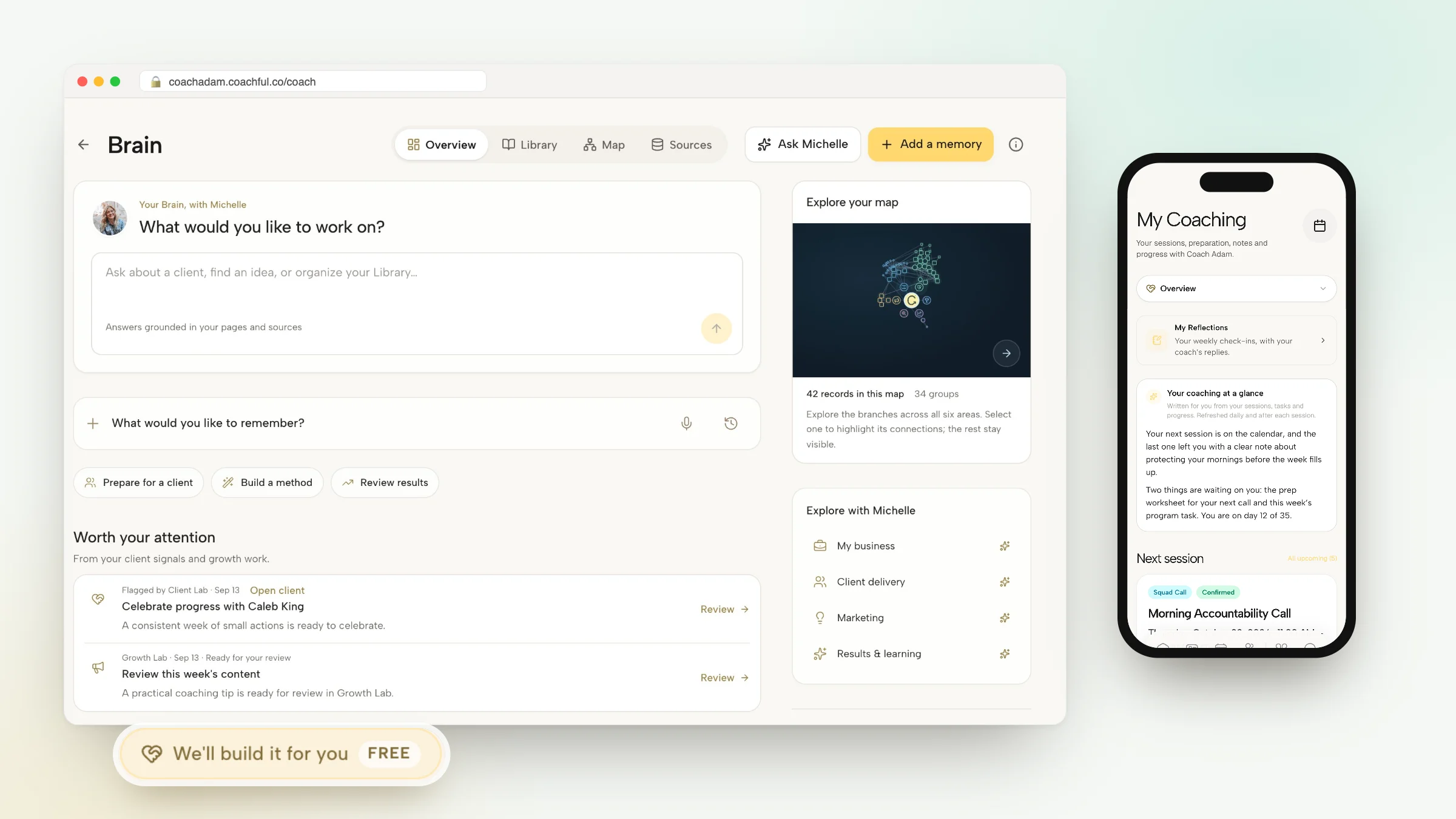
In Coachful, notes belong to sessions and sessions belong to clients. You write during or after the call, and two kinds of note stay apart: private notes, visible only to you, and shared session notes, which appear in the client's My Coaching hub. On the client's side, a short "Your notes so far" summary gathers the thread across your shared notes from recent sessions, so they reread one paragraph rather than five documents.

Recording and AI summaries
On built-in video you start, pause and resume recording from the call controls. Recorded sessions can be summarized by AI, with the client-facing version drafted for you to check; summaries use AI credits. If you run calls on Zoom, Meet or Teams with Fathom or Fireflies.ai, Coachful's Meeting intelligence connections (in beta) bring their transcripts, summaries and action items into the matching Coachful session.

History, memory and records
- Every client record has Notes, Sessions and an activity timeline, plus an AI briefing generated from live practice data before you meet.
- Past session notes import from PDF, DOCX, TXT or Markdown files, one past session per file, so your history moves with you.
- Brain is your private notebook: capture a thought by typing or voice, keep editable pages, and ask Michelle questions answered from your own pages and sources.
- Completed sessions count toward ICF ACC, PCC and MCC hours, and you can export a client coaching log.
- Everything exports as a ZIP, including notes, sessions, check-ins and form responses.

Why Coachful stands out: a free white-glove service. Every Coachful plan includes a build service at no extra cost. From Create > We'll build it for you, ask for a pre-session worksheet, an intake form or an onboarding journey, and the team builds it in your account, usually within about 24 hours, so clients arrive at each session having already answered your questions. See what the white-glove service covers.
Limitations: recording and AI summaries depend on the call running on built-in video or on a connected notetaker; phone sessions are logged rather than recorded. It is not HIPAA certified. Its competency feedback on your own sessions, if you turn it on, is a development aid rather than an ICF assessment. More on the Coachful client record.
2. Fathom: best AI notetaker for coaches who keep Zoom

Fathom summarizes meetings so you can stay in the conversation. According to its homepage in October 2026, it now works without a bot joining the call, lists SOC 2 Type II, GDPR and HIPAA compliance, and is part of Superhuman. You can ask it questions about past meetings, such as what follow-ups you committed to.
Falls short: notes live in Fathom unless you move them, and it knows calls, not clients. Pick it if you run sessions on Zoom, Meet or Teams. In Coachful, the Fathom connection files its summaries under the right session.
3. Otter: best for full transcripts

Otter describes itself as meeting AI that turns talk into action: transcription, pre-call briefs, live coaching and automatic follow-ups, working with Zoom and other meeting apps. A searchable transcript is useful when you review your own coaching for supervision or mentor coaching.
Falls short: a transcript is not a note, and you still decide what reaches the client. Pick it if you want every word, not a summary.
4. Notion: best for building your own notes system

Notion lets you build a client database with a page per session, templates based on your model (GROW, CLEAR or your own) and linked resources. Coaches who think in systems enjoy it.
Falls short: privacy depends on how you share pages, nothing ties notes to bookings or recordings, and clients get a document rather than an app. Pick it as a private knowledge base beside a platform.
5. CoachAccountable: best for privacy-first coaches

CoachAccountable keeps each client's sessions, actions, metrics and worksheets in one record, and its per-client export downloads the complete coaching history. It states that it does no AI or machine-learning processing of coaching content, which some coaches and their clients will value. Pricing follows active clients, from $20 a month for 2, as listed in October 2026.
Falls short: no AI summaries, by design, and no native app. Pick it if no AI near your notes is a firm requirement.
6. Practice Better: best for wellness practitioners who chart

According to its website in October 2026, Practice Better offers AI-powered charting, captures notes during telehealth calls and syncs them to the client chart, and shows AI summaries of previous sessions with key topics. It carries HIPAA, PIPEDA and GDPR badges.
Falls short: charting is built for clinicians; coaches may find it heavier than they need. We could not verify its prices. Pick it if your notes are clinical records.
7. Delenta: best for ICF-flavored AI notes

Delenta-i is an AI note-taker that writes session summaries scored against ICF markers, inside a coaching platform with goals, notes and tasks. Delenta announced HIPAA compliance in March 2026. Starter is $29 a month for 10 client portals.
Falls short: the app and course creator need Premium at $79, and reviewers mention a learning curve. Pick it if ICF-marker summaries matter to your development.
8. Google Docs: the baseline
One document per client, newest session at the top, a heading for each date. It costs nothing new and is better than notes scattered across notebooks. Falls short: private and shared notes end up in the same file unless you keep two, sharing permissions drift over time, and nothing links notes to sessions or progress. Our post on record retention and deletion covers what to do with old files.
A sample private note and shared note from the same session
Here is what the split looks like in practice, for a fictional client working on a career change. Whatever software you choose, aim for something this short.
Private note (coach only):
- Third session in a row she has raised her manager before her own plans. Ask what she would do if the manager left.
- Energy rose when she described the design course. Possible thread.
- Check in on sleep; mentioned twice.
Shared note (client sees it):
- What we covered: which parts of your current role you want to keep, and what a first step toward design work could be.
- What you are doing: ask two people in design roles for a 20-minute chat before we meet; note what surprised you.
- Next session: Thursday at 10:00, your time.
The private note shapes your next question. The shared note is the one she will reread on Tuesday night, which is why it belongs in her app rather than an attachment.
How to take coaching session notes that clients actually use
- Write the shared note in the client's words. "You decided to ask for Fridays off" beats "Client to explore boundaries."
- Keep it to three parts: what we covered, what you are doing, when we meet next.
- Send it the same day, while the session is fresh.
- Keep your private note short and specific. Patterns, questions for next time, anything to check.
- Ask before recording, and write consent into your agreement. See AI session notes and client consent.
- Reread before the next call. Two minutes with last week's notes changes the first question you ask.
Frequently asked questions
What is the best coaching session notes software?
Coachful is our top pick because private and shared notes are separate, notes attach to the right client and session, recorded sessions can be summarized by AI, and clients read their shared notes in their own app. Fathom and Otter are the best AI notetakers if you keep Zoom.
Should coaches use AI to take session notes?
It can save real time, as long as the client agrees, you review the summary before sharing it, and you know where the recording is stored. Some coaches prefer none; CoachAccountable, for example, states it does no AI processing of coaching content.
How do I keep private coaching notes private?
Use software with separate private and shared fields rather than one document you remember to edit. In Coachful, private notes are visible only to you, and only shared session notes appear in the client's My Coaching hub.
Can I import old coaching notes into a new platform?
In Coachful, yes: past session notes import from PDF, DOCX, TXT or Markdown files, one past session per file, and contacts import from a spreadsheet or a CoachAccountable or Paperbell export.
Do coaching notes count toward ICF hours?
The notes do not, but the sessions do. Coachful counts completed sessions toward ACC, PCC and MCC thresholds and exports a client coaching log. See our guide to coaching platforms for ICF coaches.
Can Coachful build my session worksheets and templates?
Yes, at no extra cost on every plan. Use Create > We'll build it for you to request a pre-session worksheet, intake form or onboarding journey. The Coachful team builds it in your account, usually within about 24 hours, and you can edit it afterwards.
Related: Zoom alternatives for coaches, how to track client progress and Michelle, Coachful's AI assistant.