Online Coaching Business Software: Every Piece You Need
Online coaching business software is the set of tools that takes a stranger from your website to a finished program without you copying anything by hand. Every online coaching business needs software for the same ten jobs, from the website and booking page to payments, delivery and follow-up. You can buy one tool per job, or a platform that covers most of them, and the right choice depends on how many clients you have and what they do between sessions.
This guide goes piece by piece: what each job involves, the standalone tools coaches usually pick, what they cost as listed in October 2026, the costs that do not show on pricing pages, and when one platform replaces the lot. Coachful is one such platform, and if you go that way its team builds your website, funnel or first program for you at no extra cost.
The ten jobs online coaching business software has to do
Write these down before you buy anything. Each row is a moment where, without software, you would be doing admin instead of coaching.
| Job | What it covers | Standalone tools coaches use | Entry price, as listed in October 2026 |
|---|---|---|---|
| 1. Website | Pages, blog, custom domain, SEO | Squarespace, Wix, Kajabi | Kajabi Basic $179; check others with the vendor |
| 2. Lead capture | Opt-ins, quizzes, lead magnets, funnels | Systeme.io, ClickFunnels | Systeme.io free; ClickFunnels $97 |
| 3. Email | Welcome sequences, newsletters, broadcasts | Systeme.io, Kajabi, a dedicated email tool | Included in Systeme.io and Kajabi |
| 4. Booking | Availability, time zones, reminders | Calendly, Acuity Scheduling | Calendly $10 per seat; Acuity $20 |
| 5. Video sessions | Calls, recording, group sessions | Zoom, Google Meet | Check the vendor |
| 6. Payments and invoices | Checkout, subscriptions, payment plans | Stripe, HoneyBook, Dubsado | HoneyBook $36; Dubsado $35 |
| 7. Contracts | Coaching agreement signed before the first call | HoneyBook, Dubsado, Paperbell | Paperbell $97 with checkout and booking |
| 8. Delivery | Programs, tasks, habits, check-ins | CoachAccountable, Quenza | CoachAccountable $20 for 2 clients; Quenza $25 for 10 |
| 9. Courses and community | Lessons, members, group chat, live events | Kajabi, Thinkific, Circle, Skool | Thinkific $49; Circle $129; Skool $9 plus 10% |
| 10. Notes and follow-up | Session notes, summaries, next steps | Notion, Fathom, Otter | Check the vendor |
Monthly prices in US dollars on monthly billing unless stated. Payment processing is extra everywhere. Bookkeeping and design (Canva) sit outside this list because almost every coach keeps a separate tool for them.
What to look for in each piece
Whether you buy ten tools or one, each job has a test that separates the useful from the merely listed.
- Website: can you change a headline on your phone in two minutes, and does the booking button go straight to your real calendar? A beautiful site that needs a developer for edits goes stale. Our coaching website guide covers the pages that matter.
- Lead capture: does a new opt-in land as a named lead with its source, or as a row in a spreadsheet you check on Fridays?
- Email: can a sequence start from a real event, such as a quiz completed or a program bought, rather than a manual tag?
- Booking: does it read busy times from every calendar you use and show slots in the client's time zone? Two-way sync is the minimum.
- Video: can a client join from a phone without installing anything new, and does the recording end up somewhere you can find it next month?
- Payments: does money go to your own Stripe account, and is each payment recorded against the client and the package they bought? See the payment platforms for coaches guide.
- Contracts: is the agreement signed before the first session, inside the same checkout, so nobody starts coaching on a handshake?
- Delivery: can a client see this week's tasks and habits on their phone, and can you see who did them before the call?
- Courses and community: does buying a program grant the course and the group automatically, and does a refund remove them?
- Notes: are private notes separate from what the client sees, and can you search last quarter's sessions for one client in seconds?
Lead handling deserves its own look once you have more than a few enquiries a week; our guide to the best CRM for coaches covers it.
What a stitched-together stack really costs
Two example stacks, priced from vendors' October 2026 lists, show the range.
The lean stack: under ten clients, one-to-one only
- Systeme.io Startup for the website, opt-in and email: $17 a month.
- Calendly Standard for booking and payment at booking: $10 a month.
- HoneyBook Starter for contracts and invoices: $36 a month.
That is $63 a month before video, notes and anything that happens between sessions. It works, and it is how many coaches start.
The growth stack: 20 clients, a group program and a course
- Kajabi Basic for the website, email and courses: $179 a month.
- Calendly Standard for one-to-one booking: $10.
- Dubsado Premier for contracts, invoices and onboarding automations: $55.
- Circle Professional for the group community: $129, plus a 2% fee on community sales.
- CoachAccountable for 20 clients' accountability: $120.
That is $493 a month before Zoom, an AI notetaker and the transaction fees, and five logins for you. Your clients deal with at least four of them.

The costs that are not on any pricing page
- Logins for clients. Every separate tool is another link, password and notification style. Clients do not churn because of software, but they do stop opening the one that holds their homework.
- Copying between tools. A new client means entering the same name in the booking tool, the payment tool, the course and the community. Zapier can move it, until a zap breaks quietly.
- Platform fees on sales. As listed in October 2026, Circle and Mighty Networks take 2% on their entry plans, Skool's Hobby plan takes 10%, Kajabi adds a 0.5 to 2% surcharge if you use your own Stripe or PayPal instead of Kajabi Payments, and Bonsai adds 1% on your own Stripe.
- Payment lock-in. HoneyBook processes payments itself, so you cannot bring your Stripe account, and moving later means moving every payment plan.
- Nobody sees the whole client. The session notes are in one place, the payments in another and the course progress in a third, so "who is falling behind?" has no single answer.

Our post on when separate coaching tools break covers which connections to fix first if you keep a stitched stack.
The all-in-one alternative, job by job
An all-in-one coaching platform puts the ten jobs on one client record. Here is how Coachful covers them, and what you would still keep separately.

| Job | In Coachful | Still separate |
|---|---|---|
| Website | Section-based builder, blog, custom domain, 30 designed homepage templates, website import | Third-party plugins or custom server code |
| Lead capture | Funnels with quizzes, lead magnets, booking and checkout steps, split tests, pixels | |
| Sequences with triggers, delays and branching, broadcasts, your own sending domain | No drag-and-drop block builder | |
| Booking | Availability rules, buffers, two-way Google, Apple and Outlook sync, reminders by email, SMS and WhatsApp | |
| Video | Built-in video, or automatic Zoom, Meet and Teams links; group calls and webinars | No dial-in phone bridge |
| Payments | Stripe Connect or Razorpay, subscriptions, payment plans, invoices, 0% platform fee | PayPal and in-person card readers |
| Contracts | Agreements with e-signature before the first call | Legal review of your terms |
| Delivery | Programs, tasks, habits, morning and evening check-ins, goals | Wearable sync |
| Courses and community | Course builder, community feed, group chat, cohort groups, live sessions | Completion certificates |
| Notes and follow-up | Private and shared notes, AI summaries of recorded sessions, Michelle the AI assistant |

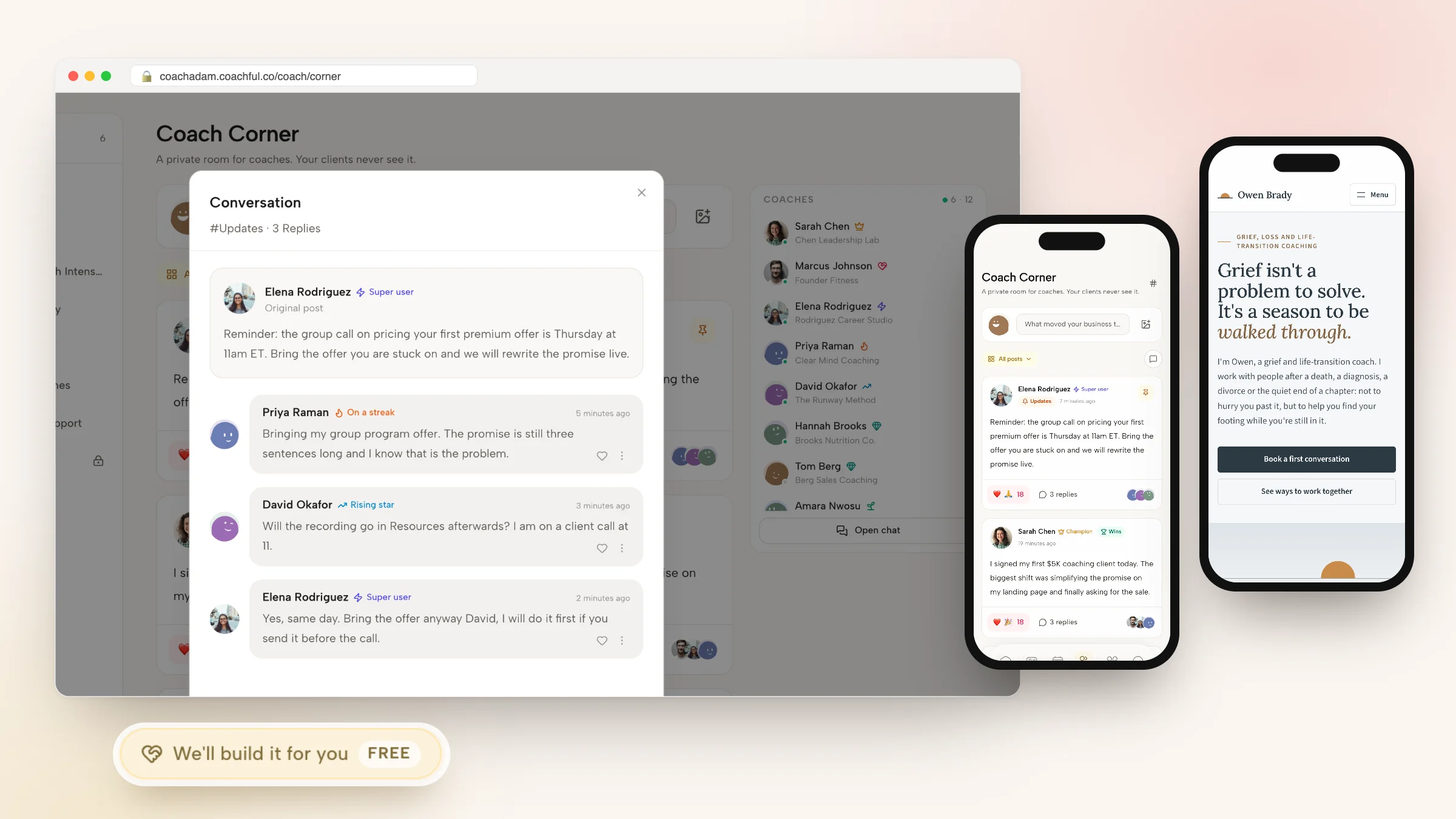
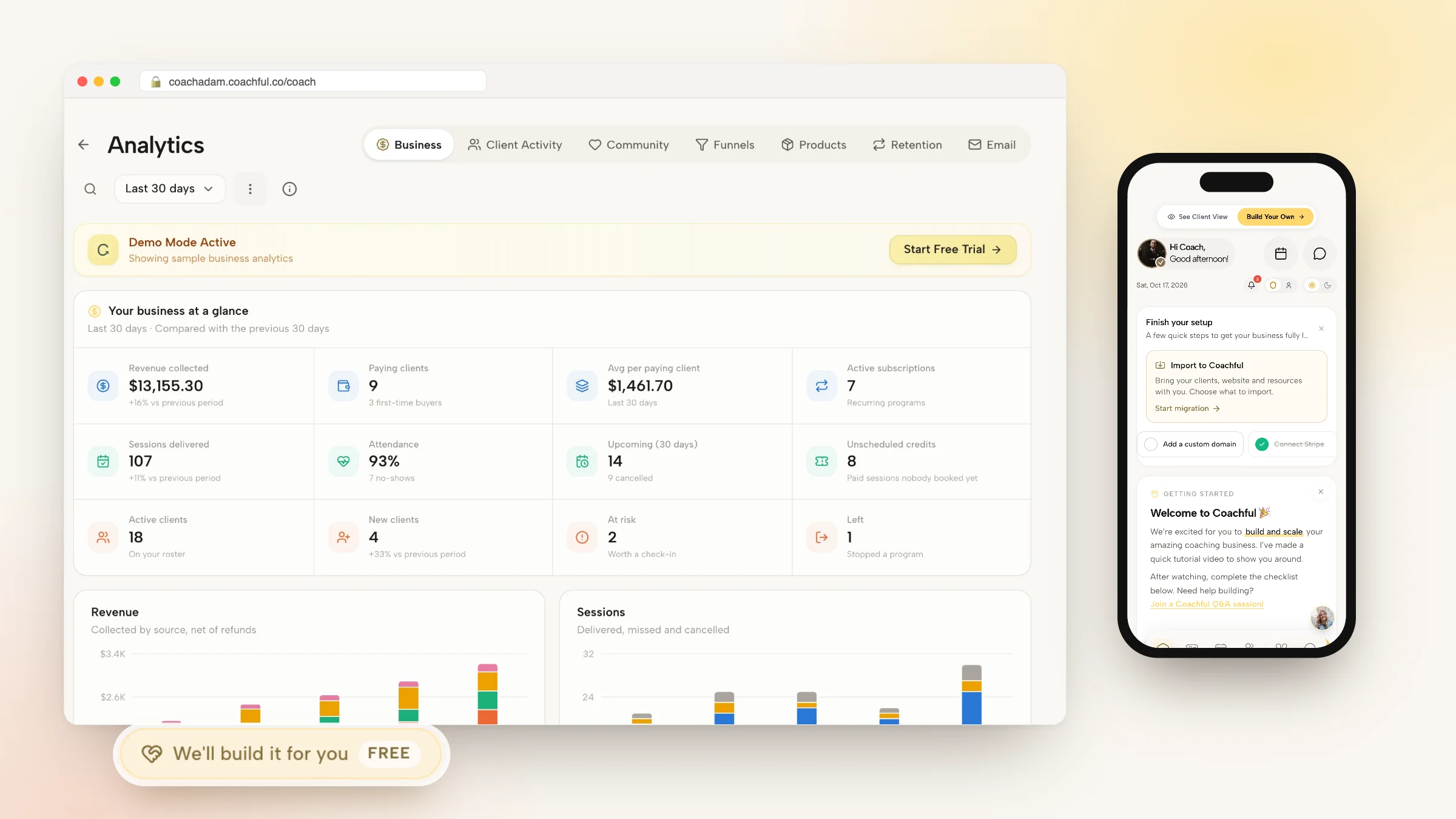
The point is less the feature count than the single record. When a lead fills in your quiz, books a call, buys a program and starts checking in, it is the same person on the same page, and the client uses one app on iPhone, Android or the web for all of it.

Why Coachful stands out: a free white-glove service. Consolidating is mostly a rebuilding job, and that is the part Coachful's team does for you. Every plan includes a free build service: request it from Create > We'll build it for you, send links to your current pages and your offer details, and the team builds your website, funnel, offers, program or email sequence in your account, usually within about 24 hours. A recent request from a somatic coach leaving Kajabi had the homepage and About page rebuilt from the old theme, with testimonials that had been images turned into real text. See the white-glove service guide.
What it costs: Coachful is a subscription with a free trial, and its entry plans cap the number of clients. Compare the plan shown to you with the stacks above at your real roster size.

Stitch or consolidate: how to decide
- Testing an offer with your first few clients? A free or lean stack is fine. Spend money on clients, not software.
- Clients do work between sessions? Consolidate. Programs, habits and check-ins only work when clients open them, and they open the app that also has their next session.
- Selling mostly courses? A course platform such as Kajabi or Thinkific can be your home, with a scheduler beside it.
- Running a paid community first and coaching second? Circle or Skool as the home, with booking elsewhere.
- Handling health data under HIPAA? Choose tools that sign a BAA. Coachful is not HIPAA certified.

How to move to one platform without a messy month
- Export everything first: contacts, client notes, course content, email list and payment history.
- Rebuild your best-selling offer with its price, payment plan, agreement and booking step, and buy it yourself on your phone.
- Move new clients first. Point your website and link in bio at the new checkout. Existing clients finish where they are.
- Move the email list and sequences once the new opt-in works.
- Cancel old tools one at a time, starting with the one nobody opened last month.
Our guide to switching platforms without disrupting clients has the announcement email.

Frequently asked questions
What software do I need to run an online coaching business?
You need tools for ten jobs: a website, lead capture, email, booking, video sessions, payments, contracts, delivery between sessions, courses or community, and notes. You can buy one tool per job or use a coaching platform such as Coachful that covers all ten on one client record, keeping only design and bookkeeping separate.
How much does online coaching business software cost?
As listed in October 2026, a lean stack of Systeme.io, Calendly and HoneyBook costs about $63 a month, and a growth stack with Kajabi, Calendly, Dubsado, Circle and CoachAccountable about $493 a month before video and fees. All-in-one platforms price by plan and client count; our guide to what coaching software costs compares them.
Is all-in-one coaching software better than separate tools?
Once clients do work between sessions, usually yes, because they only need one app and you see the whole client on one page. Separate tools win when you need best-in-class depth in one area, such as Thinkific's certificates or Circle's community spaces.
What is the best software for an online coaching business just starting out?
Keep it light. A free or low-cost booking link, a simple site and a way to take payment are enough for the first few clients. Move to a platform when you start running programs, because migrating five clients is easier than migrating fifty.
Can Coachful replace Kajabi, Calendly and Circle?
For most coaches, yes: Coachful includes a website with a blog, funnels and email, booking with calendar sync, built-in video, courses, a community feed with group chat, and cohort groups. It does not issue course certificates or support SCORM, and it has no PayPal. See Coachful as a Kajabi alternative.
Will Coachful set up my coaching business software for me?
Yes. The white-glove build service is free on every plan. Choose Create > We'll build it for you and describe your website, funnel, offers or program. The Coachful team builds them in your account, usually within about 24 hours, and leaves anything you have not provided, such as testimonials or prices, for you to fill in.
Related: coaching business software, all-in-one software for coaches, the Coachful platform and our 25 best apps for coaches.