Paperbell Group Coaching: What It Does and Where It Stops
Paperbell group coaching runs through group packages. You create a package, add group sessions on dates and times you choose, cap how many people can buy, and Paperbell sends every buyer a calendar invite with the call link and your automated emails. For the logistics of a cohort, that works well and costs the same flat price however many people join.
Where it stops is the week between the calls. A Paperbell group has no feed, no group chat and no view of how each member is doing, so most coaches add a Facebook group or a messaging app and track progress in their heads. This guide walks through exactly what Paperbell supports, where the gaps are, how to design a group program that holds together anyway, and how Coachful's cohorts, squads and community compare. If you move, Coachful's team will build your group program, sales page and signup funnel for you at no extra cost.
How Paperbell group coaching works, step by step
Paperbell's help center describes a group session as an appointment several clients attend together: a group program, a workshop or a live class. The setup goes like this.
- Create a package with no appointments in it, unless you deliberately want to include one-to-one sessions as well.
- Set an expiration date and a purchase limit. The expiration date stops sales after a cut-off, and the purchase limit is how you cap the group size. The package closes automatically when it is full.
- Add the group sessions in the package's Appointments section. You set every date and time; clients do not book group sessions themselves.
- Make it recurring if you want. Sessions can repeat weekly, every other week or monthly, and clients are invited to the whole series.
- Connect your video tool. With Zoom or Google Meet connected, each group session gets a meeting link automatically, and it goes into the calendar invites.
- Set the automated emails. One email can go out before or after each session, or at session time. It is the same message for every session, and you can also email everyone in the package directly.
Two more details are worth knowing. Anyone who buys late is invited to every session you have created, including ones added before they joined. And calendar invites can take several hours to arrive after a burst of signups, so do not schedule a launch-day call for an hour after you open the cart.
Payment plans work on group packages, and the price stays flat however many people are in the room, which is a real advantage over tools that charge per active client. Our Paperbell vs CoachAccountable comparison covers that difference in more detail.

Mixing one-to-one and group sessions in Paperbell
Paperbell lets you sell "mixed" packages, a group program with one-to-one calls included. The catch is in the booking logic: when a package includes one-to-one sessions, buyers are prompted to book those themselves, which collides with a group setup. Paperbell's help center lays out the workarounds:
- Before anyone buys, delete the one-to-one appointments from the package.
- For people who already bought, edit each client's package from their profile.
- For future buyers, clone the package without the one-to-ones and gift it to existing buyers, or keep it and switch the checkout flow to purchase first, book later.
It works, but plan the package structure before you open sales rather than after.
Where Paperbell group coaching stops
Paperbell is clear that it is a simple tool, and the group feature reflects that. Here is what it does not include:
- A place for the group. There is no community feed or group chat. Paperbell's group coaching page suggests adding an external channel, such as a private Facebook group or Voxer.
- Individual tracking. There are no habits, check-ins or goals for each member, so you cannot see who is doing the work between calls.
- Per-session controls. Group size is set by the package's purchase limit; the help center describes no separate per-session maximum, and we could not find attendance tracking for group calls.
- Varied messages. The automated session email is the same for every session. Week-specific prompts mean writing and sending them yourself.
- A co-facilitator. Paperbell is one service provider per account, so a second coach running the group needs their own account.
- An app. Members use the portal in a browser and get email, with no push notifications.
For a six-person mastermind that meets fortnightly and talks on WhatsApp anyway, none of this may matter. For an eight-week program where the transformation happens between calls, it is most of the program.
What a group program needs between the calls
Whatever software you use, a cohort holds together when four things are in place. It is worth designing these first and choosing tools second.
| Layer | What it is | What it looks like in week three |
|---|---|---|
| Rhythm | The fixed calls everyone plans around | Tuesday 6pm call, recording posted by Wednesday |
| Room | A shared space where members talk to each other | A Monday prompt: "share your one sentence for this week" |
| Reps | Small daily or weekly actions each member does | A ten-minute daily habit and one task due before the next call |
| Read-outs | How you see who is on track | A list of who missed their check-ins, so you message two people instead of guessing |
Paperbell covers rhythm very well. Room, reps and read-outs are where the extra tools come in. A sample six-week cohort plan shows why the between-call layer carries the weight:
| Week | Live call | Between calls |
|---|---|---|
| 1 | Kick-off: goals and group agreements | Write your goal; introduce yourself in the group |
| 2 | Core teaching, part one | Daily five-minute habit starts; one worksheet |
| 3 | Hot seats | Pair check-ins with a buddy; mid-week reflection |
| 4 | Core teaching, part two | Habit continues; share one win in the group |
| 5 | Hot seats | Draft your next-90-days plan |
| 6 | Close and celebrate | Final reflection; testimonial ask; renewal offer |
Every right-hand cell is something Paperbell leaves to another app. Our guide to creating a group coaching program goes through the design in full, and setting confidentiality expectations for groups covers the agreements part of week one.
How Coachful runs group coaching
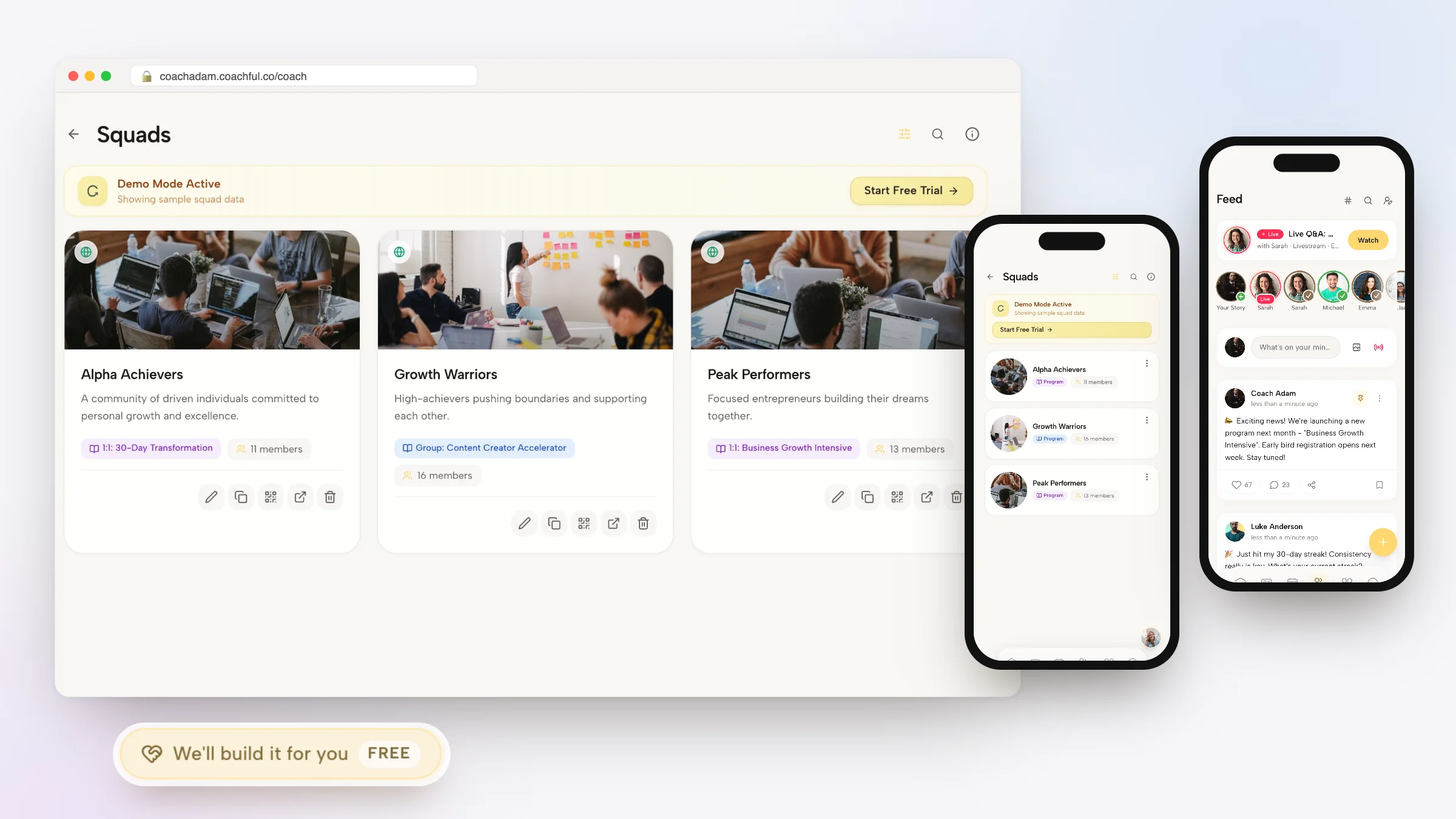
Coachful treats a group as a program with a place to live. When clients enroll in a group program, Coachful places them in a cohort group, called a squad, automatically. Each squad has its own member list, group chat and feed, and when the current squads are full, a new one opens.

The calls run as group sessions or webinars on Coachful's built-in video, with attendance recorded per member, or with Zoom, Google Meet or Teams links created for you. Webinars can be live or automated, and live sessions can go to the whole community or to one program, as a livestream or an interactive room.

Between calls, each member is still tracked as an individual: their own goals, habits with streaks, morning and evening check-ins and program tasks for the week. That is the read-out layer from the table above, and it shows up on your client overview as who is thriving, active, quiet or at risk.

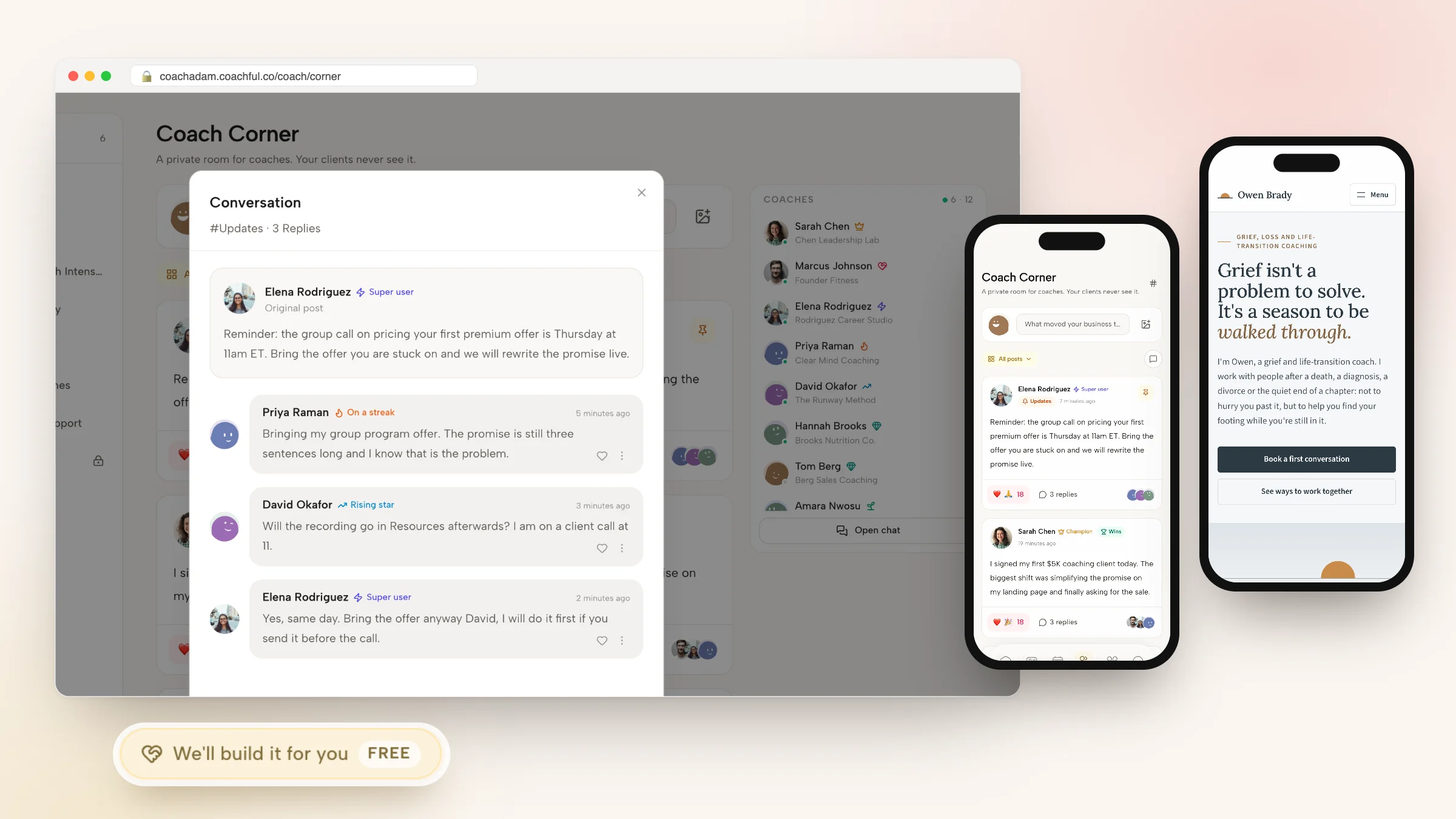
The community sits around the cohorts. A multi-channel feed lets members post, comment and react, with channels open to everyone or restricted by program, by named members or by resource access, and any custom channel can be sold on its own with a one-time or monthly price. Members see the feed, their squad and their program in the same client app as their sessions. More on the Coachful community and group coaching software.


For ICF-track coaches, Coachful counts group session time once toward your hours and each attendee once as a distinct client, the way the ICF does. Our article on whether group sessions count toward ICF hours explains the rule.
The limits, plainly: community groups in Coachful come from programs, so there is no standalone group created outside one. The community is private to signed-in members rather than a public forum, and posts cannot be scheduled for a future date. Coachful's plans come with a client allowance, unlike Paperbell's unlimited single plan, so check the plan shown to you against the size of your cohorts.

Paperbell vs Coachful for group coaching
| Paperbell | Coachful | |
|---|---|---|
| Selling a group program | Group package with purchase limit and cut-off date | Group program sold as an offer, with payment plans |
| Scheduling the calls | Coach-set sessions, recurring series, calendar invites | Group sessions and webinars, live or automated |
| Video | Zoom or Google Meet links | Built-in video with attendance, or Zoom, Meet and Teams links |
| Group space | None built in; external group suggested | A squad per cohort with chat and feed, plus community channels |
| Individual progress | None | Goals, habits, check-ins and tasks per member |
| Messages to the group | One automated email per session, or a direct email | Group chat, feed posts, announcements and email sequences |
| Co-facilitators | Separate account per coach | Team plans with three or six coach seats |
| Client app | Browser portal | iPhone, Android and web |
| Price per member | Flat, unlimited clients | Flat, within your plan's client allowance |
For the wider field, see our comparison of the best group coaching platforms, and our Paperbell review for everything outside groups.
Have Coachful's team build your group program
Why Coachful stands out: a free white-glove service. Every Coachful plan includes a build service at no extra cost. Open Create > We'll build it for you · FREE, or use the Want us to build it for you? card at the bottom of the Programs list, and choose what you want: the program, its sales page and checkout, an application form, a signup funnel or the welcome emails.

Attach your current Paperbell package page, your session outline and any workbook as reference links and files (up to 8 links and 10 files, no video files), and the team builds it inside your account, usually within about 24 hours. Coaches we have built for recently include a real-estate and money coach who got a year-long cohort program with an application form, an eight-page website on their own domain, and a free nine-day bootcamp course with its own signup funnel and emails. Another, a psychologist-turned-coach working on emotional eating, got a homepage with three paths (book a call, join the free community, enroll in the program) and a free-community funnel that delivers a guide.
The team builds course and program structure and written material, and you record any videos yourself. They invent nothing: no made-up testimonials or prices. Read what the white-glove service includes, and if you are moving from Paperbell, the switching checklist covers clients, packages and payments.
Frequently asked questions
Does Paperbell support group coaching?
Yes. Paperbell has dedicated group coaching: you create a group package, add sessions on dates you set (including weekly, fortnightly or monthly series), cap the number of buyers and set a cut-off date. Buyers get calendar invites with the meeting link. It does not include a group chat, community feed or individual progress tracking.
How many people can join a Paperbell group program?
You decide. The package's purchase limit sets the group size and closes the package automatically when it is full. Paperbell's price does not change with group size, since its one plan includes unlimited clients. Paperbell's help center describes no separate per-session maximum.
Does Paperbell have a community feature?
No. Paperbell has no community feed or group chat. Its group coaching page suggests linking an external channel such as a private Facebook group. Coachful includes a community with channels, group chat and live sessions, and creates a squad with its own chat and feed for each cohort.
Can I mix one-to-one and group sessions in one Paperbell package?
Yes, Paperbell supports mixed packages, but buyers are prompted to book the one-to-one sessions themselves, which can clash with a group setup. Paperbell's help center suggests removing one-to-ones before sales, editing existing buyers' packages, or switching the checkout to purchase first and book later.
What is the best platform for group coaching with a community?
Look for cohorts that are created when people enroll, a group chat and feed per cohort, group calls with attendance, and progress tracked per member. Coachful includes all of that in one membership with a client app. If you only need to schedule group calls, Paperbell's flat price is simpler.
Do group coaching sessions count toward ICF hours?
Group coaching hours can count toward ICF credentials within the ICF's limits, with each session counted once rather than per attendee. Coachful counts group session time once and each attendee once as a distinct client, the way the ICF does. Check the current ICF requirements for your credential level.
Will Coachful build my group program for free?
Yes. The white-glove service is free on every Coachful plan. Request it from Create > We'll build it for you or the card on the Programs list, attach your outline and workbook, and the team builds the program, sales page, application form or funnel in your account, usually within about 24 hours.